Versatile documentation software
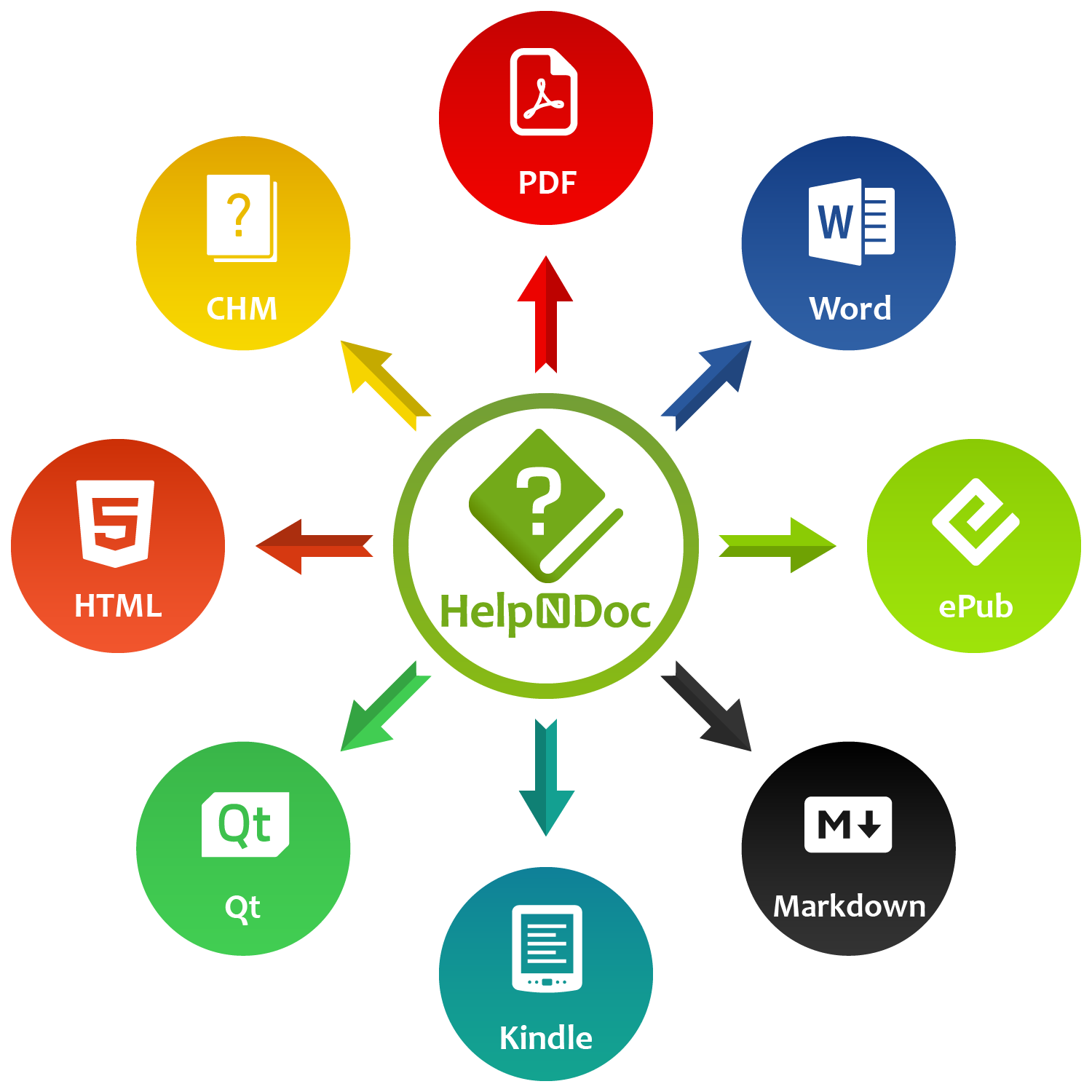
HelpNDoc is a modern help authoring tool with an intuitive user interface. Write or import your content and produce more than 8 documentation formats including help files, web sites, user manuals, documents, Markdown, eBooks…
















Benefit from a thoroughly thought-out, clean and simple user interface to speed-up the complex task of help and documentation authoring.
HelpNDoc projects can be exported to help files, web sites, documents and eBooks. It supports batch export, conditional generation as well as advanced customization options.
Responsive multi-devices, multi-screen size, cross-platform web sites
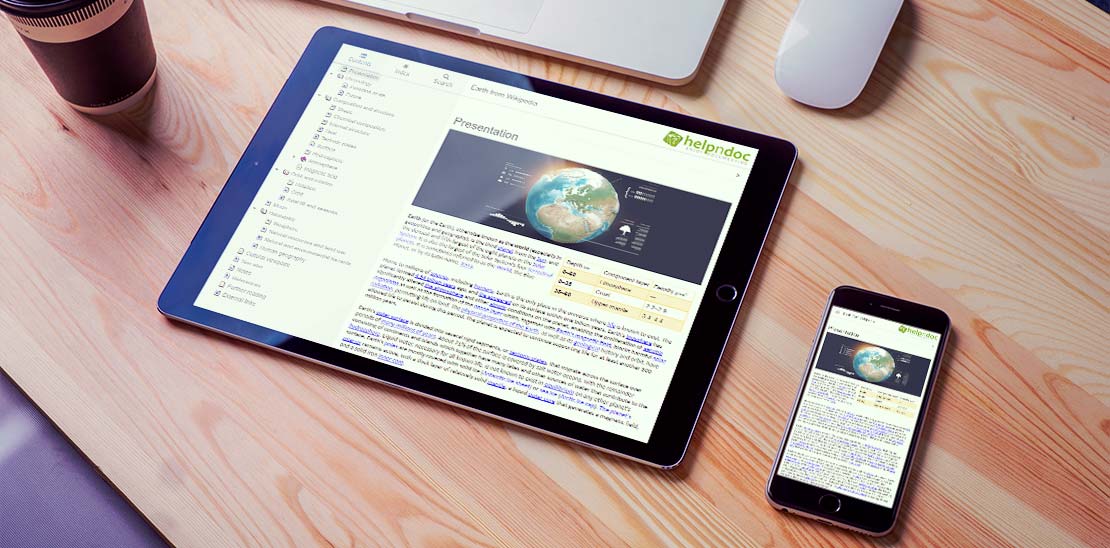
Create stunning online help and manuals compatibles with all devices and screen sizes.
The HTML5 documentation generated by HelpNDoc can adapt itself to any device and screen size without additional work. Android and iPhone specific templates are also included and can be edited to customize any part of the generated HTML documentation. Read More →
Printable Adobe PDF documents compatible with many devices
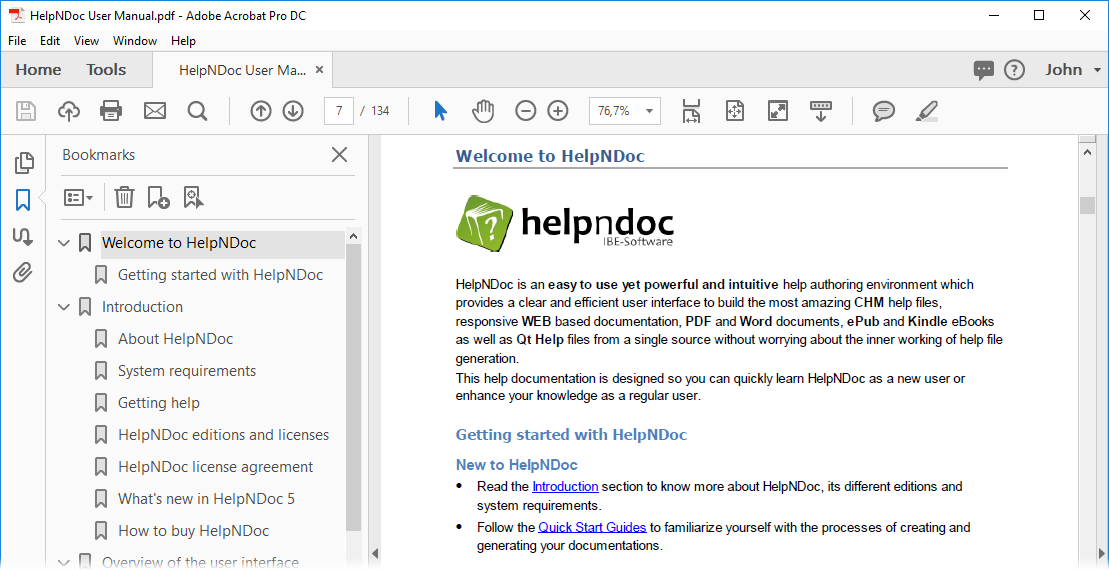
Generate printer-ready PDF documents with compression, encryption, font embedding…
Be confident that your documentation will be experienced as you designed it thanks to the Portable Document Format (PDF) which precisely defines how it will be displayed and printed. Add optional security via PDF encryption and password protection to only reach the targeted audience. Read More →
ePub and Kindle eBooks compatible with any e-Readers
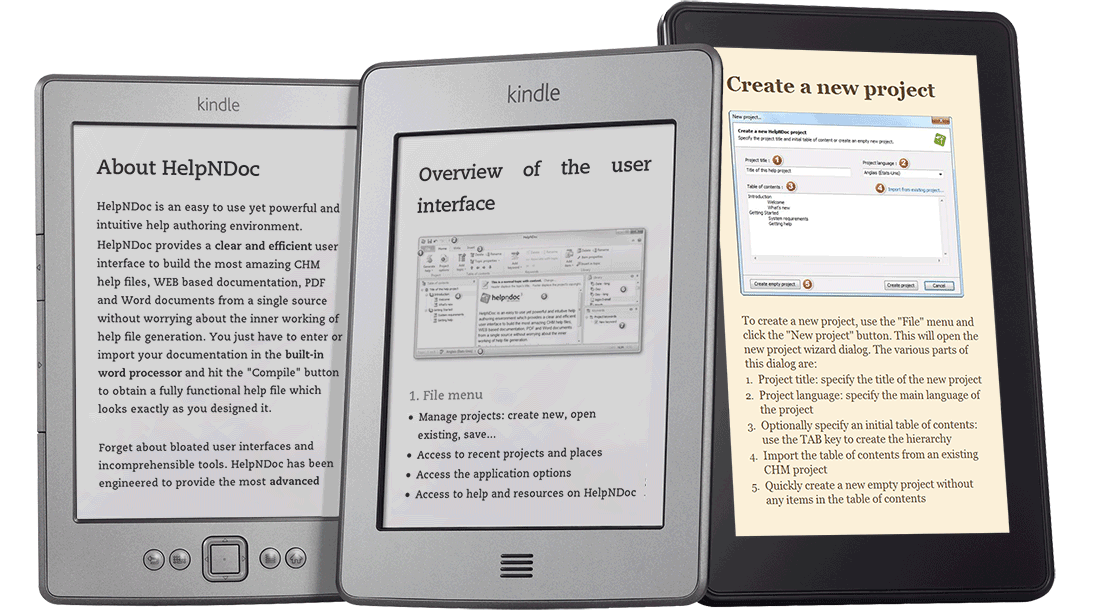
Produce electronic books compatible with any electronic reader, including the Amazon Kindle.
The Amazon Kindle is one of the most used e-reader world-wide but it doesn’t support the most popular eBook format: the ePub standard. Fortunately, HelpNDoc can generate eBooks compatible with both the ePub and the Amazon Kindle formats. Read More →
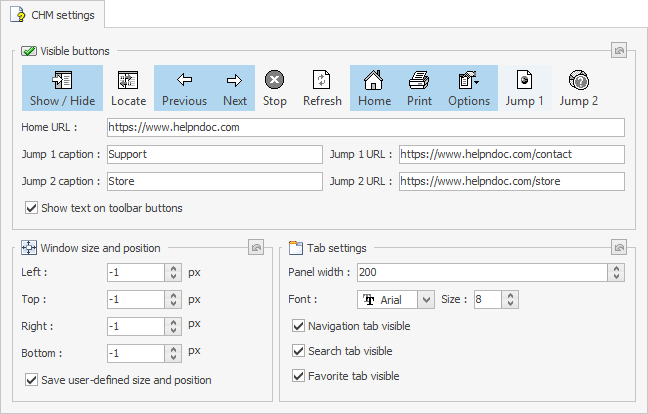
Support your Windows application with an outstanding CHM help file
Compile standard Windows compiled help files in the CHM format without the steep learning curve.
Microsoft HTML Help Workshop is the official editor and compiler used to produce CHM help files. But this software hasn’t been updated in years by Microsoft: it is not Unicode compliant, and contains multiple bugs and limitations. Fortunately, HelpNDoc encapsulates this outdated compiler in a straightforward user interface so that you can concentrate on writing the best possible user manual. Read More →
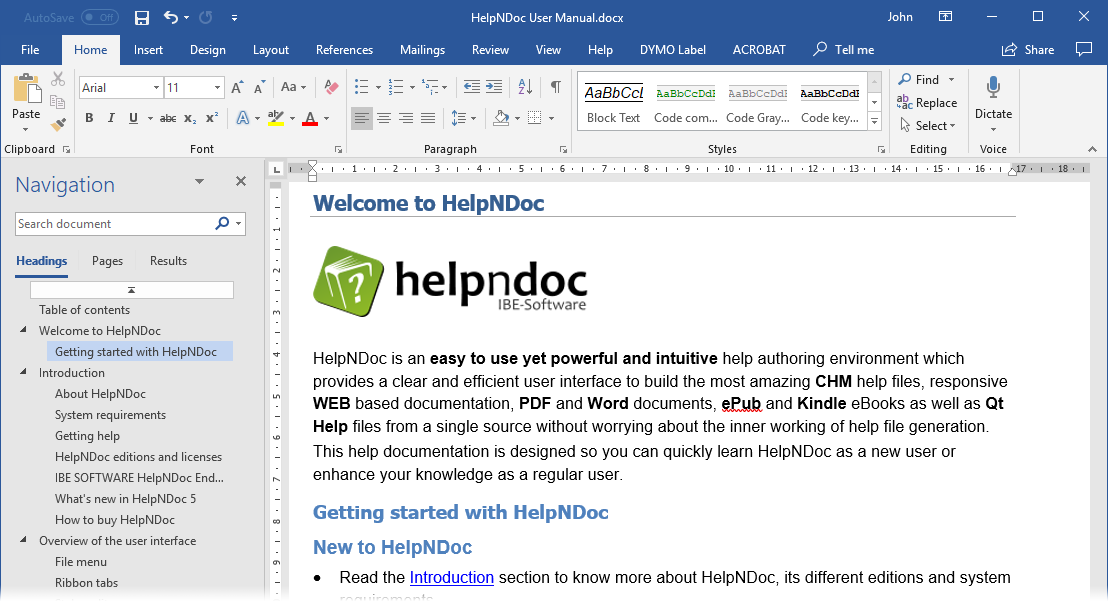
Ubiquitous and standard-compliant Microsoft Word documents
Produce Microsoft Word DocX and RTF documents for editing purposes.
The Microsoft Word DocX file format is one of the most used and versatile document format for editing purposes. HelpNDoc can convert the whole documentation to a single DocX document (optionally RTF document) which can be opened by any Word processing application available on the market. Read More →
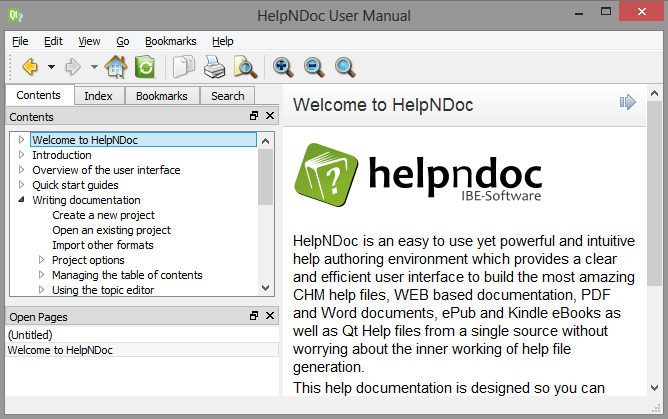
Support cross-platform applications based on the Qt Framework
Generate self-contained help files for multiple systems using the Qt Help Framework.
HelpNDoc can leverage the Qt Help Framework to produce compressed, chm-like, help files for all the platforms supported by the Qt framework, making it extremely easy to publish documentation to a multitude of devices and systems. Read More →
Want to create great documentations?
HelpNDoc is free, fully functional, and easy to use.
Produce your first multi-format documentation in the next minute or so.
![Dynamic content script generating PDF document [dynamic] [featured]](/news-and-articles/2024-03-19-introducing-groundbreaking-dynamic-content-capabilities-in-the-helpndoc-help-authoring-tool-version-9.1/images/dynamic-content-script-generating-pdf-document_hu5b5ee93085b386599887a80c0281e990_420101_500x280_fill_box_smart1_3.png)
Introducing Groundbreaking Dynamic Content Capabilities in the HelpNDoc Help Authoring Tool Version 9.1 ›
Mar 19, 2024
In the ever-evolving world of documentation and help authoring, the arrival of HelpNDoc 9.1 marks a significant milestone. This latest update isn’t just a routine …
![HelpNDoc's character analyzer illustration [illustration] [Featured]](/news-and-articles/2024-03-07-tech-writers-secret-weapon-the-unique-advantages-of-using-helpndocs-characters-analyzer/images/helpndoc-character-analyzer-illustration_huebbfad1edfa8e198fe68a27ac6a615ca_819807_500x280_fill_q75_box_smart1.jpg)
Tech Writers' Secret Weapon: The Unique Advantages of Using HelpNDoc's Characters Analyzer ›
Mar 7, 2024
HelpNDoc has been a go-to solution for professionals seeking to create high-quality, engaging, and user-friendly documentation. However, it’s not just its user-friendly …
![Upload documentation to SFTP server [ftp] [featured]](/news-and-articles/2024-02-06-new-ftp-actions-improved-pdfs-overridden-library-items-and-more-in-helpndoc-9.0/images/upload-documentation-to-sftp-server_hu1094e7a3b02a6c003a59088f08b6d9ba_219478_500x280_fill_box_smart1_3.png)
New FTP Actions, Improved PDFs, Overridden Library Items, and More in HelpNDoc 9.0 ›
Feb 6, 2024
We are thrilled to announce the launch of HelpNDoc 9.0, a significant update that brings a host of new features and improvements to our already robust help authoring tool. This …