We’re thrilled to announce the release of HelpNDoc 10.4! This productivity-focused update introduces long-awaited workflow enhancements, significant improvements to the built-in HTML search engine, and a variety of refinements across the application. From the new ability to copy and paste library items across projects, to faster and more consistent end-user search results, improved documentation output, and numerous UI and editor fixes, this version delivers meaningful gains for technical writers working on projects of all sizes.
As always, HelpNDoc is free for personal use and evaluation, so now is the perfect time to download the latest version and experience these enhancements for yourself.
📚 Copy and Paste Library Items Across and Within Projects for Faster Content Reuse
HelpNDoc 10.4 finally introduces powerful copy-and-paste operations for library items, making content reuse faster, safer, and dramatically more flexible.
![Copy & Paste Library Items Between Projects [copypaste] [featured]](/news-and-articles/2026-03-03-copy-paste-library-items-and-powerful-html-search-improvements-arrive-in-helpndoc-10.4/images/copy-paste-library-items-between-projects.jpg)
Library items are at the heart of how HelpNDoc helps you maintain consistent, reusable content. They include all shared media and dynamic elements such as pictures, documents, snippets, dynamic content, equations, image maps, videos, barcodes, raw HTML blocks, variables, counters, and organizational folders. Once placed in topics, library items are centrally managed. Update them once, and they’re updated everywhere they’re used.
Previously, library items could be imported from other projects, but they could not be directly copied and pasted. HelpNDoc 10.4 removes this limitation entirely.
You can now copy and paste individual library items, multiple selected items, or entire folders recursively, including all nested content. These operations work seamlessly both within the same project and across different projects, making it easy to reuse approved media, share standardized snippets, and migrate content without duplication.
Behind the scenes, HelpNDoc uses highly optimized algorithms designed to handle very large libraries efficiently. Even complex, asset-heavy projects benefit from excellent performance, ensuring that copying and pasting remains fast and reliable regardless of scale.
🔍 A Much Smarter and Faster Built-In HTML Search Engine for End-User Documentation
The default HTML documentation template now features a significantly more powerful, faster, and more consistent search engine, while remaining lightweight and fully client-side.
![Smarter & Faster Built-In HTML Search Engine [searchengine]](/news-and-articles/2026-03-03-copy-paste-library-items-and-powerful-html-search-improvements-arrive-in-helpndoc-10.4/images/smarter-faster-built-in-html-search-engine.jpg)
HelpNDoc’s HTML output has always included a custom JavaScript search engine designed to be extremely fast and compact, running entirely in the end user’s browser without relying on server-side technology. This approach keeps downloads small and ensures excellent performance, even on limited hardware.
With HelpNDoc 10.4, that search engine takes a major step forward. It now supports true AND searches by allowing required terms to be prefixed with a plus sign, and it introduces exact full-word matching using quoted phrases. An optional template setting also enables accent-insensitive searches, allowing users to find accented words even when entering unaccented queries.
Performance has been significantly improved thanks to internal preprocessing and scoring optimizations, making repeated and complex searches noticeably faster. Repeated required terms are now handled correctly and behave predictably. Search results with identical scores are displayed in a stable, consistent order across runs. Numerous edge-case filtering and exclusion bugs have also been resolved.
These improvements make the built-in HTML search far more powerful and reliable for real-world documentation, while preserving its key advantages: lightweight delivery, offline usability, and effortless deployment.
🌐 Improved HTML and Markdown Documentation Generation with Better Accessibility and Reliability
HelpNDoc 10.4 improves the quality of documentation output with accessibility enhancements, usability fixes, and safer HTML generation, and a key Markdown correction.
![Improved HTML documentation's accessibility [accessibility]](/news-and-articles/2026-03-03-copy-paste-library-items-and-powerful-html-search-improvements-arrive-in-helpndoc-10.4/images/improved-html-documentation-accessibility.jpg)
HTML documentation generation has received several important upgrades in this release, particularly around accessibility and usability. Keyboard navigation has been refined throughout the interface, including smoother navigation within tree controls and clearer focus behavior. Screen-reader support has been improved, and when users navigate search results via the keyboard, the first valid result now receives focus correctly.
These enhancements make generated documentation easier to use for people with disabilities and also contribute positively to SEO, helping HTML output perform better in search engines such as Google. At the same time, the underlying JavaScript library used by the default HTML template has been strengthened to safely handle edge cases in both default and custom templates, preventing interface malfunctions for end users.
Additionally, Markdown generation has been updated so that topics marked as hidden in the table of contents are excluded from exported Markdown tables of contents. This ensures that the exported structure accurately reflects the project’s visibility settings.
🧭 UI Enhancements, Equation Editor Improvements, and Important Bug Fixes
HelpNDoc 10.4 delivers a variety of quality-of-life UI improvements, upgrades to the equation editor, and fixes to improve the robustness of the application.
![Auto-completion breadcrumbs [breadcrumbs]](/news-and-articles/2026-03-03-copy-paste-library-items-and-powerful-html-search-improvements-arrive-in-helpndoc-10.4/images/auto-completion-breadcrumbs.jpg)
Several everyday workflows have been refined to make authoring faster and clearer. The auto-completion dialog used to insert hyperlinks to other topics now displays breadcrumb hierarchy hints when hovering over topics, making it easier to distinguish between items with identical or similar names. Reference library items have also been improved: hovering over them now displays the user-defined output formats for both HTML- and report-based documentation, providing immediate feedback on how references will render.
The built-in equation editor has been significantly upgraded, offering faster performance, enhanced accessibility, and a more robust LaTeX and scientific notation parser with automatic formatting. Numerous bugs in the editor have been fixed as part of this update.
Beyond editing tools, HelpNDoc 10.4 improves overall robustness by correcting the behavior of open and save file dialogs, which could previously trigger access violation errors on some systems. The topic editor’s hint system has also been fixed to better handle edge cases where hints could appear without content.
🚀 Download HelpNDoc 10.4 Today and Work Faster with Smarter Tools
HelpNDoc 10.4 is available for free for personal use and evaluation — download it today and discover how much time you can save.
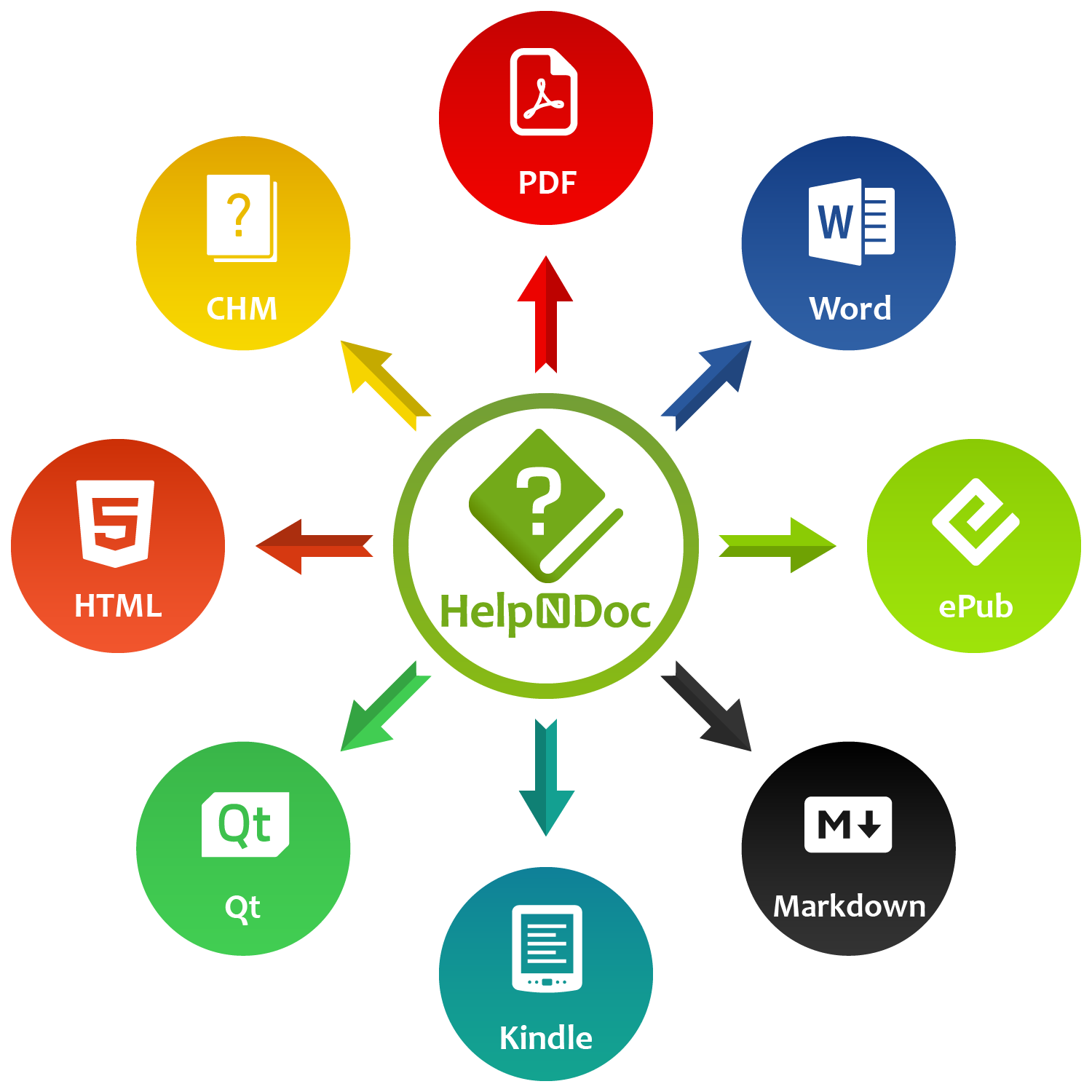
Whether you’re reusing content across projects with the new library copy-and-paste, delivering better end-user experiences with the improved HTML search engine, or benefiting from accessibility and UI enhancements, HelpNDoc 10.4 is designed to make professional documentation faster, clearer, and more reliable.
👉 Download HelpNDoc 10.4 now and experience the improvements firsthand.
Want to create great documentation?
HelpNDoc is free, fully functional, and easy to use.
Produce your first multi-format documentation in the next minute or so.
Change log
Version 10.4.0.281 – Release date: Mar 3, 2026
- New copy and paste operations for library items, supporting both within-project and cross-project use, and optimized for large libraries
- Added true AND support for required terms (+word) and full quoted-word matching in the default HTML template's built-in search engine, and fixed several edge-case filtering and exclusion bugs
- Added optional accent-insensitive search to the default HTML template, allowing unaccented queries to match accented words
- Added breadcrumb hierarchy hints to the auto-completion dialog: hovering over a topic now reveals its full path to help differentiate similar items
- Hovering over a Reference now displays content from both its HTML and Report formats
- Equation editor improvements: Faster performance, enhanced accessibility, improved scientific-notation handling with auto-formatting, plus multiple bug fixes
- Fixed an issue where hidden topics in the table of contents were still included in the exported Markdown table of contents
- Resolved an issue causing HTML documentation anchor links to scroll to the wrong position after page load in some cases
- Improved accessibility in the default HTML template by correcting ARIA keyboard navigation so the first valid search result receives focus when the user tabs into the results
- HTML search engine performance has been enhanced through internal preprocessing and scoring optimizations, making repeated and complex queries noticeably faster
- HTML search engine now handles repeated required words correctly: entering the same +required term multiple times behaves like a single requirement and no longer changes filtering or ranking
- HTML search engine with equal-score search results now use a stable topic order, giving consistent and predictable result lists across runs
- Improved usability and accessibility of the HTML template's tree controls, including smoother keyboard navigation, clearer focus behaviour, and better screen-reader support
- Corrected the behavior of open/save file dialogs that could lead to Access Violation errors under certain environments
- Hardened the HTML template JavaScript library to safely handle edge cases in both default and custom templates
- Resolved a bug that caused some hints to render without content in the topic editor
See also...
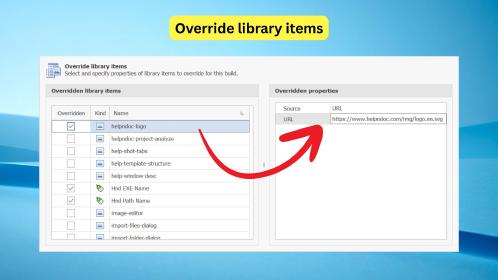
Library Item Overrides: One Project, Tailored Content for Every Build
Keeping multiple versions of the same documentation can get messy fast. A “Standard” manual and an “Enterprise” manual often share 95% of the same topics, yet small differences (extra sections, …
Read More →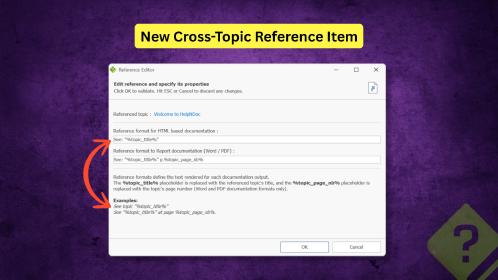
Cross-Topic References, Customizable AI Assistance, and Authoring Performance Improvements in HelpNDoc 10.3
We are pleased to announce the release of HelpNDoc 10.3. This new version refines the authoring experience with a strong focus on structured cross-referencing, improved HTML customization, more …
Read More →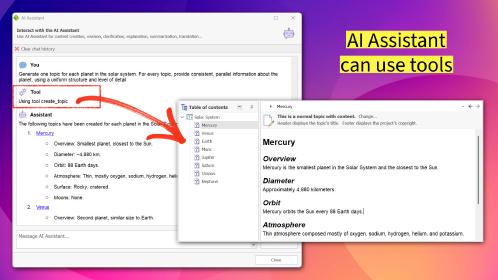
Active AI Agents, Non-Modal Multitasking, and Enhanced Navigation Tools in HelpNDoc 10.2
We are excited to announce the immediate availability of HelpNDoc 10.2, a release that fundamentally changes how technical writers interact with their authoring tools. The AI Assistant has graduated …
Read More →
HelpNDoc 10.1 Introduces Incoming Link Tracking in the Topic Analyzer and New Bookmarks for Faster Navigation
We are pleased to announce the release of HelpNDoc 10.1, the latest update to our popular help authoring tool. This version introduces several key improvements designed to make content management, …
Read More →