We are excited to introduce HelpNDoc 10.5, a release focused on consistency, migration, and everyday productivity improvements. This update enhances how reusable content integrates within your projects, simplifies the transition from legacy tools such as Adobe RoboHelp, and delivers a wide range of fixes and refinements to make your documentation workflow smoother and more reliable than ever.
Highlights of this release include styled snippets for consistent content reuse, a new RoboHelp project importer, improved HTML search accuracy, and multiple workflow and stability enhancements.
As always, HelpNDoc is free for personal use and evaluation, so you can download the latest version and explore all these improvements firsthand.
🎨 Styled Snippets: Consistent, Reusable Content That Adapts to Your Project
Snippets become even more powerful with full style support, ensuring perfectly consistent reusable content across your entire documentation.
![Style support in snippets [style-support] [featured]](/news-and-articles/2026-04-14-migrate-from-robohelp-and-maintain-consistent-documentation-with-styled-snippets-in-helpndoc-10.5/images/style-support-in-snippets.jpg)
Snippets have long been a cornerstone of efficient content reuse in HelpNDoc, allowing you to define shared blocks of content — such as notes, warnings, or standard procedures — and reuse them across multiple topics.
With HelpNDoc 10.5, snippets now support text and paragraph styles directly within their content. More importantly, these styles are not static: they are automatically merged with your project’s global styles at generation time. This ensures that every snippet seamlessly integrates into the final output, regardless of the target format or template.
For instance, you can create a reusable “Warning” snippet with a specific paragraph style. When inserted across dozens of topics, it will automatically match your project’s visual identity (whether you generate HTML, PDF, or Word documentation) without requiring any manual adjustments.
Whether you’re building large technical manuals, software documentation, or knowledge bases, styled snippets ensure that reusability never compromises consistency.
🔄 Seamless Migration from RoboHelp: Import Legacy and Modern Projects
Easily migrate your existing documentation with full support for Adobe RoboHelp projects, both modern and legacy formats.
![Import RoboHelp projects [import-robohelp]](/news-and-articles/2026-04-14-migrate-from-robohelp-and-maintain-consistent-documentation-with-styled-snippets-in-helpndoc-10.5/images/import-robohelp-projects.jpg)
HelpNDoc 10.5 introduces a powerful new importer for Adobe RoboHelp projects, supporting both the modern .rhpj and legacy .xpj formats. This makes it easier than ever to transition your documentation to HelpNDoc without losing structure or valuable reusable content.
The importer can handle one or more tables of contents, and can optionally include keywords, variables, and snippets, ensuring that your project’s structure and reusable content are preserved during migration.
This feature is particularly valuable for teams looking to modernize their documentation workflows. Rather than rebuilding projects from scratch, you can import them into HelpNDoc and immediately benefit from its advanced capabilities, including multi-format publishing, powerful templates, scripting automation, project analysis tools, and AI-assisted workflows.
With this addition, HelpNDoc becomes an even more compelling solution for organizations and technical writers seeking to future-proof their documentation while preserving their existing investments.
🔍 Smarter Search and More Reliable HTML Importing
Search accuracy and HTML import reliability have been improved, delivering a better experience for both authors and end users.
![Improved search engine highlighter [improved-highlighter]](/news-and-articles/2026-04-14-migrate-from-robohelp-and-maintain-consistent-documentation-with-styled-snippets-in-helpndoc-10.5/images/improved-search-engine-highlighter.jpg)
Following the introduction of a completely rewritten HTML search engine in version 10.4, HelpNDoc 10.5 refines the experience by updating the search result highlighter to fully match the new engine’s behavior. Highlighted terms in generated HTML documentation now align with advanced query syntax, including required terms, exclusions, and exact matches.
This helps end users quickly understand why a topic appears in search results, improving navigation and trust in the documentation.
Additionally, the HTML importer has been enhanced to better handle malformed or imperfect HTML code, using parsing logic closer to modern web browsers. Table alignment handling has also been improved, resulting in cleaner and more accurate imported content.
This means cleaner imports, fewer surprises, and less time spent fixing formatting before your documentation is ready to publish.
⚙️ Faster Authoring and Smarter Editing Workflows
Everyday editing tasks are faster and more intuitive thanks to improvements in table handling and topic management.
![Move table colums left or right [table-move]](/news-and-articles/2026-04-14-migrate-from-robohelp-and-maintain-consistent-documentation-with-styled-snippets-in-helpndoc-10.5/images/move-table-columns-left-or-right.jpg)
HelpNDoc 10.5 introduces practical enhancements that make everyday content editing easier and more efficient.
Working with tables is now more intuitive thanks to the ability to reorder columns by moving them left or right, complementing existing row manipulation features. This makes it easy to adjust table layouts without having to rebuild them, especially when working with structured or imported content.
Managing multiple topics has also been improved: updating topic descriptions and statuses now correctly applies changes to all selected topics, making bulk updates faster and more reliable.
The Table of Contents display has also been refined by right-aligning status icons to ensure consistent alignment and improve readability when navigating large projects.
These improvements help you work faster, reduce repetitive actions, and maintain better control over your content structure.
🛠️ Improved Reliability, Automation, and Application Stability
Enhancements across the application improve stability, simplify deployment, and make advanced workflows more reliable.
![New FloatServer command line option [floatserver]](/news-and-articles/2026-04-14-migrate-from-robohelp-and-maintain-consistent-documentation-with-styled-snippets-in-helpndoc-10.5/images/new-float-server-command-line-option.jpg)
HelpNDoc 10.5 also delivers a range of improvements focused on reliability and automation.
In enterprise environments, the new floatserver command-line option makes it easier to configure floating license servers. Administrators can retrieve server information and set the address and port directly via scripts, enabling automated deployments and simplified configuration.
The scripting engine has also been improved by fixing issues with incorrectly registered API objects and methods, resulting in a more stable and predictable automation environment.
Several usability and interface fixes further improve day-to-day reliability. These include better handling of Open and Save dialogs, improved compatibility with third-party overlay icons, and a fix for window resizing on high-DPI displays.
Additionally, the “Mobile App” starter kit now generates the correct project structure, helping new projects start with a more appropriate foundation.
Together, these changes ensure a more stable, reliable, and easier-to-manage documentation environment, whether you’re working alone or as part of a larger team.
🚀 A More Consistent, Reliable, and Scalable Authoring Experience
HelpNDoc 10.5 strengthens the foundation of your documentation workflow with greater consistency, smoother migration, and enhanced reliability.
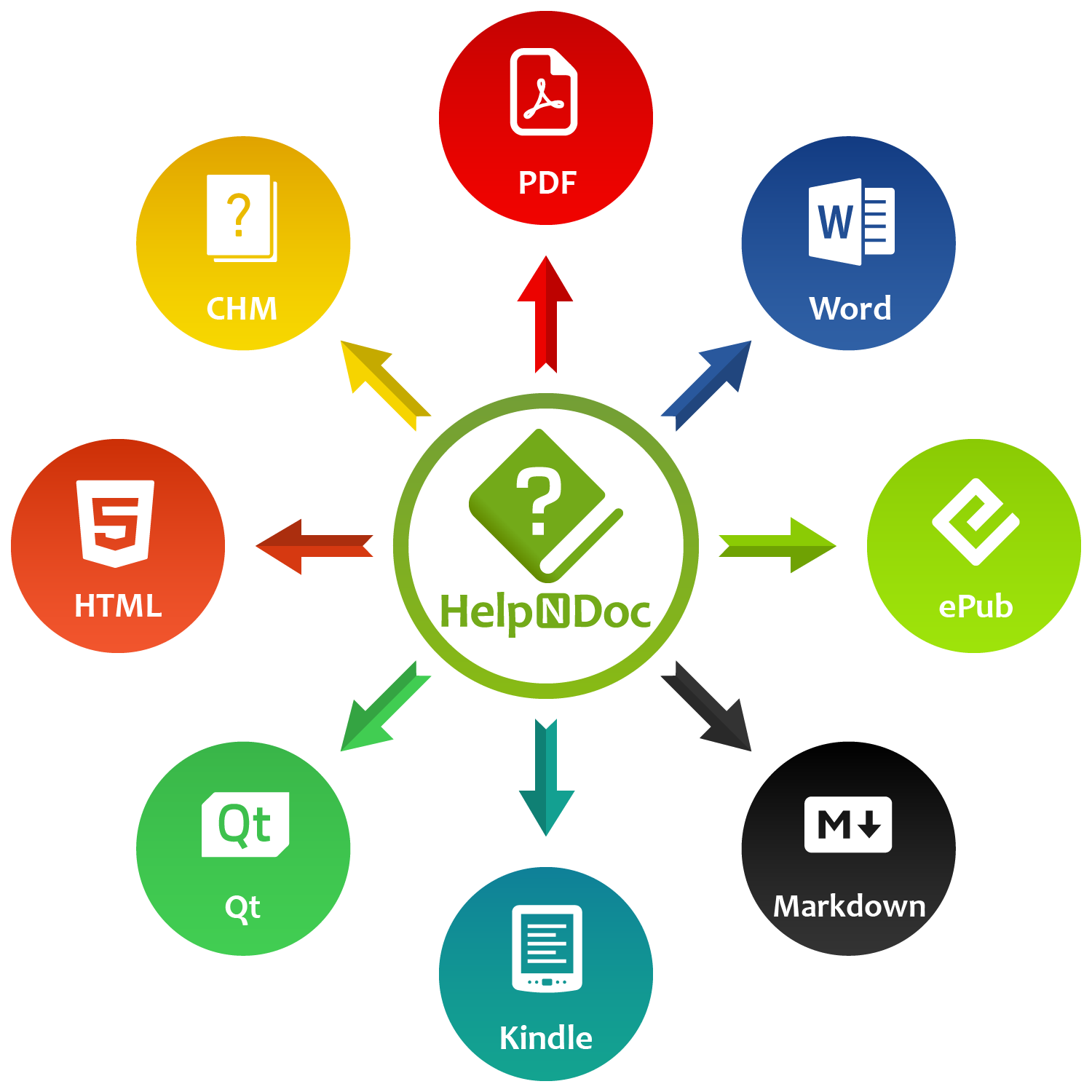
This release focuses on what matters most for professional documentation: consistency, efficiency, and trust in your tools.
HelpNDoc 10.5 delivers meaningful improvements across the entire authoring experience, from styled snippets that enable seamless content reuse to powerful import capabilities that simplify migration to numerous fixes that improve stability and usability.
Whether you’re managing large documentation sets, migrating legacy projects, or refining your daily workflow, this version helps you work faster, more consistently, and with greater confidence.
👉 Download HelpNDoc 10.5 today and experience a more streamlined, scalable, and future-proof approach to technical documentation.
Want to create great documentation?
HelpNDoc is free, fully functional, and easy to use.
Produce your first multi-format documentation in the next minute or so.
Change log
Version 10.5.0.323 – Release date: Apr 14, 2026
- Snippets now support styles, which are merged with global project styles at generation time for consistent output
- Added a RoboHelp project importer for both modern (.rhpj) and legacy (.xpj) formats, enabling import of one or multiple tables of contents, with optional support for keywords, variables, and snippets
- Added support for reordering table columns by moving them left or right, similar to row reordering
- Added a new floatserver command for floating license models to retrieve server information and configure its address and port
- Improved Table of Contents readability by right-aligning topic status icons rather than inserting them before the topic icon, keeping topic icons consistently aligned
- Rewrote the HTML search-engine result highlighter to correctly process newer query syntax, including required terms, excluded terms, and exact matches
- Fixed multi-select updates for topic description and status so changes apply to all selected topics, not just the focused one
- Improved HTML importing to handle formatting errors gracefully and maintain correct table alignment
- The "Mobile app" system starter kit was not functioning correctly as it generated the same table of contents as the "API documentation" system starter kit, instead of a mobile-specific structure
- Fixed issues in script registration where some internal objects, methods, or properties had incorrect names or types, which could lead to unidentified script errors
- Fixed an issue where the form's resize area could appear too small on systems using display scaling above 100%
- Resolved an issue where showing hints or overlay icons in open and save file dialogs could cause access violations or other unexpected errors