We are pleased to announce the release of HelpNDoc 10.7, a new update focused on giving technical writers clearer insight, more flexible content reuse, and smoother daily authoring workflows. This version introduces a powerful Generation Matrix in the Topic Analyzer, making it easy to understand exactly why a topic is or is not included in each build of a project. It also improves reusable content management with the new Raw Code library item and support for external snippet files, while delivering important refinements to the image editor, topic editor, equation editor, conditional content generation, and overall reliability.
As always, HelpNDoc is free for personal use and evaluation, so you can download HelpNDoc 10.7 today and explore all the improvements firsthand.
🧩 Generation Matrix: Understand Exactly Why Topics Are Exported
The new Generation Matrix in the Topic Analyzer explains why the currently analyzed topic will, or will not, be exported for every build in the project.
![Topic generation matrix [matrix] [featured]](/news-and-articles/2026-06-30-generation-matrix-raw-code-library-items-and-external-snippet-support-in-helpndoc-10.7/images/topic-generation-matrix.jpg)
HelpNDoc’s Topic Analyzer is an essential tool for understanding individual topics. It provides detailed statistics such as the number of paragraphs, words, and library items used in a topic. It also lists hyperlinks, anchors, incoming hyperlinks, conditions, keywords, spelling mistakes, and even the individual characters contained in the topic.
HelpNDoc 10.7 makes the Topic Analyzer even more useful with the new Generation Matrix. For the currently analyzed topic, this matrix provides a build-by-build explanation of whether the topic will be exported, and why. This is especially valuable in projects that generate multiple outputs, such as a public user manual, an internal knowledge base, a PDF guide, and a Markdown export, each with its own visibility, status, and tag rules.
For each build, the Generation Matrix checks the topic and its parent hierarchy. If the topic itself, or one of its parents, is hidden for a build, the matrix clearly indicates that the topic will not be exported. It also checks topic status rules: for example, when a build excludes topics marked as “In Progress”, any topic or parent topic using that status will be excluded from that output. Finally, it analyzes built-in and custom tag matching between topics, parent topics, and builds, making it clear when a topic is excluded because it does not match the build’s tag configuration.
This provides an immediate answer to one of the most common documentation publishing questions: “Why is this topic missing from my output?” Instead of manually checking build settings, topic visibility, parent visibility, status filters, and tag rules one by one, writers can now see the full explanation in one place.
🧾 Raw Code Library Item: Format-Specific Custom Code for Every Output
The former HTML Code library item has been renamed and expanded into Raw Code, adding support for HTML, Markdown, and text-based fallback content.
![Raw code library item [rawcode]](/news-and-articles/2026-06-30-generation-matrix-raw-code-library-items-and-external-snippet-support-in-helpndoc-10.7/images/raw-code-library-item.jpg)
The library item previously known as HTML Code has been greatly improved in HelpNDoc 10.7 and is now named Raw Code. This new name better reflects its expanded role: instead of being limited to raw HTML for HTML-based documentation formats, it can now provide format-specific content for multiple output types.
Raw Code items can still include HTML code for HTML-based documentation formats such as CHM, HTML, and compatible eReader outputs. But they can now also include raw Markdown content for Markdown builds, where the code is exported directly as Markdown. For all other documentation formats, Raw Code items can provide plain text content that is exported as-is.
This opens the door to much more precise output customization. Technical writers and developers can now define a single reusable library item that adapts to the output being generated. For example, the same conceptual block could output a custom HTML widget in a web manual, raw Markdown syntax in a Markdown export, and a readable text fallback in report-based documentation.
By making format-specific customization reusable through the Library, HelpNDoc 10.7 helps advanced users avoid post-processing, reduce duplicated content, and maintain cleaner projects when targeting multiple documentation formats from a single source.
📚 External Snippet Support: Share Rich Content Across Projects
Snippets can now be loaded from external files during generation, making reusable rich-text content easier to share and maintain across multiple projects.
![External Snippet support [snippets]](/news-and-articles/2026-06-30-generation-matrix-raw-code-library-items-and-external-snippet-support-in-helpndoc-10.7/images/external-snippet-support.jpg)
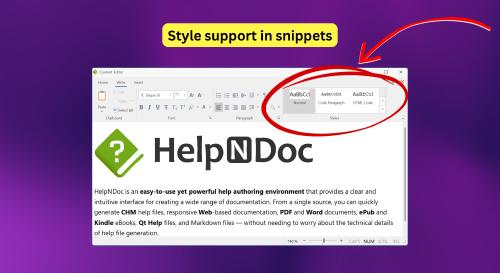
Snippet library items are a powerful way to reuse rich content in HelpNDoc projects. They can contain styled text and paragraphs, hyperlinks, images, tables, and other rich topic content. Until now, snippets were stored exclusively inside the HelpNDoc project file, which made them convenient within a single project but harder to share across multiple projects.
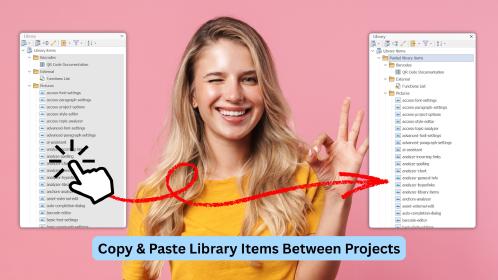
HelpNDoc 10.7 introduces support for external snippet files. Snippets can now be edited and loaded from disk, allowing them to live outside the project. When generating documentation, HelpNDoc loads the external snippet content on demand, using the file’s current content at generation time.
This greatly simplifies the reuse of common rich-text content across multiple projects. Teams can now maintain shared warnings, legal notices, support instructions, product descriptions, procedures, disclaimers, or reusable documentation blocks in external files and reference them from several HelpNDoc projects. When the shared file is updated, every project that uses it can benefit from the latest version the next time documentation is generated.
🖼️ Improvements in the Image Editor, Topic Editor, and Equation Editor
HelpNDoc 10.7 improves several everyday editing workflows, with better image pasting behavior, more reliable Markdown copy operations, and faster equation editing.
![Image editor improvements [image-editor]](/news-and-articles/2026-06-30-generation-matrix-raw-code-library-items-and-external-snippet-support-in-helpndoc-10.7/images/image-editor-improvements.jpg)
HelpNDoc’s built-in image editor makes it easy to enrich pictures with visual annotations such as stamps, text, lines, shapes, and other elements. In HelpNDoc 10.7, pasting a picture while the background layer is selected is now more flexible: you can choose whether to replace the background image or create a new image layer.
This makes the image editor more versatile and easier to use. Replacing the background is ideal when updating the source screenshot or illustration, while creating a new layer is better when adding a pasted image as an overlay or composition element. HelpNDoc now lets you choose the right behavior at the moment you paste, reducing mistakes and making image editing more predictable. This release also fixes an issue where pasting a picture as the background layer could distort it: the layer is now resized correctly to fit the newly pasted picture.
The Topic Editor also receives an important Markdown workflow improvement. When copying selected topic content as Markdown, embedded pictures are now included as inline Base64-encoded data. This means that when the content is pasted into a third-party Markdown editor, viewer, issue tracker, note-taking tool, or documentation platform, the pictures remain available alongside the text instead of being lost.
This provides a much more reliable workflow when extracting content from HelpNDoc as Markdown. It is especially useful for reviews, collaboration, quick publishing drafts, support answers, developer documentation, and any situation where copied Markdown needs to remain self-contained without requiring separate image files.
![Improved equation editor [equation-editor]](/news-and-articles/2026-06-30-generation-matrix-raw-code-library-items-and-external-snippet-support-in-helpndoc-10.7/images/improved-equation-editor.jpg)
The Equation Editor has also been optimized. Its load time has been significantly reduced, especially the first time it is opened after application startup, so editing equations now feels faster and more responsive. The equation editing experience is also smoother thanks to more reliable virtual keyboard input, improved cursor navigation, and more accurate formatting for accented expressions, fences, and relation operators.
Several reliability fixes complete these improvements. Large edited equations now display correctly in the Topic Editor without unwanted cropping or horizontal scroll bars, and HelpNDoc no longer risks showing the default E=mc2 equation instead of the equation being edited. Together, these refinements make mathematical and scientific authoring faster, clearer, and more dependable.
🛠️ Other New Features, Bug Fixes, and Improvements
HelpNDoc 10.7 also includes additional fixes focused on cleaner generation output, more reliable copy operations, and improved editor behavior.
![Bug fixes and improvements [fixes]](/news-and-articles/2026-06-30-generation-matrix-raw-code-library-items-and-external-snippet-support-in-helpndoc-10.7/images/bug-fixes-and-improvements.jpg)
Conditional content generation has been improved so standalone IF, ELSE, and END marker lines are now removed cleanly without leaving extra blank lines. This produces cleaner generated documentation and reduces the need for manual formatting adjustments when using conditional content extensively.
This release also fixes an “Access Denied” error that could occur when copying Topic Editor content containing images. Copying rich content from HelpNDoc is now more reliable, especially when working with image-heavy topics or moving content between HelpNDoc and external applications.
As always, the full list of changes is available in the detailed release notes below.
🚀 Download HelpNDoc 10.7 Today
HelpNDoc 10.7 is available for free for personal use and evaluation. Download it now and experience the improvements firsthand.
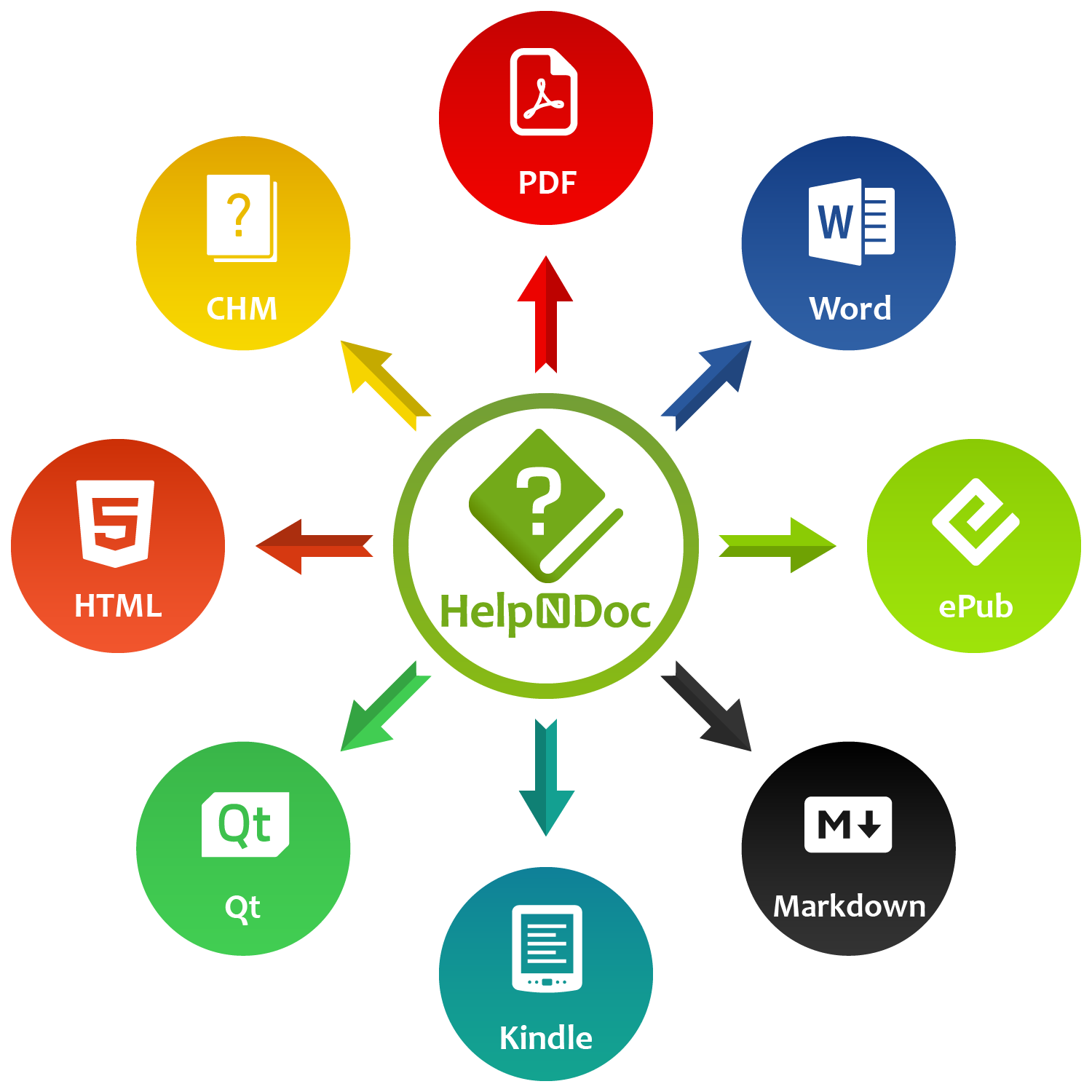
Whether you are auditing complex publishing rules with the new Generation Matrix, customizing multi-format output with Raw Code library items, sharing reusable rich content through external snippets, or benefiting from smoother editing and generation workflows, HelpNDoc 10.7 delivers practical improvements for technical writers working on projects of every size.
👉 Download HelpNDoc 10.7 today and discover how these enhancements can make your documentation workflow clearer, faster, and more reliable.
Want to create great documentation?
HelpNDoc is free, fully functional, and easy to use.
Produce your first multi-format documentation in the next minute or so.
Change log
Version 10.7.0.400 – Release date: Jun 30, 2026
- Added a new Generation Matrix topic analyzer that provides precise details about why each topic is or is not exported for every build in the project
- Renamed and improved the HTML Code library item to Raw Code, adding support for format-specific raw code exports for HTML, Markdown, and other formats
- Added support for importing external snippets during generation, instead of requiring them to be included in the project
- When pasting a picture in the image editor with the background layer selected, you can now choose to replace the background image or create a new image layer
- Improved Markdown copy from the Topic Editor: selected content now embeds images as inline Base64-encoded data for better compatibility with external applications
- Significantly reduced the Equation Editor's load time, especially the first time it is opened after application startup
- Improved the equation editing experience with more reliable virtual keyboard input, smoother cursor navigation, and more accurate formatting for accented expressions, fences, and relation operators
- Fixed the display of large edited equations in the Topic Editor, preventing cropping and unwanted horizontal scroll bars
- Fixed an issue that could cause the Equation Editor to show the default E=mc2 equation instead of the equation being edited
- Improved conditional content generation so standalone IF/ELSE/END marker lines are removed cleanly without leaving extra blank lines
- Fixed an "Access Denied" error that could occur when copying Topic Editor content containing images
- Pasting a picture as the background layer in the image editor could distort it. The layer is now resized correctly to fit the newly pasted picture