We are pleased to announce the release of HelpNDoc 10.9, a new update focused on making everyday technical writing faster, generated documentation more polished, and authoring workflows more convenient. This version introduces brand-new AutoCorrect features, improves the default HTML documentation template, strengthens the PDF generation engine, and delivers a collection of useful refinements for Markdown workflows, code editing, templates, and the HelpNDoc user interface.
As always, HelpNDoc is free for personal use and evaluation, so you can download HelpNDoc 10.9 today and try all these improvements in your own documentation projects.
✍️ New AutoCorrect Features for Faster, Cleaner Technical Writing
HelpNDoc 10.9 introduces brand-new configurable AutoCorrect capabilities that complement its existing live spell checker by fixing common typing mistakes and expanding useful text shortcuts as you write.
![New AutoCorrect Features [autocorrect] [featured]](/news-and-articles/2026-09-29-new-autocorrect-features-improved-html-and-pdf-output-and-authoring-enhancements-in-helpndoc-10.9/images/auto-correct-features.jpg)
Small typing mistakes can interrupt the writing flow and create unnecessary cleanup work later. Until now, HelpNDoc provided live spell checking but did not automatically correct text as you typed. HelpNDoc 10.9 changes that with brand-new AutoCorrect options to handle several repetitive corrections automatically.
HelpNDoc can now capitalize the first letter of the first word in a sentence while you type. Sentence detection can be adjusted using configurable sentence-ending characters and sentence-boundary punctuation, giving writers control over how the feature recognizes the beginning of a new sentence.
The new Correct Two Initial Capitals option fixes words that accidentally begin with two uppercase letters. For example, a mistyped word with two initial capitals can be corrected automatically, while legitimate terms can be preserved through a configurable exceptions list. This is useful for words and abbreviations such as IDs that intentionally use this capitalization pattern.
HelpNDoc 10.9 also introduces Replace text as you type, a flexible shortcut system for frequently used text, symbols, emoticons, arrows, and common corrections. A writer could, for example, define HND to expand to HelpNDoc, while built-in replacements can turn sequences such as (c) or --> into their corresponding symbols.
Together, these new proofing tools help reduce repetitive corrections while remaining fully configurable for each writer’s terminology and preferences.
🌐 Cleaner, More Focused HTML Documentation
The default HTML template gains a more flexible inline table of contents, clearer index results, and improved visual consistency across themes.
![Improved HTML Generation [html-generation]](/news-and-articles/2026-09-29-new-autocorrect-features-improved-html-and-pdf-output-and-authoring-enhancements-in-helpndoc-10.9/images/improved-html-generation.jpg)
Long documentation topics often contain several levels of headings. While an inline table of contents can make those topics much easier to navigate, displaying every heading level is not always useful. HelpNDoc 10.9 adds a new numeric setting that controls the maximum number of heading levels displayed in the inline table of contents for the current topic. This makes it easier to provide a concise overview of a topic without overwhelming readers with deeply nested sections.
The inline table of contents itself has also been refined. It is now more compact and better integrated with the surrounding interface, with improved spacing and visual behavior. It also handles skipped or otherwise irregular heading hierarchies more gracefully, producing a cleaner navigation experience even when a topic’s heading structure is not perfectly sequential.
The generated HTML index has been improved too. When an index keyword points to several topics, the selection popup now shows the full hierarchy of each matching topic. This provides the context readers need to quickly distinguish between topics that have identical or similar names.
Several visual consistency issues in the default HTML template have also been corrected. The selected accent color is now applied consistently to interface elements such as tabs and buttons, and elements that previously remained light-colored when using a dark theme now follow the selected theme correctly.
These refinements help generated HTML documentation feel clearer, more consistent, and easier for end users to navigate.
📄 Faster, More Reliable, and Higher-Quality PDF Generation
HelpNDoc 10.9 improves the PDF generation pipeline with faster processing, stronger compatibility, and higher-quality rendering.
![Improved PDF Document Generation [pdf-document]](/news-and-articles/2026-09-29-new-autocorrect-features-improved-html-and-pdf-output-and-authoring-enhancements-in-helpndoc-10.9/images/improved-pdf-document-generation.jpg)
PDF remains an essential documentation format when consistent layout, offline access, printing, or long-term distribution matters. HelpNDoc 10.9 includes several coordinated improvements to its PDF generation engine, focused on speed, reliability, output quality, and compatibility with a wider range of PDF viewing applications.
The generator has been optimized to produce PDF documentation faster and more reliably. The PDF code generated for build assets attached to documents has also been improved, helping improve document quality and compatibility when supplementary assets are embedded in the final PDF.
Rendering quality receives attention throughout the pipeline as well. HelpNDoc 10.9 improves text rendering, graphics drawing, and font embedding, resulting in higher-quality PDF output across different types of documentation.
Together, these changes strengthen the complete PDF generation workflow, from the time it takes to build a document to the quality and compatibility of the file delivered to readers.
🛠️ More Convenient Authoring, Editing, and Template Workflows
HelpNDoc 10.9 adds practical refinements for Markdown and AI workflows, code editing, template maintenance, and everyday user interface clarity.
![Redesigned Dark Mode Icons [dark-mode]](/news-and-articles/2026-09-29-new-autocorrect-features-improved-html-and-pdf-output-and-authoring-enhancements-in-helpndoc-10.9/images/redesigned-dark-mode-icons.jpg)
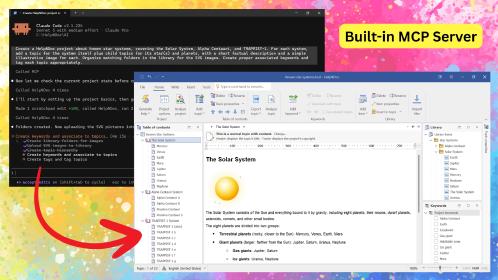
HelpNDoc’s Copy As Markdown command is useful for moving topic content into Markdown editors, developer tools, issue trackers, AI systems, and other applications. By default, copied Markdown includes images as inline Base64 data so the content remains self-contained. In HelpNDoc 10.9, you can now hold the CTRL key while copying topic content as Markdown to omit the Base64 image payloads.
Instead of embedding the potentially large encoded image data, HelpNDoc keeps a lightweight internal image reference using the unique identifier of the copied Library picture, for example: 
This provides a much lighter Markdown representation when the receiving application does not need the embedded image data. It is particularly convenient when sending documentation content to AI systems for text-focused tasks, where large image payloads may add unnecessary content when the image data itself is not needed.
Template authors also benefit from several usability improvements. The list editors used for topic HTML aliases and template HTML tags now support filtering, sorting, and inline editing, making larger lists easier to maintain. The template editor also protects the root assets folder from deletion, preventing a situation where new template assets could no longer be created or imported.
The built-in code editor has been refined with improved bracket highlighting and more accurate code selection, while the dynamic content editor now supports the Tab key for adjusting code indentation. These small changes make script and template editing more predictable and comfortable.
Finally, several HelpNDoc icons have been redesigned to improve visibility, particularly when the application is used in dark mode or when commands are placed in the Quick Access Toolbar.
As always, these highlights represent the most visible changes in the release. The detailed release notes below contain the complete list of fixes and improvements included in HelpNDoc 10.9.
🚀 Download HelpNDoc 10.9 Today
HelpNDoc 10.9 is available for free for personal use and evaluation. Download it today and explore the latest authoring and documentation generation improvements.
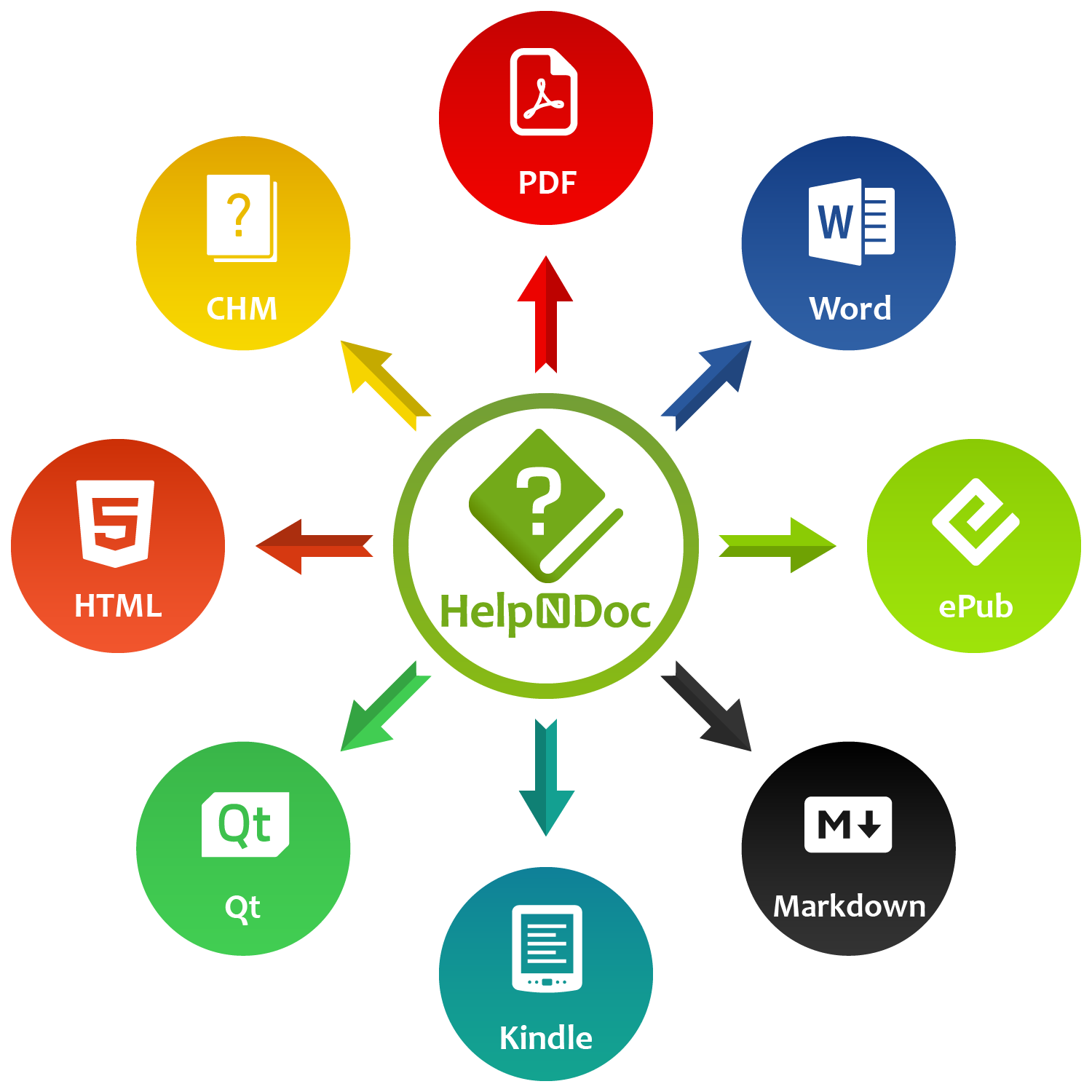
Whether you are writing faster with the new AutoCorrect features, producing more focused and consistent HTML documentation, generating higher-quality PDF files, or streamlining Markdown, code, and template workflows, HelpNDoc 10.9 brings practical improvements to both the authoring experience and the documentation you deliver.
👉 Download HelpNDoc 10.9 today and discover all the improvements included in this release.
Want to create great documentation?
HelpNDoc is free, fully functional, and easy to use.
Produce your first multi-format documentation in the next minute or so.
Change log
Version 10.9.0.492 – Release date: Sep 29, 2026
- New optional automatic capitalization of the first word in each sentence while typing
- Added correction of accidental double capitals at the beginning of words, with configurable exceptions
- Introduced customizable text shortcuts for symbols, emoticons, arrows, and common corrections
- Added an option to configure the number of heading levels displayed in the default HTML template's inline table of contents
- Hold the CTRL key while copying topic content as Markdown to exclude inline Base64 images, improving compatibility with AI systems
- Improved PDF generation performance, reliability, and compatibility across a wider range of PDF viewers
- Improved the generated PDF code used for embedding and managing build assets attached to PDF documents
- Enhanced text rendering, graphics drawing, and font embedding for higher-quality PDF document generation
- Improved the default HTML template's index popup to display the full topic hierarchy, making it easier to distinguish between topics with similar names
- Fixed an issue where the selected accent color was not applied consistently to all elements in the default HTML template, including some tabs and buttons
- Fixed an issue where some elements in the default HTML template remained light-colored when using a dark theme
- Improved the default HTML template's inline table of contents to be more compact, integrate better with other UI elements, and handle skipped or invalid heading hierarchies more gracefully
- Fixed an issue in the template editor that allowed the root "assets" folder to be deleted, preventing new assets from being created or imported into the template
- Improved the list editor for topic HTML aliases and template HTML tags, adding support for filtering, sorting, and inline item editing
- Reworked several icons to improve visibility, particularly when the application is used in dark mode
- Improve the built-in code editor with enhanced bracket highlighting and code selection
- Fixed an issue where the dynamic content editor did not support the Tab key for adjusting code indentation