You find something interesting in a game. You take a screenshot. Maybe you tell a friend, post a short clip, or share the discovery with your gaming community. A few days later, someone asks where you found it, and suddenly you are scrolling through hundreds of messages trying to locate your own explanation.
As you explore Grand Theft Auto VI, you may find places worth revisiting and tricks worth sharing. You might want to make walkthroughs and videos, or simply save a few tips for friends. Either way, there is a better home for that knowledge than a chaotic folder called “GTA stuff final FINAL.”
With HelpNDoc, you can turn scattered notes, screenshots, and explanations into a structured, searchable fan guide. You do not need to program a website, build every page by hand, or write a conventional technical manual. Let’s see how a small collection of discoveries can grow into something other players actually enjoy using.

🤝 From One Good Discovery to a Useful Community Resource
A discovery becomes useful to other players when they can retrace your steps or build on what you found.
Gamers are already excellent at gathering information. They compare strategies, investigate mysteries, record unusual details, and help each other solve problems. The missing piece is often organization.
A useful fan guide does more than collect facts. It helps readers answer specific questions quickly: Where did you find that? What did you try? Was that theory confirmed? Which steps should I follow without spoiling the rest of the story?
That is exactly the kind of information a well-structured documentation project handles well. Think of HelpNDoc as an editor for a wiki-style reference you publish, rather than as a conventional multi-user wiki where visitors directly edit pages. You maintain the content; readers use the finished website or downloadable guides.
For a streamer, a YouTuber, or a dedicated fan, that distinction can be useful. It gives the guide a consistent structure and an identifiable editor, without requiring a custom web application.
❓ Start with the Questions Players Will Ask
The questions you hear from friends or viewers can give you the first chapters of your guide.
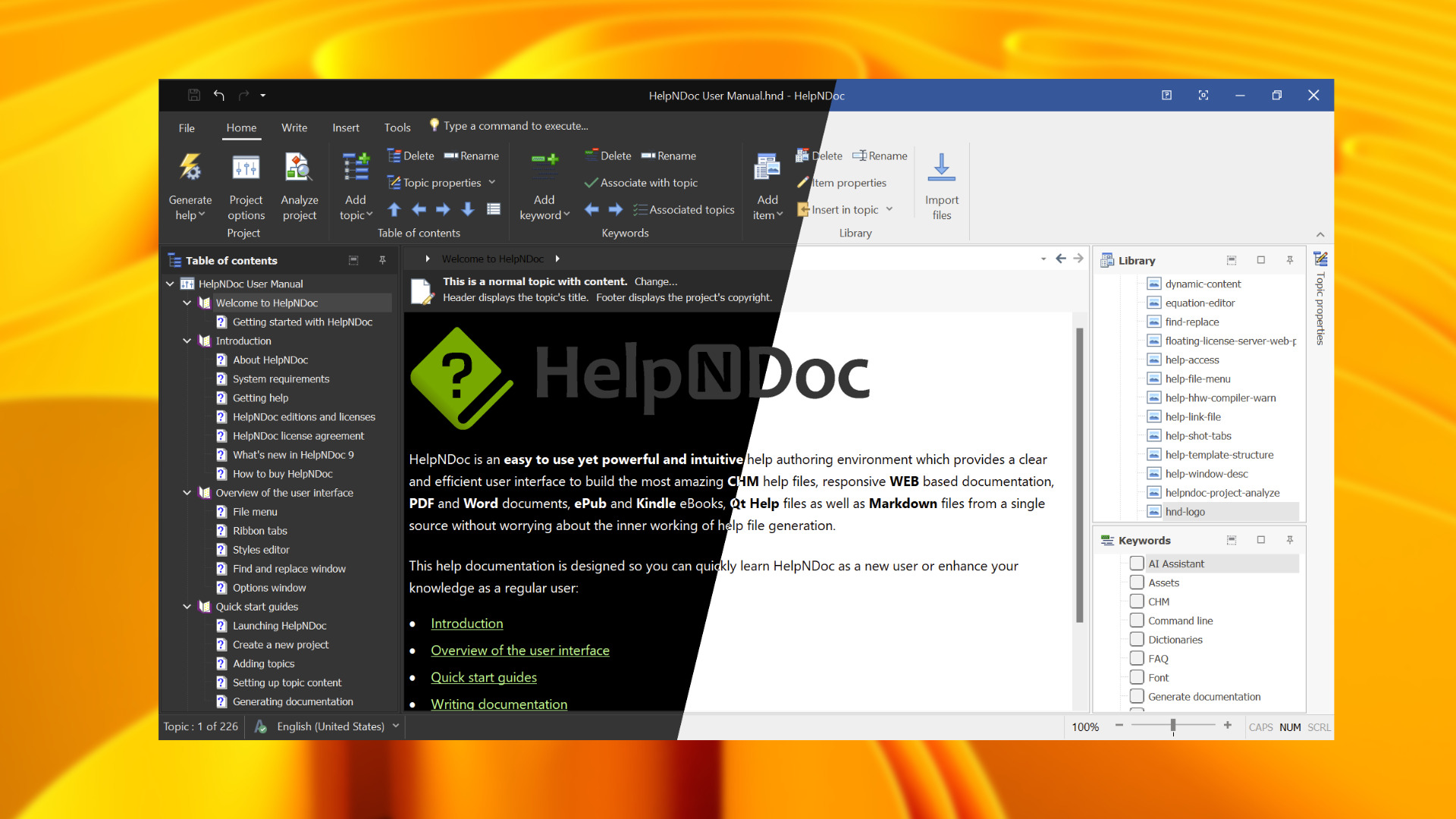
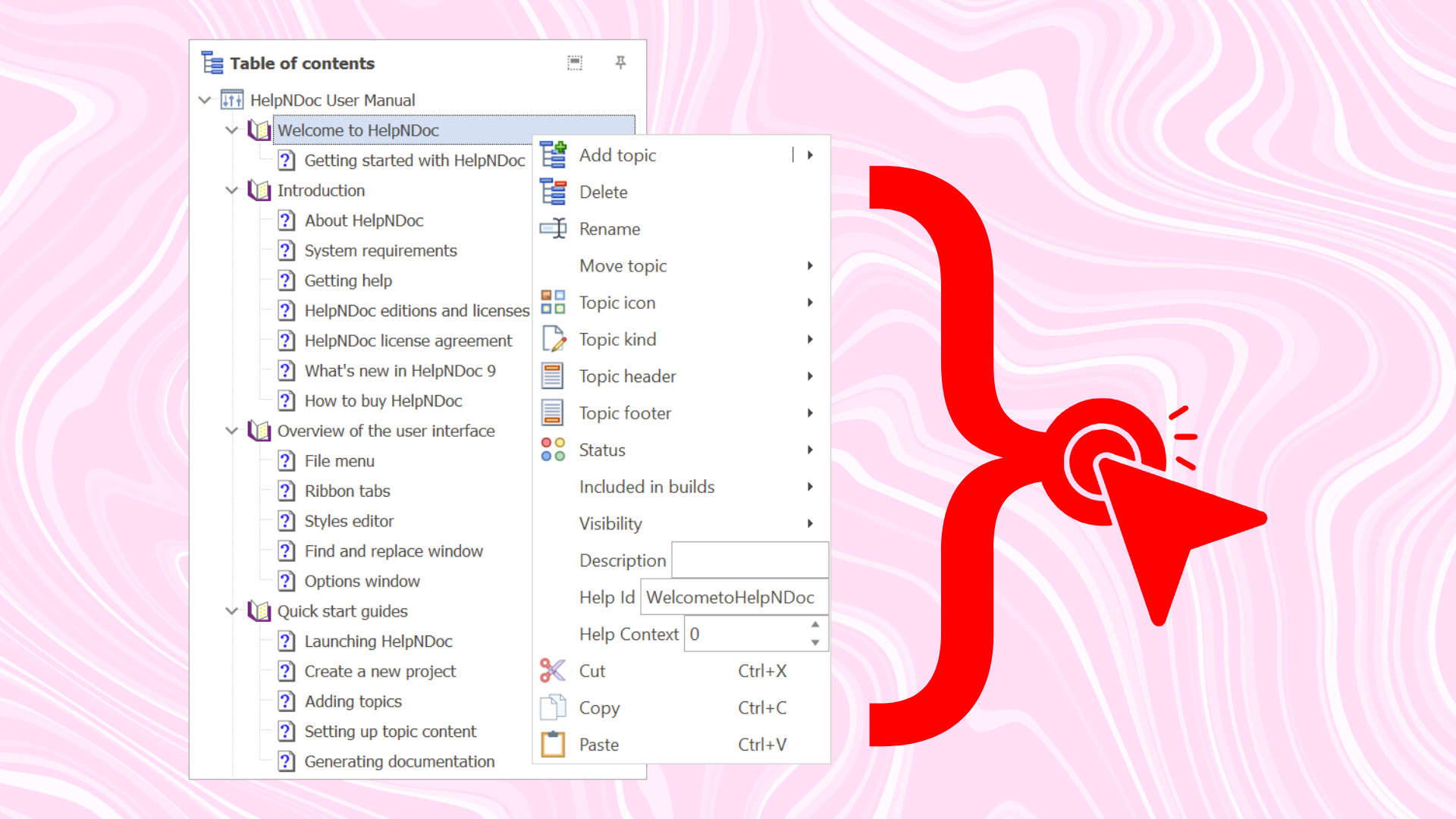
Open HelpNDoc and create a new project such as The Unofficial Leonida Discovery Guide. Before you write every detail, organize a small table of contents around the kinds of questions your audience might ask.
For example:
- Getting Started: basic information and useful links.
- Locations and Exploration: places you have verified and how to recognize them.
- Vehicles and Equipment: discoveries, comparisons, and practical notes.
- Activities and Strategies: instructions based on your own play sessions.
- Secrets and Mysteries: evidence, theories, and confirmed findings.
- Troubleshooting and FAQs: answers to recurring questions from your community.
You do not have to fill every section immediately. Begin with a handful of genuinely useful topics and let the structure grow as you learn more about the game.
Each topic should solve one clear problem or explain one discovery. Instead of naming a page “Random Interesting Things,” give it a title that tells readers what they will learn. A helpful title and a short explanation are often more valuable than a giant collection of screenshots with no context.
📸 Turn Screenshots and Videos into Actual Explanations
Pair each screenshot or clip with enough context for another player to follow your trail.
Suppose you discover an intriguing location and want to help your friends find it. A screenshot alone might not be enough.
Create a HelpNDoc topic and organize the information into a repeatable format:
- What is it? Give the discovery a clear name and a short description.
- Where did you find it? Include an image or directions you have checked yourself.
- What should readers look for? Explain the important visual clues.
- What is confirmed? Separate firsthand observations from guesses.
- Related discoveries: link to other topics or relevant videos.
HelpNDoc’s project library lets you store images and reuse them throughout the guide. Choose Include File for screenshots so your text, structure, and images stay together in one .hnd project file that’s easy to back up or share.
You can add links to videos and external sources, and you can create internal hyperlinks that connect related topics.
For especially visual discoveries in your HTML guide, consider a clickable image map: different areas of an annotated screenshot can link to individual explanation pages. It turns a static image into an entry point for exploration.
And when an early theory turns out to be wrong? Update the original topic, then regenerate the guide. A corrected explanation is much easier to maintain when it lives in one organized project instead of dozens of disconnected posts.
🧭 Make the Guide Easy to Navigate, Not Just Easy to Write
Give readers a clear way to jump from a broad question to the specific location, clue, or tip they came for.
A useful fan resource needs more than good information. People must be able to find it.
HelpNDoc provides hierarchical topics, internal hyperlinks, and keyword indexing. Its generated HTML documentation also includes built-in search, so readers can look up the detail they need without scanning every chapter.
For a guide that grows over time, a few simple habits make a big difference:
- Give every topic a descriptive, specific title.
- Keep related discoveries under a clear parent section.
- Use consistent terms for places, activities, and objects.
- Link back to relevant overview topics when a page becomes detailed.
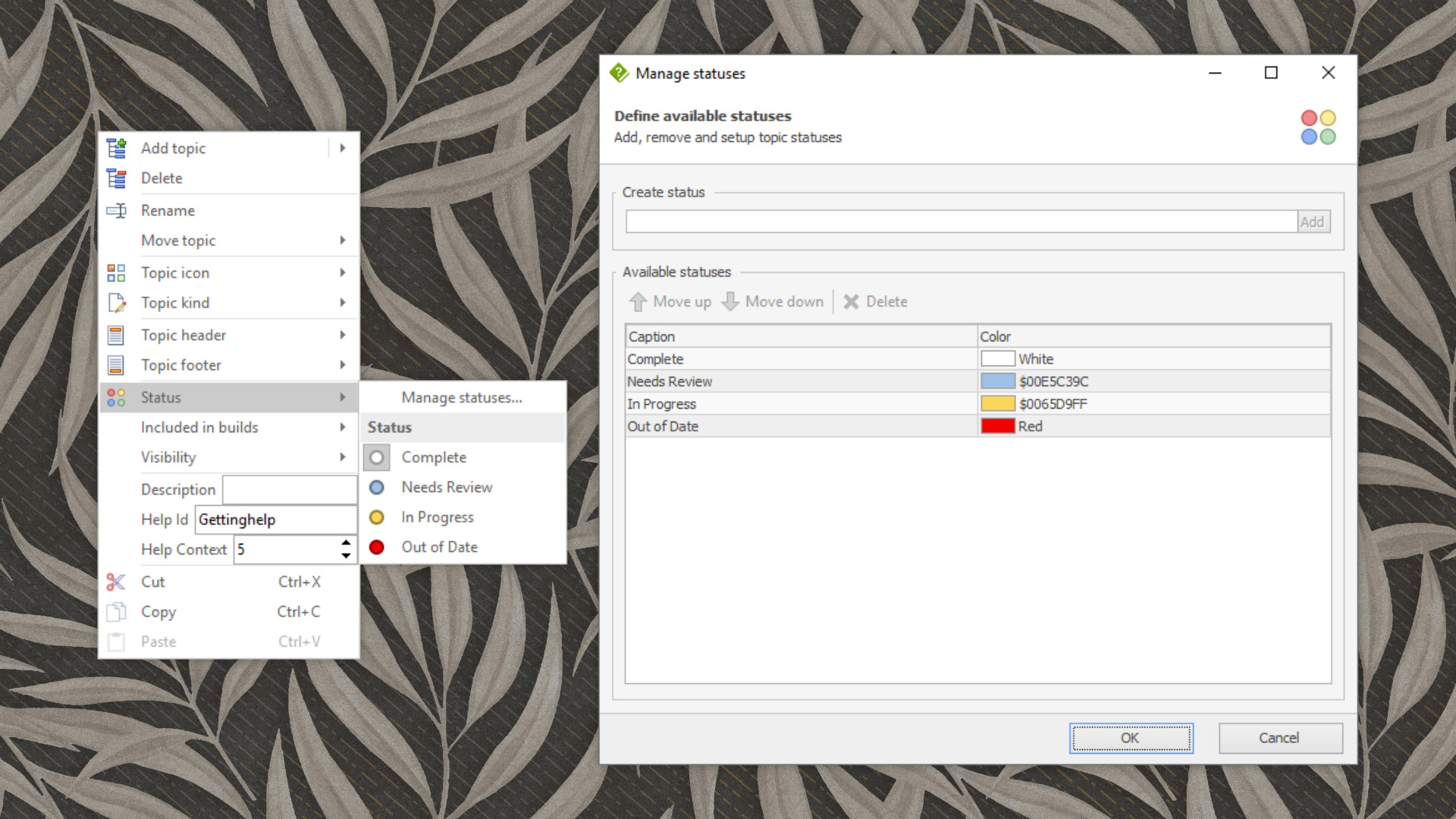
- Mark theories as unconfirmed, then update them when better evidence appears.
The result feels much closer to a carefully curated fan encyclopedia than to an endless timeline of disconnected comments.
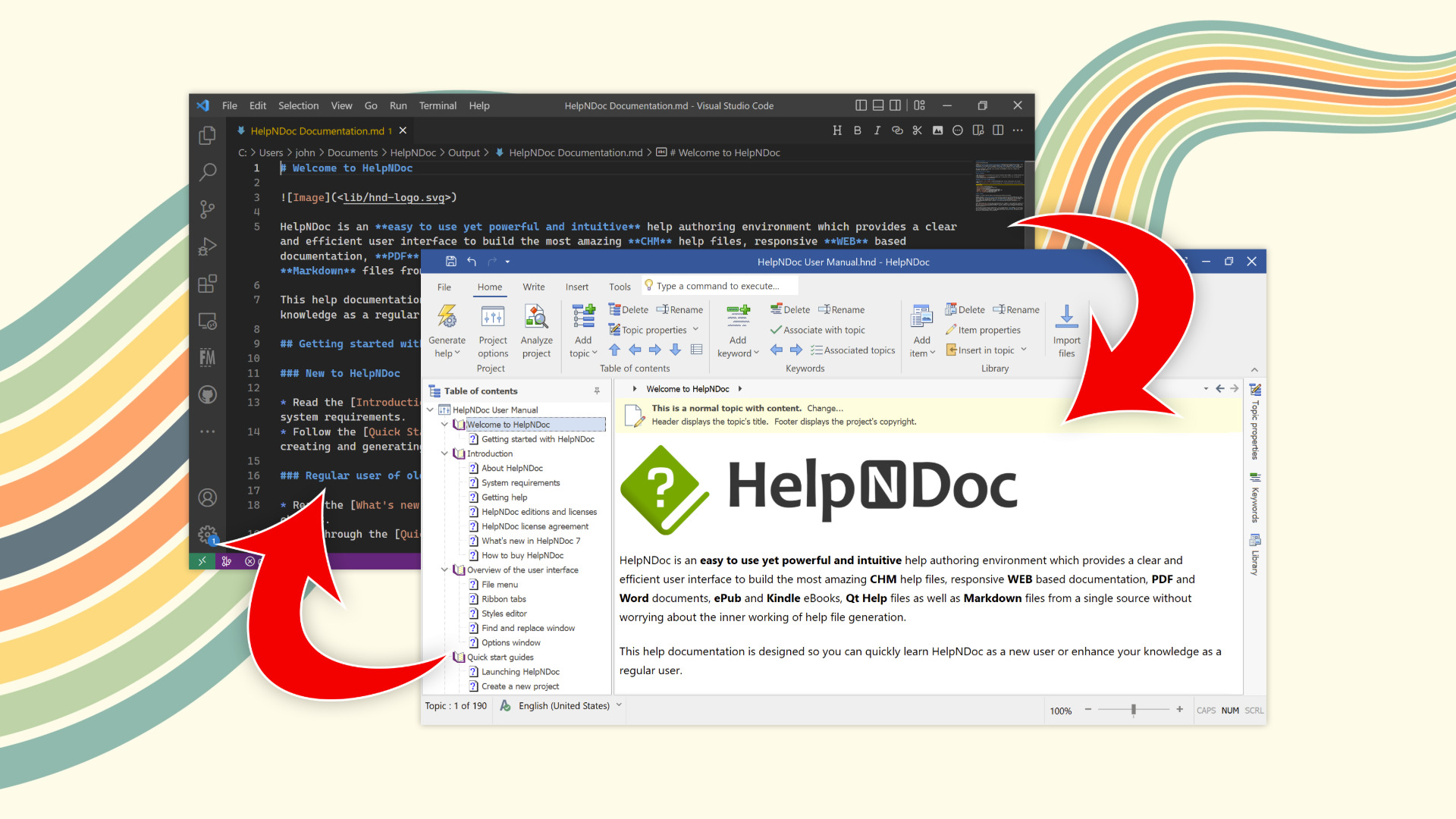
If you already keep notes in Markdown, HelpNDoc can also help you bring that material into the project. Its editor supports Paste as Markdown, so structured text drafted elsewhere can become editable documentation content. You can keep your favorite writing workflow while using HelpNDoc to organize and publish the finished guide.
📚 Publish a Website, a PDF, and an eBook from One Project
Give readers a version they can browse on a phone, print for later, or take along as an eBook.
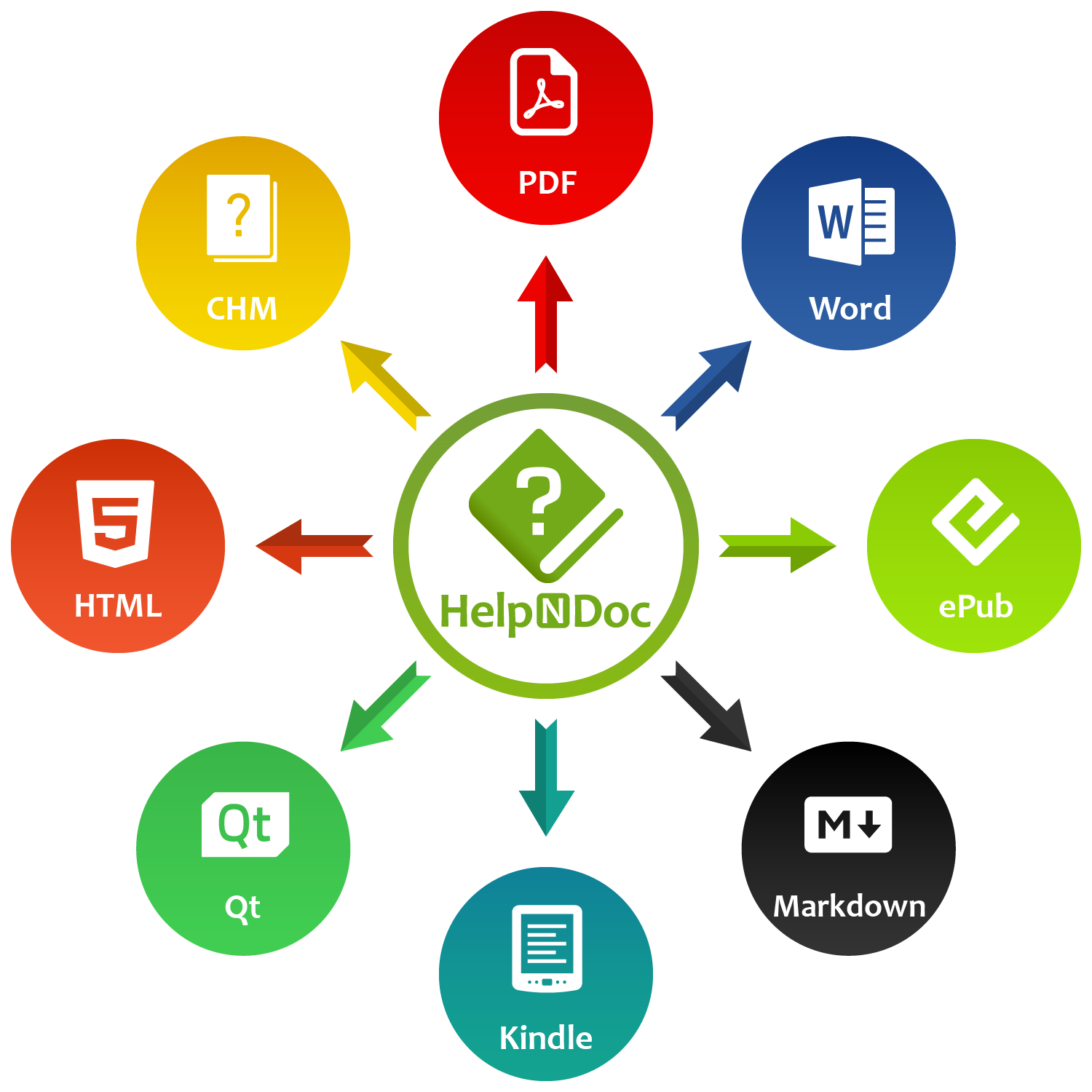
Once your topics are organized, use HelpNDoc’s Generate Help feature to publish them. The same source material can become several different resources:
- A responsive HTML guide for readers browsing on a phone, tablet, or computer. You can host the generated website so your community has a central place to find information.
- A PDF field guide for players who want a downloadable reference or printable pages.
- An ePub eBook for readers who prefer a chapter-based reading experience on compatible devices.
- Markdown output for sharing your guide with a compatible AI assistant that can answer questions using your notes, such as how to find a landmark you’ve documented. HelpNDoc’s guide to turning documentation into an AI knowledge source shows how to export the whole guide with the Single page Markdown template.
HelpNDoc also generates Word documents, Kindle eBooks, CHM help files, and Qt Help files.
Each format serves a different audience, but you maintain the content in one HelpNDoc project. When you add a new discovery or correct an old one, regenerate the relevant outputs and publish the updated files.
This is particularly useful for content creators who already spend time explaining gameplay. A detailed written guide complements a video: the video can show the discovery in action, while the guide offers a quick reference that readers can search, bookmark, or consult later.
🔎 A Few Rules for a Guide People Will Trust
Help readers tell what you’ve tested for yourself, where a claim came from, and whether a page contains spoilers.
When a rumor starts making the rounds, tell readers what you’ve checked in the game and what you’re still looking into.
Keep early information clearly labeled. Distinguish official announcements from personal observations and speculation. Avoid revealing story details in titles or introductory text when readers may want a spoiler-free experience. If you need separate spoiler-free and spoiler-inclusive editions, HelpNDoc’s conditional content features can help you control which topics or sections appear in a particular generated build.
Also respect the rights associated with game artwork, screenshots, and video footage, especially if your project will be publicly distributed or monetized. Label the guide as an unofficial fan project, and check the relevant publisher policies before sharing assets.
Finally, remember that HelpNDoc’s free Personal Edition is licensed for personal, non-commercial use. If your guide is part of a commercial operation, check the appropriate HelpNDoc licensing options before publishing.
💬 Your Discoveries Deserve Better Than Getting Lost in Chat
The next time someone asks where you found something, give them a page they can bookmark.
Start with a single helpful topic from your latest play session. Add a screenshot and a clear explanation. Share it with a friend. Then add the next discovery, link related pages, and watch your guide become more useful over time.
Your gaming adventures may be gloriously disorganized. Your knowledge about them does not have to be.
Ready to turn your GTA 6 discoveries into a fan guide? Download HelpNDoc, create your first documentation project, and start publishing the tips, discoveries, and explanations that other players will want to find.
Want to create great documentation?
HelpNDoc is free, fully functional, and easy to use.
Produce your first multi-format documentation in the next minute or so.