Follow the guides to learn how to use HelpNDoc and be more efficient when creating help and documentation projects.
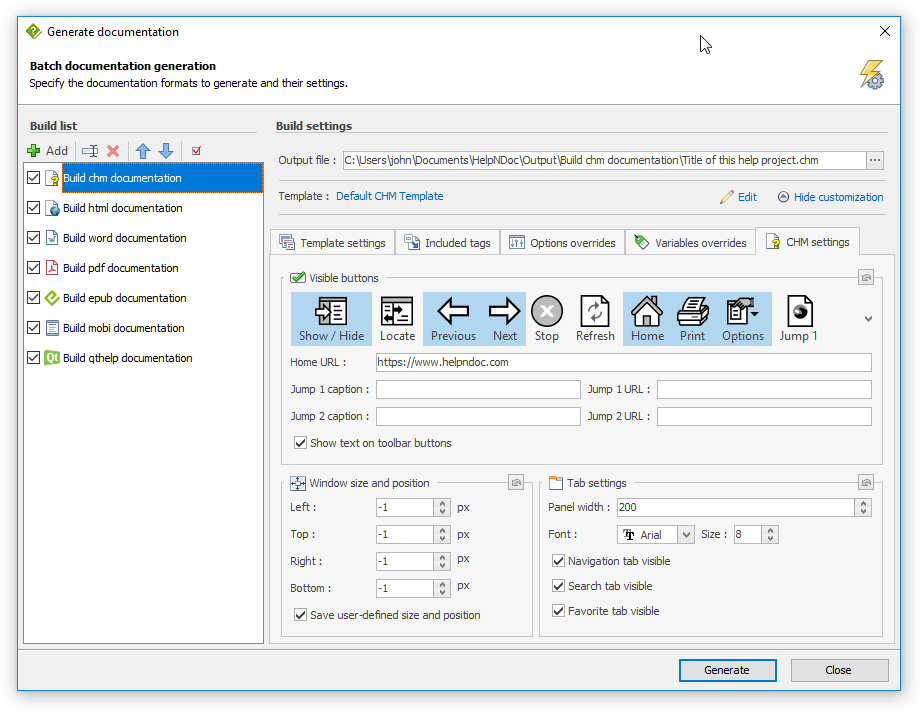
How to convert a HLP (WinHelp) help file to a CHM (HTML Help) help file ›
The Microsoft WinHelp HLP file format was introduced with Windows 3.0 in 1990 as the default help file format for the Windows operating system. As of Windows 10, Microsoft doesn’t provide any HLP file viewer anymore, making this legacy help file format unusable. Fortunately, HelpNDoc can import existing WinHelp HLP file and convert them to the standard Windows Compiled HTML Help (CHM) file format.
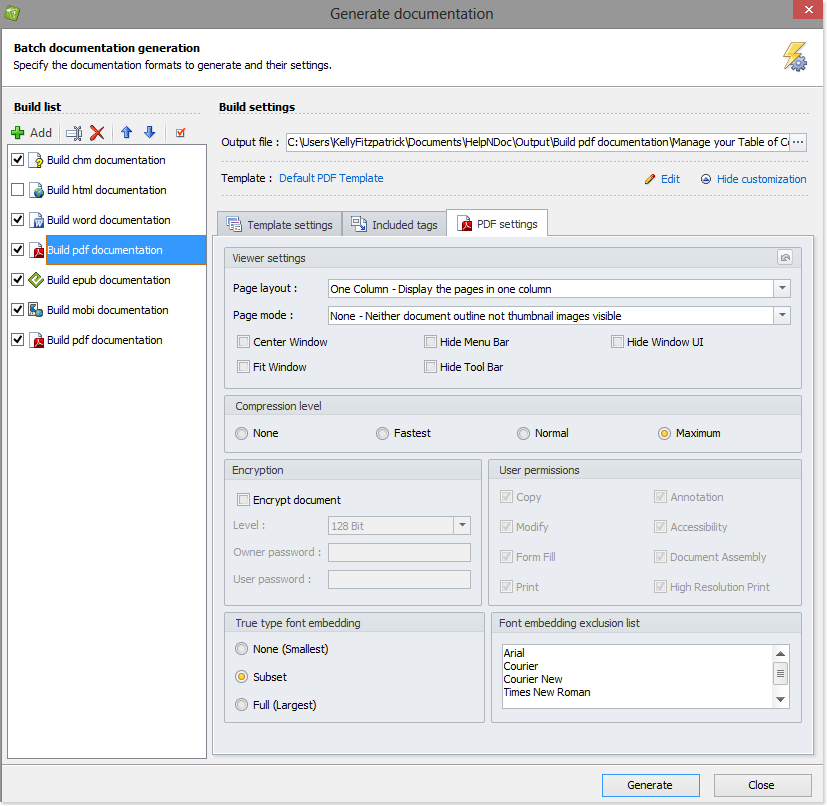
How to convert a CHM help file to a PDF document ›
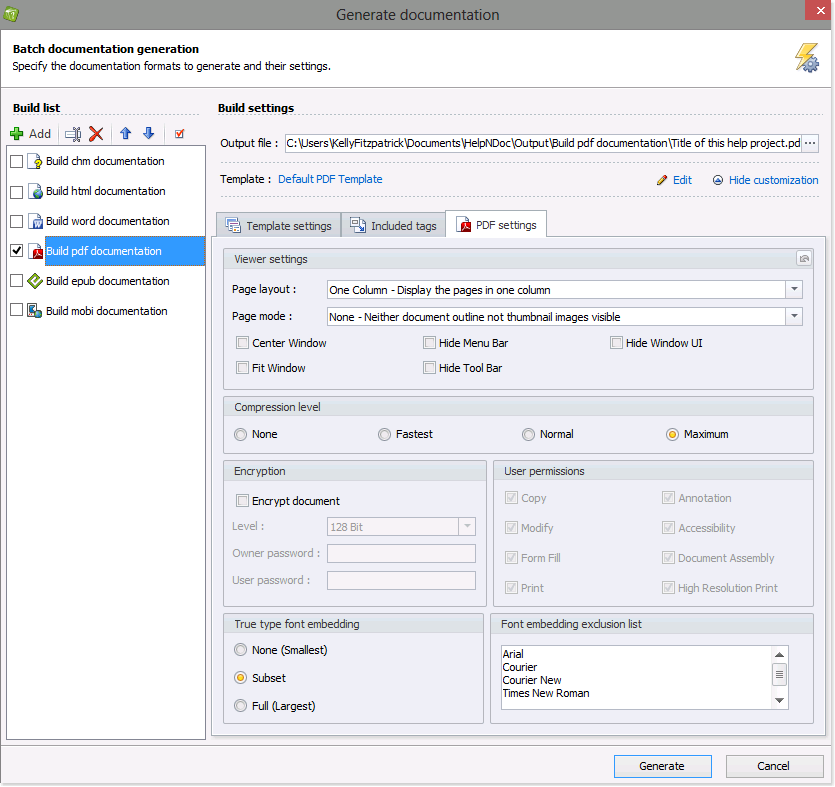
You can use HelpNDoc to import and convert a CHM help file into a PDF document. The PDF document contains not only the content from the CHM file, but also the images, hyperlinks and organizational structure, including the table of contents. After importing the CHM help file, you have the option of updating the content.
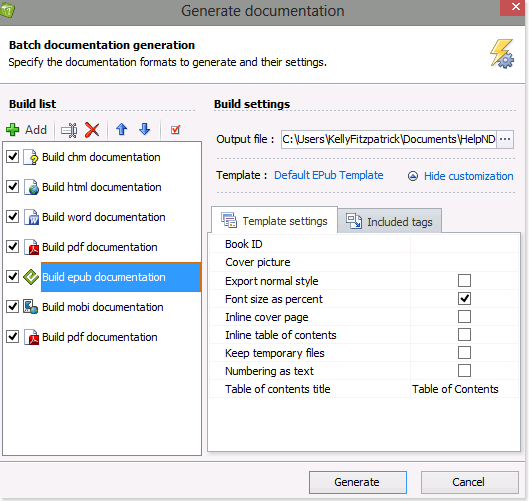
How to convert a CHM help file to an ePub or Kindle eBook ›
Users expect their documentation to be easily accessible from the wide variety of devices available to them such as the popular eBook readers. Unfortunately, those eReaders can’t handle the CHM file format. Using HelpNDoc, it is easy to import an existing CHM help file and convert it to an ePub or Kindle eBook.
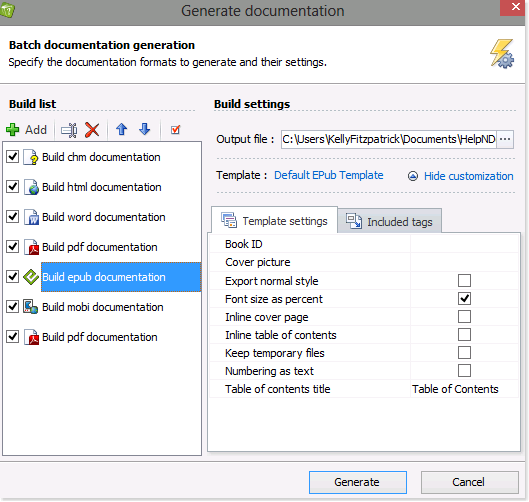
How to convert a Word DocX file to an ePub or Kindle eBook ›
You can use HelpNDoc to convert a Word Doc or DocX document into an ePub or Kindle eBook. The ePub and Kindle eBooks contain not only the content from the Word document, but also the images, hyperlinks and organizational structure. After importing the Word document, you have the option of updating the content.
How to convert an ePub eBook to a PDF or Word DocX document ›
You can use HelpNDoc to convert an ePub eBook into a PDF or Word document. The PDF and Word documents contain not only the content from the ePub file, but also the images, hyperlinks and organizational structure, including the table of contents. After importing the ePub file, you have the option of updating the content.