Follow the guides to learn how to use HelpNDoc and be more efficient when creating help and documentation projects.
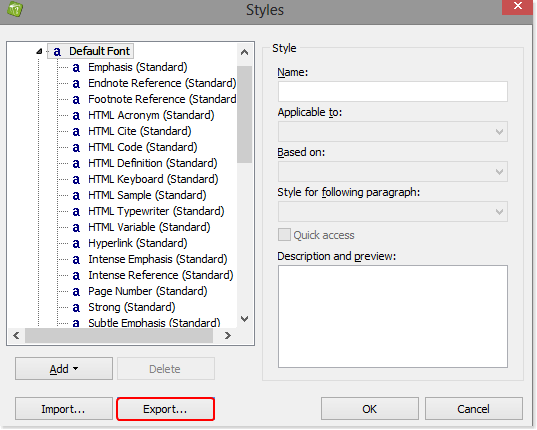
How to customize the default styles for new projects ›
You can define the default styles that will be used in new projects. This makes it simple to define your preferences once and then use them repeatedly without manually defining styles each time you create a new project.
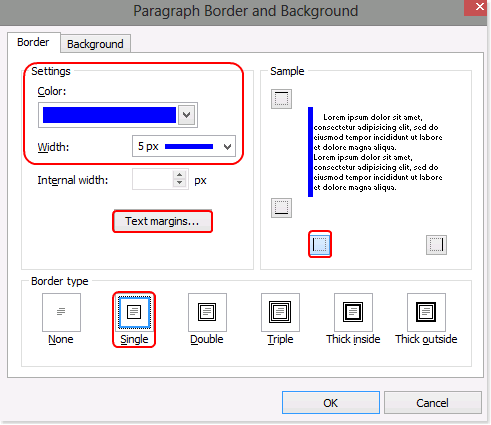
How to create a style to display a note or a warning message ›
You can create a style specifically designed to highlight sections of your documentation such as notes or warnings. Once the style is created, it can rapidly be re-used throughout the project.