Follow the guides to learn how to use HelpNDoc and be more efficient when creating help and documentation projects.
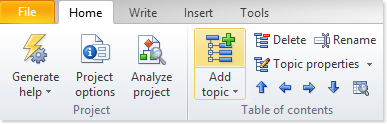
How to create a new topic in HelpNDoc ›
HelpNDoc gives you the flexibility of adding new topics in two easy steps and putting them in any order within your table of contents.
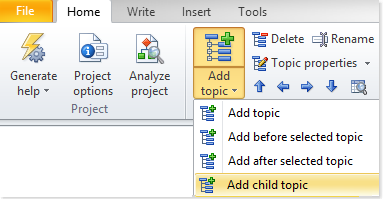
How to create a new child topic in HelpNDoc ›
HelpNDoc gives you the ability to create subtopics (i.e. child topics) to any topic to create a logical structure in your table of contents.
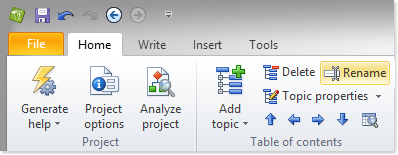
How to rename a topic in HelpNDoc ›
Once topics are created within the table of contents, it is possible to rapidly change their name to fine-tune your documentation layout.
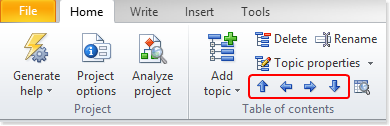
How to move topics in HelpNDoc ›
HelpNDoc allows you to easily move and organize your topics and their children topics. You can place topics in any order using the tree structure of your table of contents.
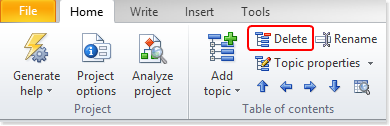
How to delete topics in HelpNDoc ›
Topics can easily be added and organized in the table of contents but, over time, they can become obsolete or unwanted. Deleting them from your HelpNDoc projects just takes a few clicks.