Follow the guides to learn how to use HelpNDoc and be more efficient when creating help and documentation projects.
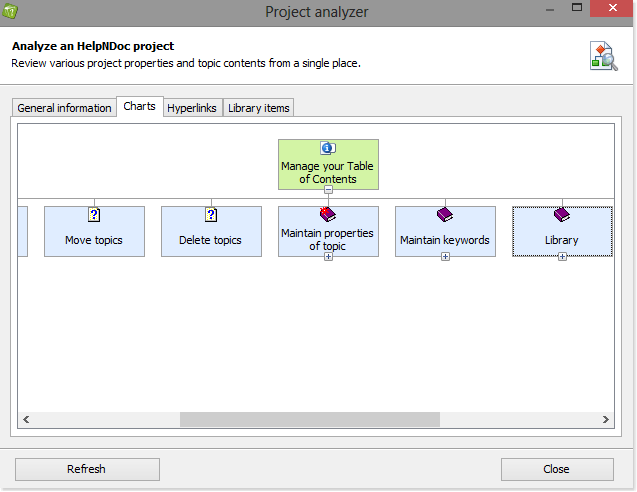
How to analyze your project ›
HelpNDoc has a project management tool called Project Analyzer that makes it easy to evaluate the overall structure and integrity of your project. Plus, you can drill-down to resolve specific issues. It provides an integrated view of key stats and insights about hyperlinks and library items used throughout the entire project.
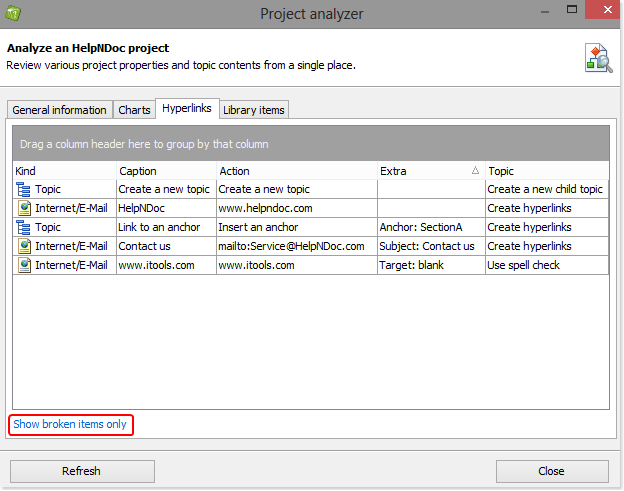
How to analyze hyperlinks ›
The Project Analyzer makes it easy to evaluate the hyperlinks used throughout your project. You can use the Project Analyzer to sort hyperlinks by their properties (i.e. type, caption, target, and topic) and drill-down to resolve issues such as broken and duplicate links.
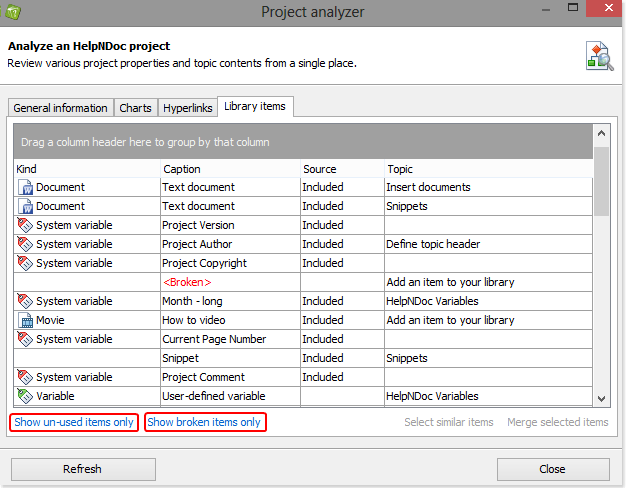
How to analyze the items in your library ›
The Project Analyzer is a flexible and powerful tool that allows you to manage the items in your library and evaluate their usage throughout your entire project. It lists all occurrences of library items as well as any topics that use them. You can sort items by type, caption, source, and topics. You can also use the Project Analyzer to eliminate unnecessary and outdated duplicates to streamline your updating processes.