Follow the guides to learn how to use HelpNDoc and be more efficient when creating help and documentation projects.
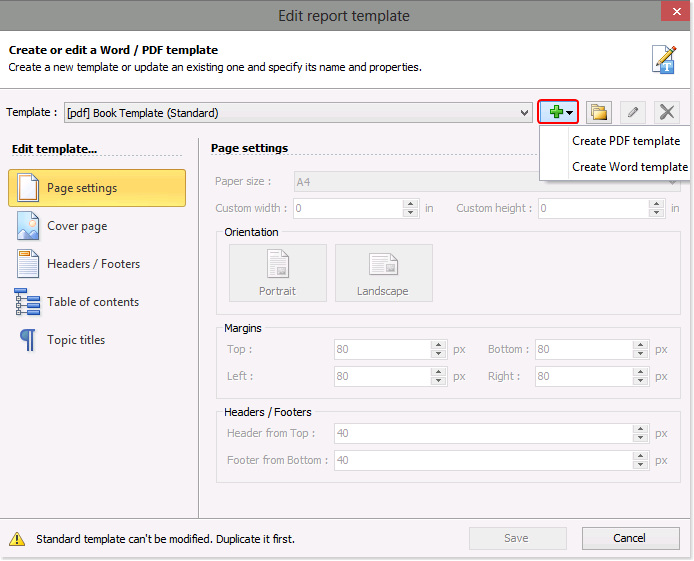
How to create a new report template ›
When you publish your PDF and Word documentation, HelpNDoc follows instructions in templates when generating the documentation. You can create PDF and Word templates that define the cover, paper size, orientation of the page, margins, headers, and footers as well as the appearance of your table of contents and topic titles. HelpNDoc makes it easy to create new templates from scratch. After creating a new template, you can then tailor it to support specific requirements.
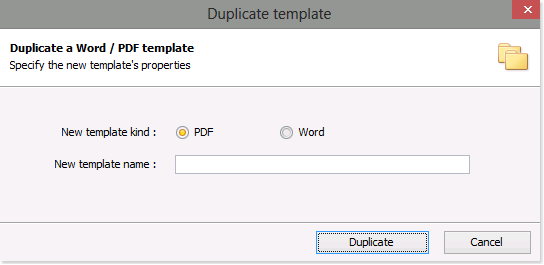
How to duplicate an existing report template ›
As easy as it is to create a new template for Word and PDF documentation formats from scratch, you can save time by copying an existing template. After you copy a template, you can then tailor the settings and properties to create customized documentation that supports your specific needs.
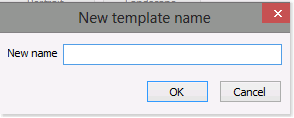
How to rename a template ›
It’s recommended that you assign a name that helps you remember the purpose of a template. As you update the settings and properties of your templates, it may become necessary to update the names of your templates as well. This is quite simple to do.

How to delete a template ›
When a template becomes obsolete, it is simple to delete it. When you delete a template, you are permanently removing the template as well as its settings and properties.
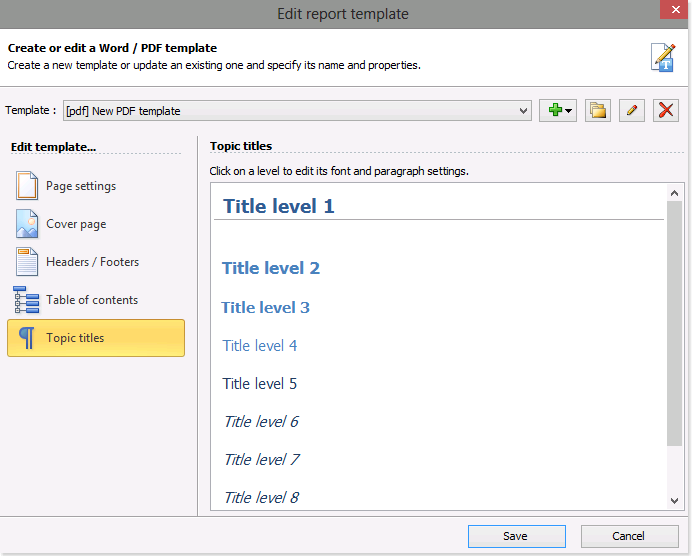
How to update your templates ›
HelpNDoc offers you an intuitive template editor that makes it easy to customize the look and feel of your PDF and Word documentation to support specific requirements. You can tailor any of the settings and properties of the PDF and Word templates that you’ve created from scratch as well as those that you’ve copied from other templates.