The Microsoft Word DocX format is a proprietary file format used by the “Microsoft Word” word processing program. It is based on the Open XML standard and is designed to store documents as XML files. The HelpNDoc help authoring tool can generate help documentation in the DocX format and optionally in the RTF format too.

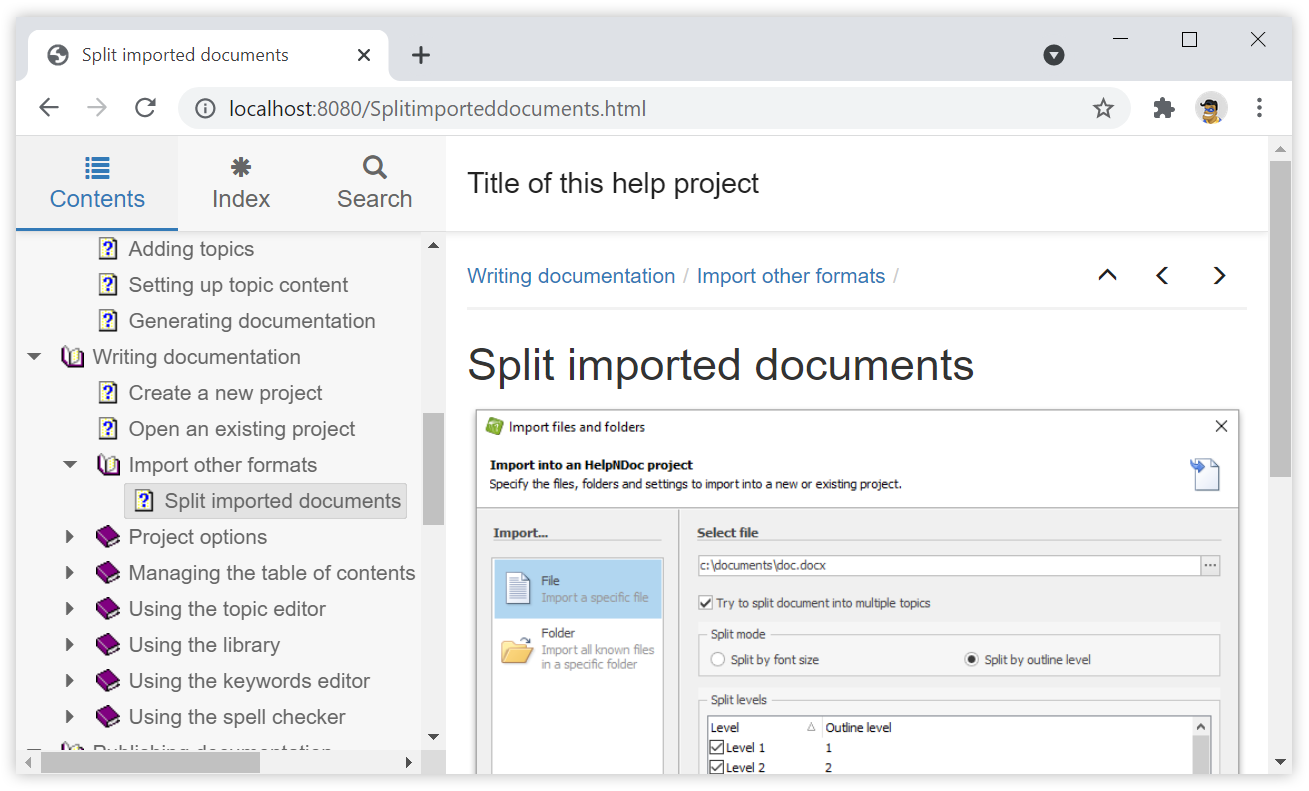
Microsoft Word, and similar word processing software such as LibreOffice, are great to write and format documents meant to be printed, but not so good at producing HTML websites from those documents: they generate suboptimal single-page HTML / CSS code which is not optimized for different screen sizes and devices such as smartphones. By leveraging the import and export capabilities of a help authoring tool such as HelpNDoc (which is free for personal use), it is extremely easy to convert a Word document to a fully functional multi-page and responsive HTML 5 website. Let's dive in...
Read More →
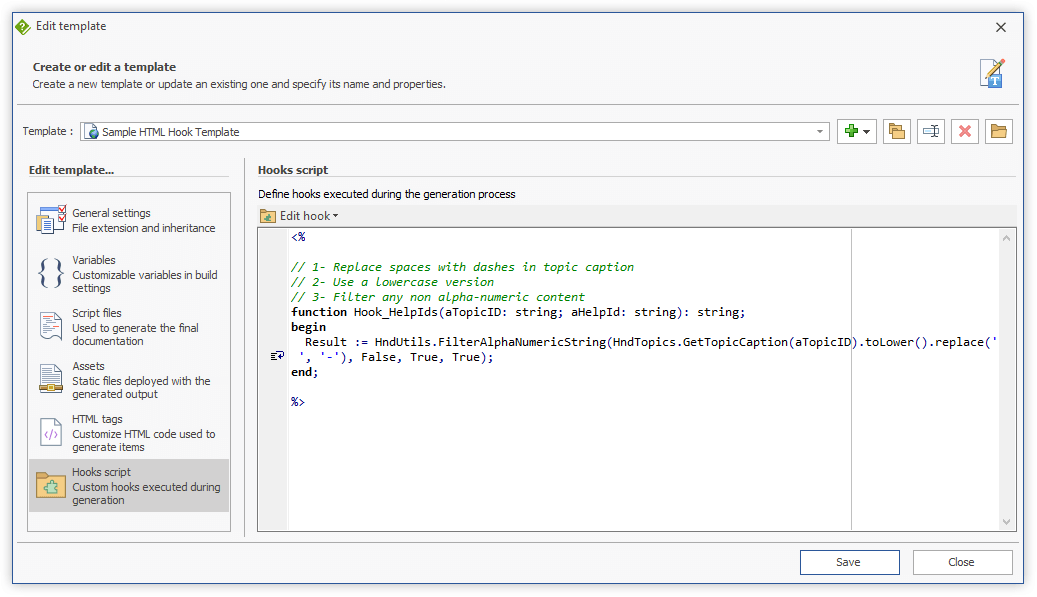
We are glad to announce the release of HelpNDoc 7.5, a major update of the popular help authoring tool which can be downloaded completely free for personal use and evaluation purposes. This major update includes many new features such as the ability to customize HTML topic names for improved SEO, an enhanced CHM decompiler and importer which can now handle keywords, additional API methods, enhanced documentation generation, and much more.
Read More →
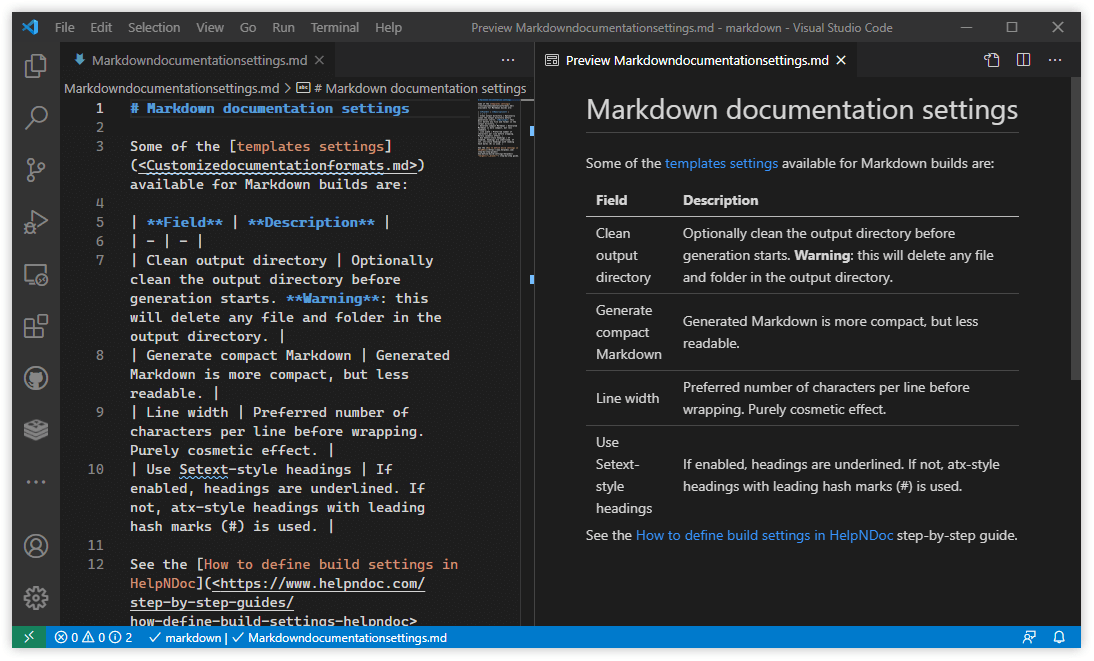
We are glad to announce the release of HelpNDoc 7.2, a major update of the popular help authoring tool which can be downloaded completely free for personal use and evaluation purposes. This major update includes many new features such as the ability to produce Markdown documents, an improved PDF generator with "keep with next" topic titles, the ability to add page breaks before topics, improved documentation generation, and much more. Read on to learn more and download your free version of HelpNDoc now.
Read More →
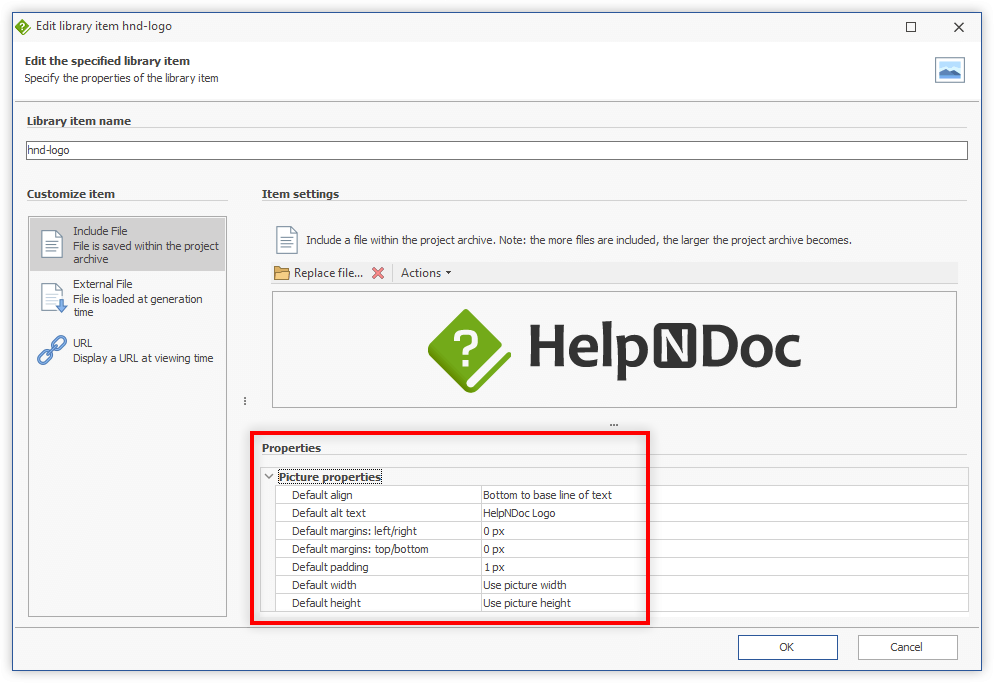
We are glad to announce the release of HelpNDoc 7.1, a major update of the popular help authoring tool which can be downloaded completely free for personal use and evaluation purposes. This major update includes many new features such as the ability to define default image settings, an enhanced spell checker which now supports snippets, new barcode symbologies, and much more. Read on to learn more and download your free version of HelpNDoc now.
Read More →
We are excited to announce the release of the brand new HelpNDoc 7.0, a major update of the popular help authoring tool which can be downloaded completely free for personal use and evaluation purposes. This amazing new release includes a large amount of new features and enhancements, such as a brand new DocX Importer, a smoother and faster PDF Generator, a completely new Script Engine with faster execution and better reliability, a new "counter" library item and much, much more… Read on to learn more and download your free version of HelpNDoc now.
Read More →
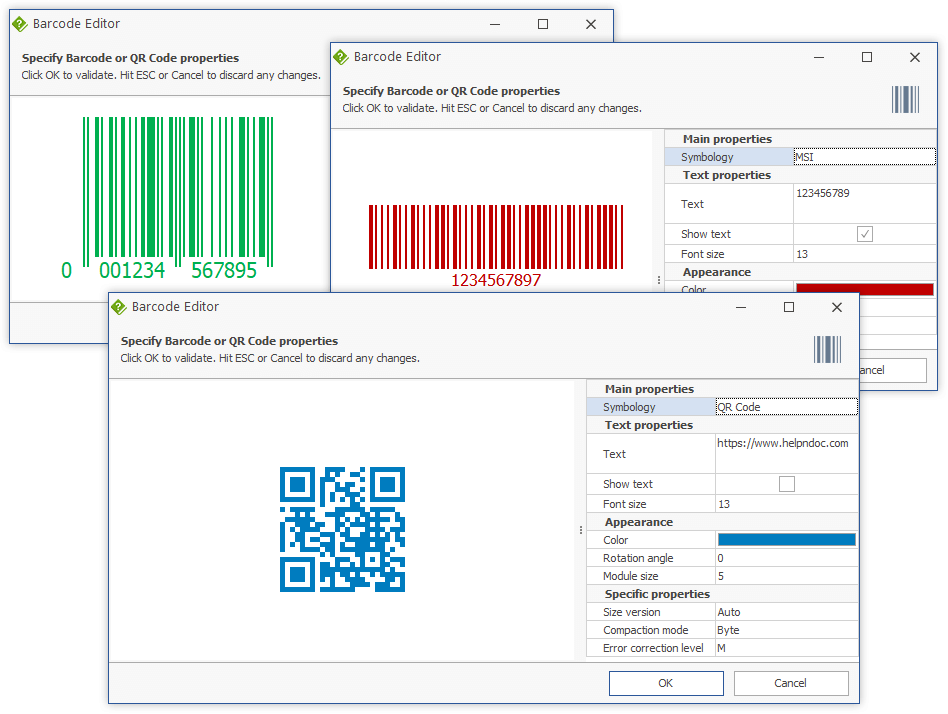
We are glad to announce the release of HelpNDoc 6.9, a major update of the popular help authoring tool which can be downloaded completely free for personal use and evaluation purposes. This major update includes many new features such as the addition of a Bar codes and QR codes editor, the ability to analyze all anchors used within your documentation project, and much more. Read on to learn more and download your free version of HelpNDoc now.
Read More →
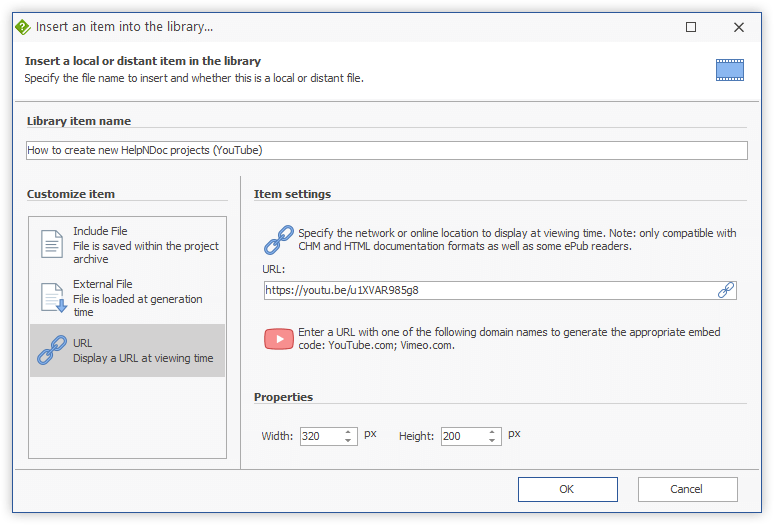
We are glad to announce the release of HelpNDoc 6.7, a major update of the popular help authoring tool which can be downloaded completely free for personal use and evaluation purposes. This major update includes many new features such as the ability to automatically generate YouTube and Vimeo embed codes and warn if the generated documentation's folder is not accessible before generation. It also includes a lot of enhancements and bug fixes for Word and PDF generation on High-DPI screens. Read on to learn more and download your free version of HelpNDoc now.
Read More →
We are thrilled to announce the immediate availability of HelpNDoc 6.3, a major update of the popular help authoring tool which can be downloaded completely free for personal use and evaluation purposes. This update can now display external pictures within the topic editor, it optionally clean the output directory, and includes a greatly improved document importer, as well as many other enhancements and bug fixes. Read on to learn more and download your free version of HelpNDoc now.
Read More →
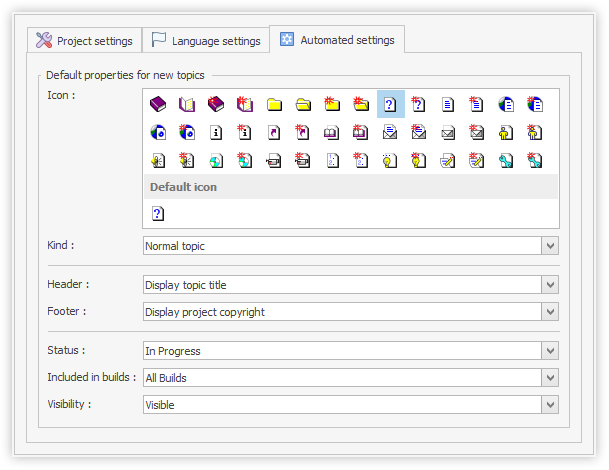
Tired of manually updating the properties of newly created topics in your documentation projects ? Download the brand new HelpNDoc version 6.1 to be able to define the default properties to apply to new topics once and for all (such as icon, status, visibility...), thus eliminating a tedious and error-prone task and create better organized help files and manuals. This major update can also optionally load "HTML code" library items from the hard drive and export the whole content of a folder in your library. It includes updated spell checkers as well as multiple enhancements and bug fixes. Read on to learn more and download your free version of HelpNDoc now.
Read More →
The 6th major version of HelpNDoc is now available to everyone and we are excited to share what's new with this incredible update of the popular help authoring tool. But first of all, download your copy right now as HelpNDoc 6 is still completely free and fully functional for personal use and evaluation purposes. This major update includes tons of enhancements and new features such as the ability to define custom properties and status for topics, an enhanced find and replace dialog where you can locate library items or using regular expressions, a new find panel for all lists where you can filter elements, better documentation generation and import, and much much more. And did I mention that HelpNDoc and its web-site are now available in Spanish? Read on to learn more and download your free version of HelpNDoc now.
Read More →