The Microsoft Word DocX format is a proprietary file format used by the “Microsoft Word” word processing program. It is based on the Open XML standard and is designed to store documents as XML files. The HelpNDoc help authoring tool can generate help documentation in the DocX format and optionally in the RTF format too.

You can use HelpNDoc to convert an ePub eBook into a PDF or Word document. The PDF and Word documents contain not only the content from the ePub file, but also the images, hyperlinks and organizational structure, including the table of contents. After importing the ePub file, you have the option of updating the content.
Read More →
You can use HelpNDoc to convert a Word Doc or DocX document into an ePub or Kindle eBook. The ePub and Kindle eBooks contain not only the content from the Word document, but also the images, hyperlinks and organizational structure. After importing the Word document, you have the option of updating the content.
Read More →
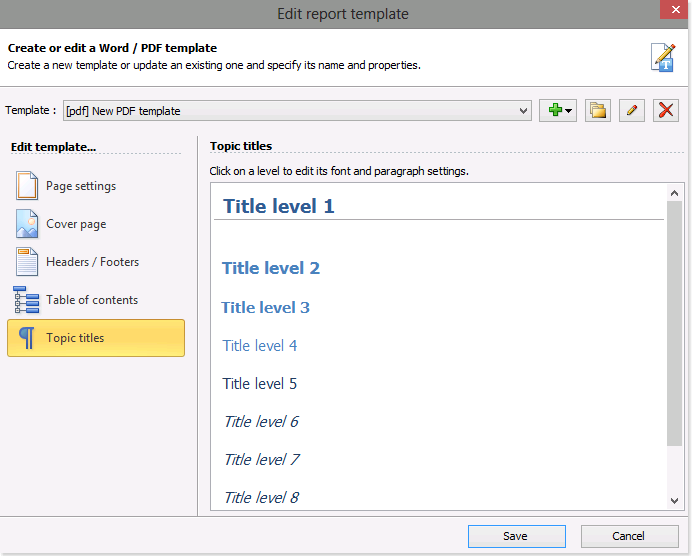
HelpNDoc offers you an intuitive template editor that makes it easy to customize the look and feel of your PDF and Word documentation to support specific requirements. You can tailor any of the settings and properties of the PDF and Word templates that you've created from scratch as well as those that you've copied from other templates.
Read More →
When a template becomes obsolete, it is simple to delete it. When you delete a template, you are permanently removing the template as well as its settings and properties.
Read More →
It's recommended that you assign a name that helps you remember the purpose of a template. As you update the settings and properties of your templates, it may become necessary to update the names of your templates as well. This is quite simple to do.
Read More →
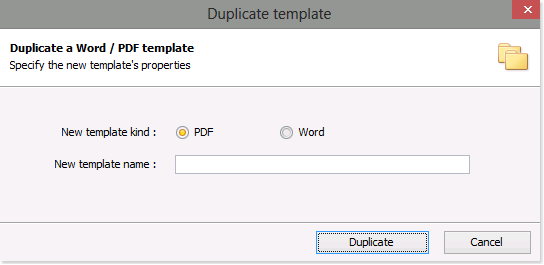
As easy as it is to create a new template for Word and PDF documentation formats from scratch, you can save time by copying an existing template. After you copy a template, you can then tailor the settings and properties to create customized documentation that supports your specific needs.
Read More →
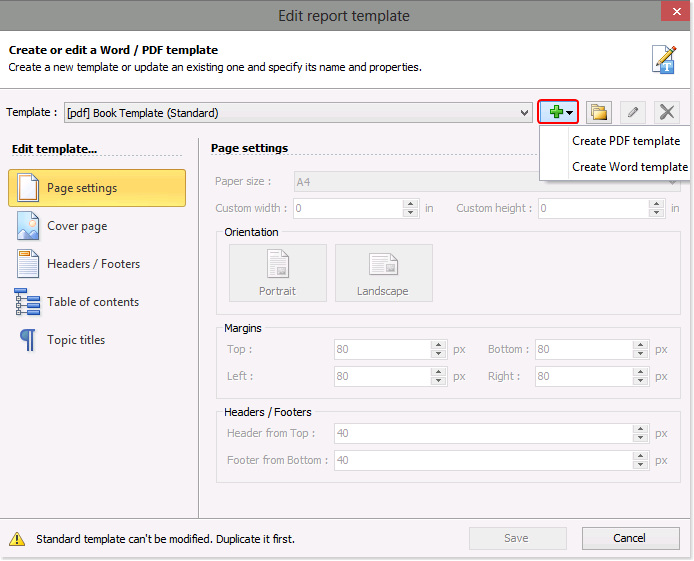
When you publish your PDF and Word documentation, HelpNDoc follows instructions in templates when generating the documentation. You can create PDF and Word templates that define the cover, paper size, orientation of the page, margins, headers, and footers as well as the appearance of your table of contents and topic titles. HelpNDoc makes it easy to create new templates from scratch. After creating a new template, you can then tailor it to support specific requirements.
Read More →
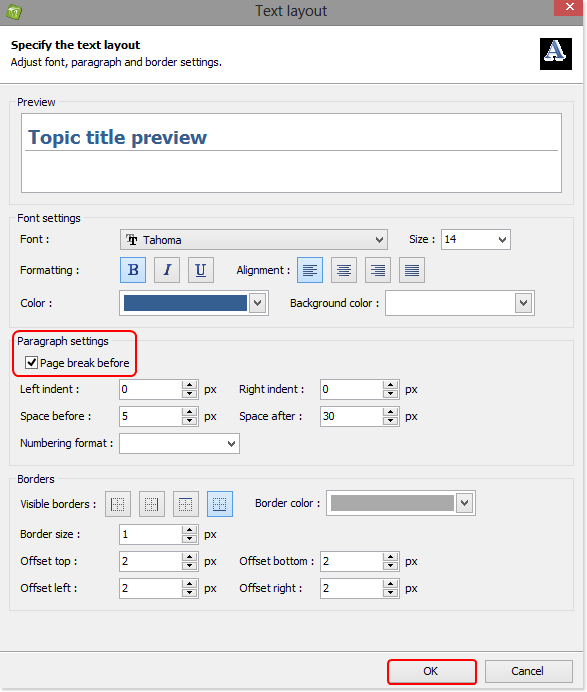
You can create a template to control the format when you publish your documentation using Word and PDF, instructing HelpNDoc to begin each new topic on a new page. This new template is then available to you and can be used when publishing all of your projects.
Read More →
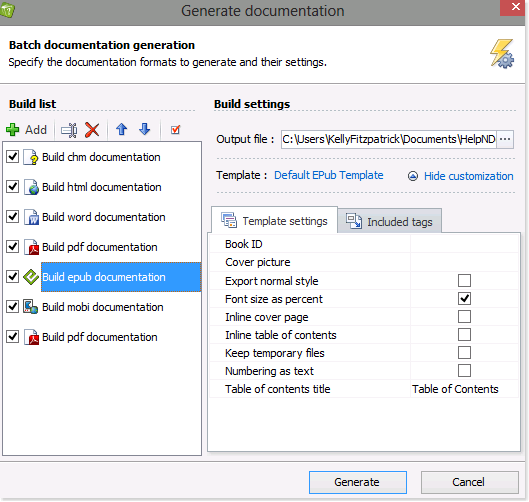
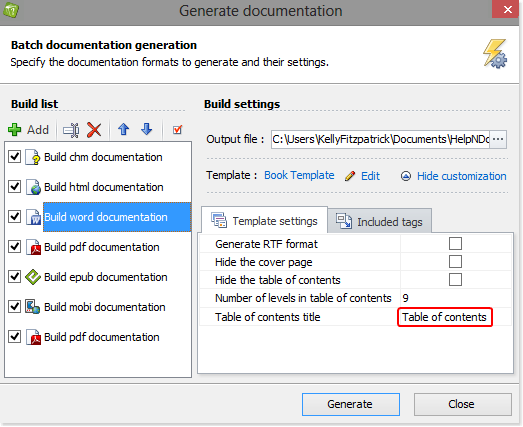
Some templates include hard-coded English terms (such as "Table of contents", "Index", "Search") which needs to be translated when you generate your documentation in another language. This can easily be done on a build by build basis in HelpNDoc's generate documentation window.
Read More →
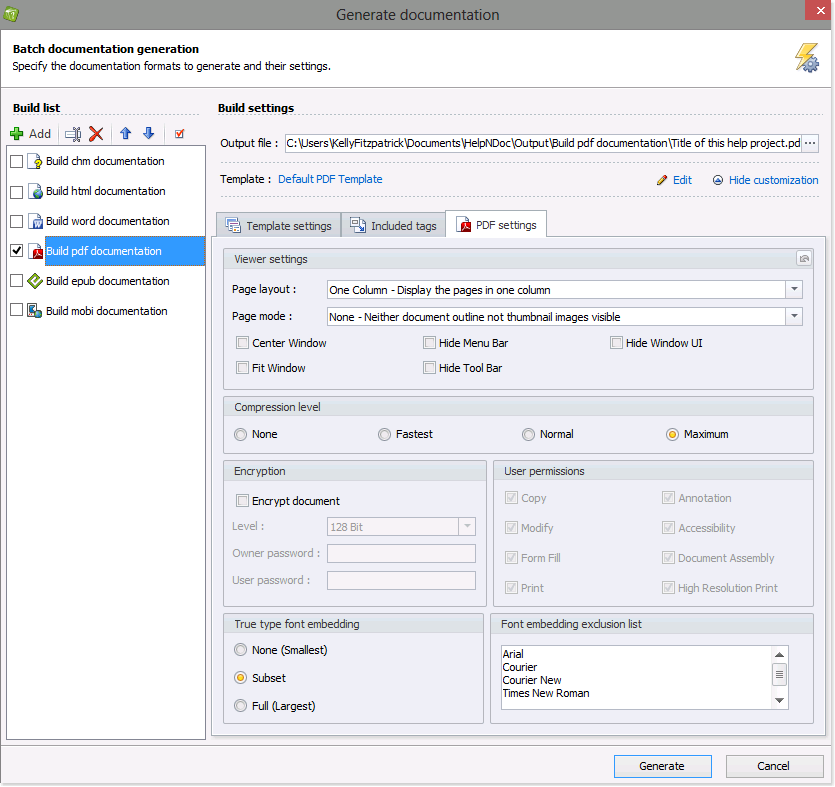
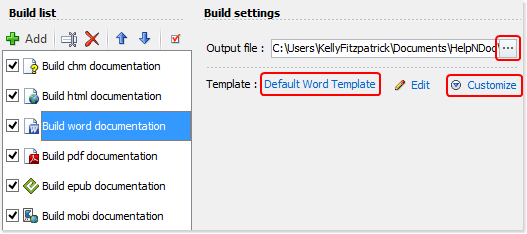
When you're ready to generate documentation, HelpNDoc allows you to define the location of your output files and select the templates that are used to generate your documentation. In addition, you can further customize settings such as color, font size, numbering style, and create conditional tags to tailor your documentation to support specific requirements.
Read More →