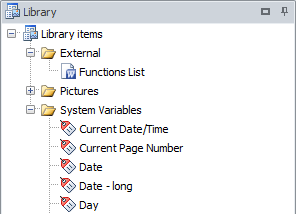
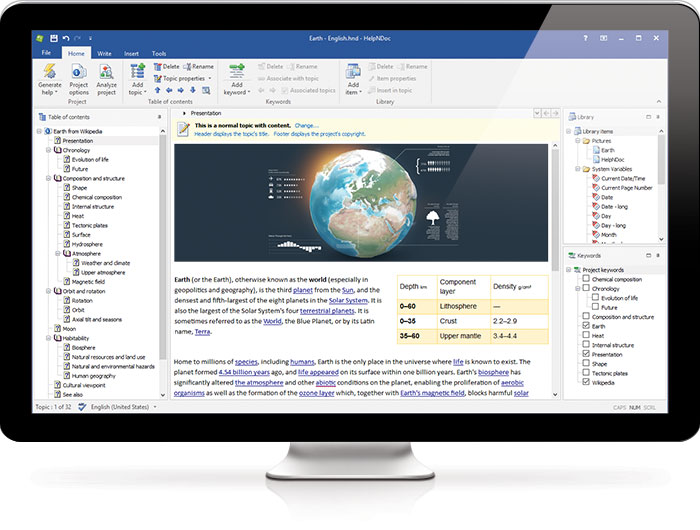
The project library is a centralized location within HelpNDoc’s projects where technical writers can store and manage their help content, such as images, documents, videos, bar codes, equations, HTML code…
Reusing items from the library in multiple topics within a help documentation project has several benefits. It improves consistency, saves time and effort, reduces the risk of errors, saves disk space, and keeps the project organized. By using the same items, users can create documentation more efficiently and make changes more easily.
Overall, the library is an essential tool for creating high-quality, well-organized documentation.
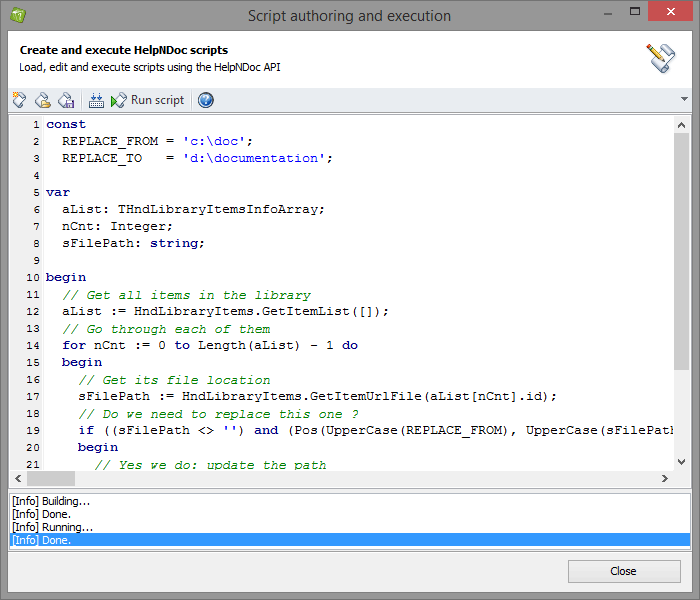
You can choose how your library items (pictures, movies, documents...) are handled by HelpNDoc: they can be included within your project, or they can be dynamically included at generation time, when you choose to build your final documentation files. Using the second option, you provide a path for your media items so that HelpNDoc can find and include them when needed. This is very useful to be able to handle those items from outside of HelpNDoc, share them with a third party software... However, a problem might occur if those items need to be moved on your hard drive or networked path: to make sure HelpNDoc can still find your media elements, you'll need to manually update all of them one by one. As this can be a very long, tedious and error-prone task, this is great use case for HelpNDoc's powerful script editor. Let's see how we can leverage it to quickly update the whole library in a few seconds
Read More →
We are thrilled to announce the release of HelpNDoc 4.2 which is available as a free download starting now. HelpNDoc 4.2 adds folders to categorize library items, multi-selection to the library and keywords and is able to store the expansion state of all trees in the project amongst many other additions and bug fixes. Read on to learn more and download your free version now
Read More →
This is with great pleasure that we announce the immediate availability of HelpNDoc 3.0 which can be downloaded and used freely for personal and evaluation purposes. Have a look at the feature tour page to have an overall look of all the new and updated features of HelpNDoc 3
Read More →
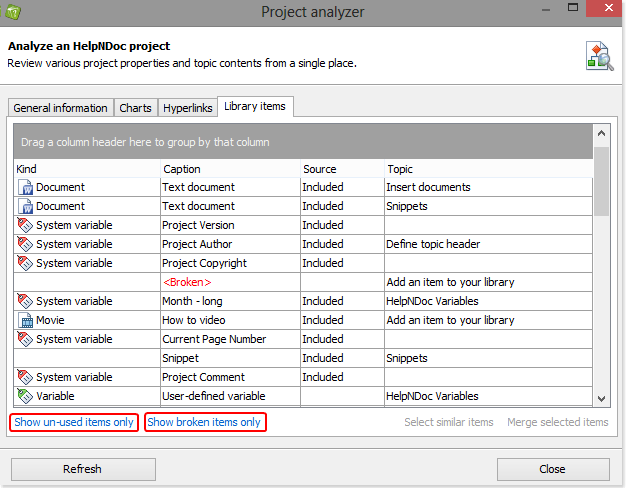
The Project Analyzer is a flexible and powerful tool that allows you to manage the items in your library and evaluate their usage throughout your entire project. It lists all occurrences of library items as well as any topics that use them. You can sort items by type, caption, source, and topics. You can also use the Project Analyzer to eliminate unnecessary and outdated duplicates to streamline your updating processes.
Read More →
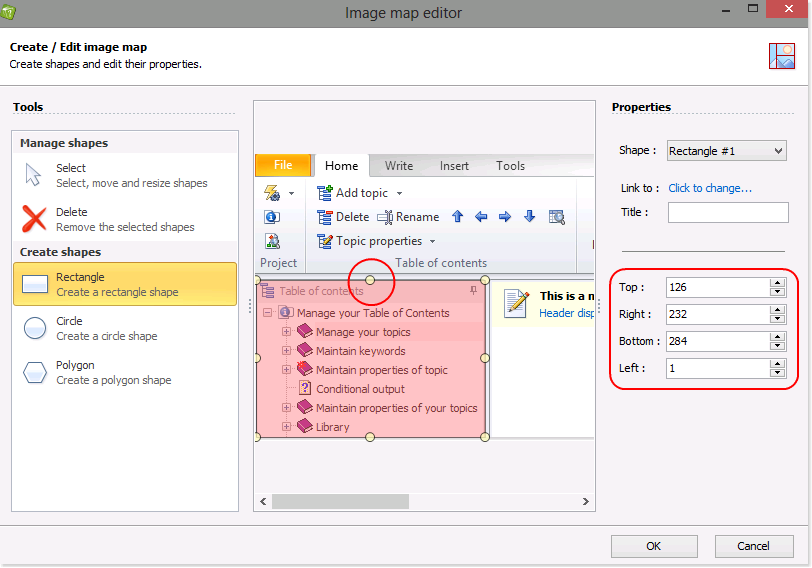
HelpNDoc makes it easy to create image maps that allow readers to click on regions of an image to access hyperlinks. An image map can be used to document parts of a screenshot, a photography, a road map... by allowing readers to click parts of the image to access greater details about it.
Read More →
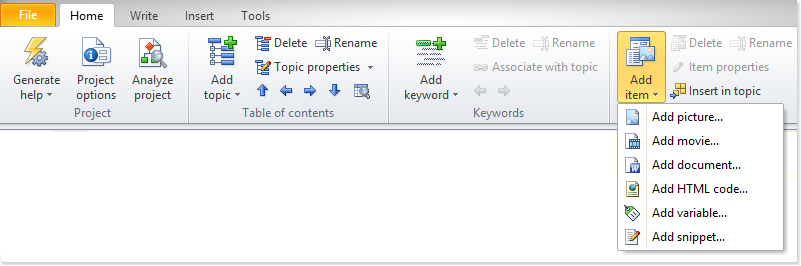
In order to insert an image or another media element into your documentation, you must first place it into the library. The library is a central repository where you maintain your multimedia files. After you add the item to the library, it can be inserted into one or multiple topics.
Read More →
The library is a central repository where you maintain your multimedia files. When you insert a library item into your documentation, you are actually inserting a pointer to that item in your library. As a result, when you update an item in the library, your update is automatically reflected throughout your entire project.
Read More →
When a library item isn't used anymore, it may be removed from the project's library: deleting a library item will remove it from your library thus saving space in your project file.
Read More →
Once items are added to the library, they can easily be renamed without losing any other property such as where they are added in your project's topics.
Read More →
Your library in HelpNDoc is a central storage area where you maintain your multimedia files for your entire project: once added to the library, items can be used throughout the documentation project.
Read More →