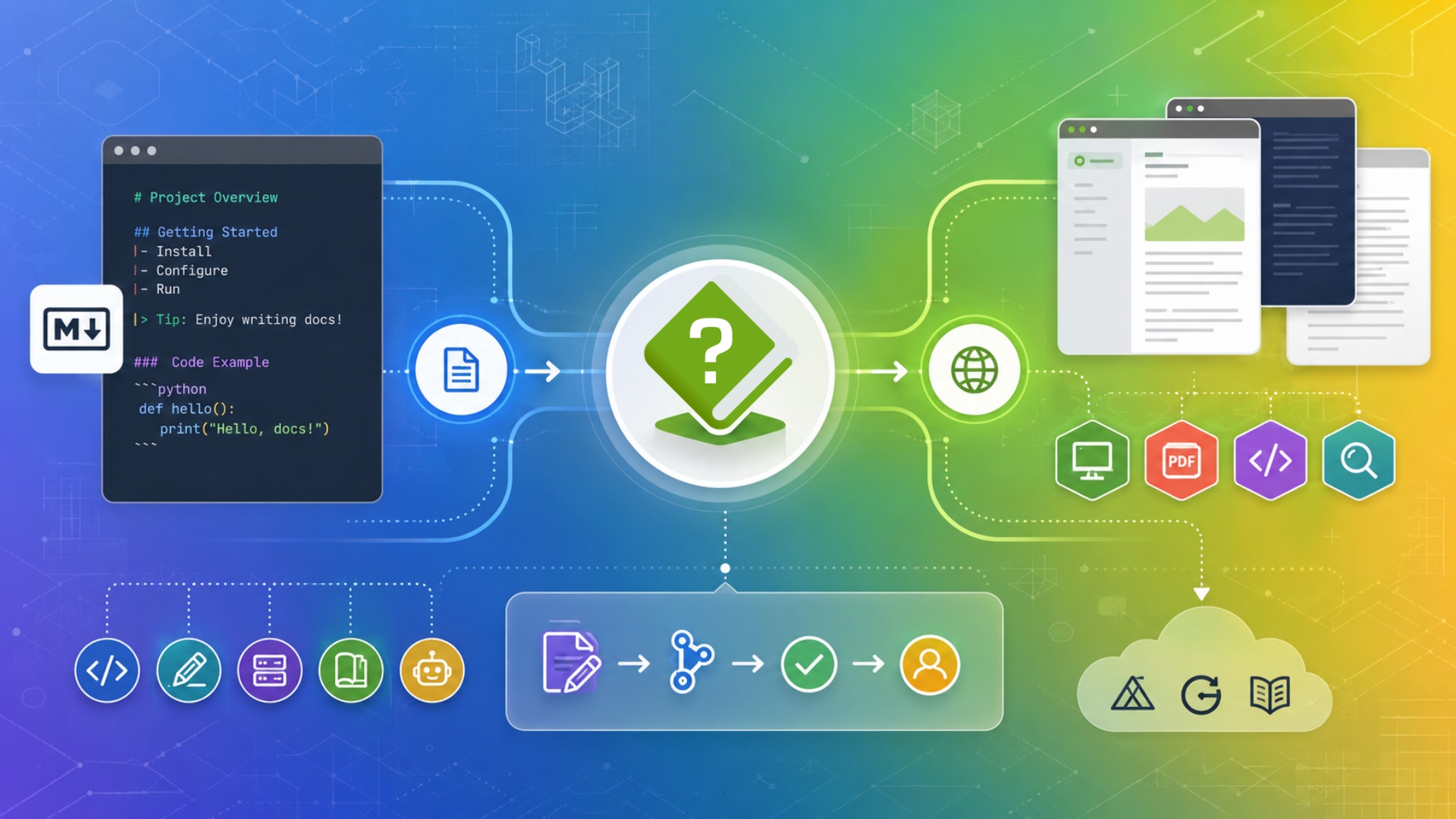
Explore HelpNDoc’s Markdown documentation features, including Markdown import, export, publishing templates, and workflow improvements for technical writers, developers, static site generators, wikis, and AI-friendly documentation pipelines.
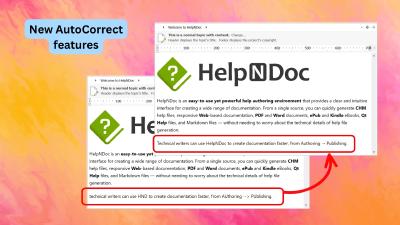
HelpNDoc 10.9 introduces brand-new AutoCorrect capabilities with automatic sentence capitalization, double-capital correction, and customizable text shortcuts. It also improves the default HTML template, delivers faster and higher-quality PDF generation, makes Markdown copying more AI-friendly, and adds useful authoring, code editing, and template usability refinements.
Read More →
Your documentation already contains something incredibly valuable: the knowledge your users need to succeed. Every carefully written explanation, troubleshooting tip, and step-by-step guide can also help an AI assistant answer your users' questions. Imagine giving your readers another way to explore your documentation by chatting with an AI assistant and asking questions such as "How do I get started?" or "Which settings should I use?" Markdown works particularly well as an interchange format for AI tools because it preserves useful structure, such as headings and lists, without unnecessary visual styling. And with HelpNDoc, producing AI-friendly Markdown fits directly into your existing publishing workflow. You can generate it from the same project you already use for help files, websites, manuals, and eBooks. There is no Markdown syntax to learn and no separate version of your documentation to write.
Read More →
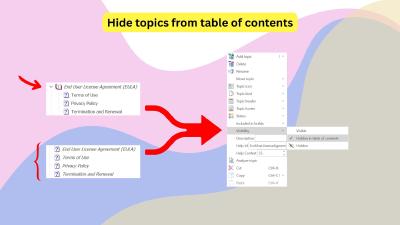
Not every page in an HTML-based documentation website belongs in its main navigation. Privacy policies, terms of service, legal notices, accessibility statements, and other supporting pages must remain published and accessible without cluttering the table of contents. Discover two simple ways to create these standalone pages in HelpNDoc while keeping your documentation clean, professional, and easy to maintain.
Read More →
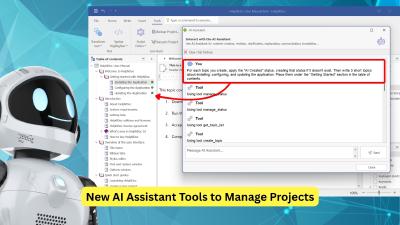
HelpNDoc 10.6 introduces new AI assistant tools to help manage documentation projects, as well as nested conditional content for more advanced publishing scenarios. It also offers practical improvements to the topic editor, new TypeScript, Java, and Kotlin code generation templates, and significantly faster Markdown generation. Additionally, HelpNDoc 10.6 provides a variety of performance, stability, and reliability improvements.
Read More →
Whether you are writing a user manual, a training guide, a course workbook, a nonfiction book, or internal company documentation, the format you choose has a direct impact on how people read and use your content. Two of the most popular formats, PDF and ePub, often appear to serve the same purpose: they both let you package and distribute written material. In practice, they offer very different reading experiences. So which one should you choose? The answer depends on your audience, your content, and how your readers expect to use it. And with HelpNDoc, you may not need to choose at all.
Read More →
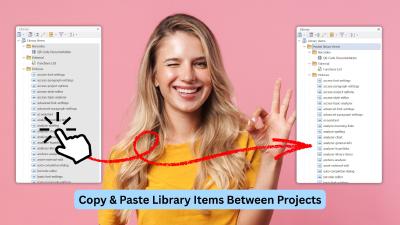
We're thrilled to announce the release of HelpNDoc 10.4! This productivity-focused update introduces long-awaited workflow enhancements, significant improvements to the built-in HTML search engine, and a variety of refinements across the application. From the new ability to copy and paste library items across projects, to faster and more consistent end-user search results, improved documentation output, and numerous UI and editor fixes, this version delivers meaningful gains for technical writers working on projects of all sizes.
Read More →
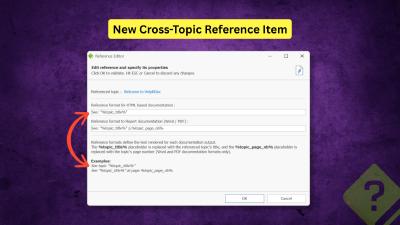
We are pleased to announce the release of HelpNDoc 10.3. This new version refines the authoring experience with a strong focus on structured cross-referencing, improved HTML customization, more controllable AI assistance, and a variety of UI, performance, and reliability improvements. As always, HelpNDoc is free for personal use and evaluation, so you can download the new version now and explore all the improvements firsthand.
Read More →
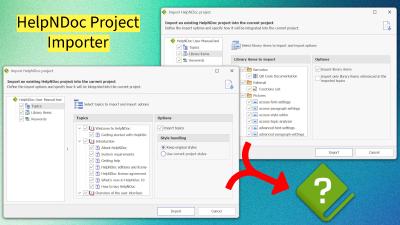
2025 was a defining year for HelpNDoc, marked by the release of the milestone version 10.0, the evolution of the AI Assistant into an active project agent, and a suite of powerful tools for developers and writers alike. From the new Project Importer to PDF attachments and advanced Topic Analysis, discover how HelpNDoc redefined the documentation landscape this year.
Read More →
Creating documentation often feels like a time-consuming task reserved for long afternoons and endless formatting struggles. But it doesn't have to be that way. With HelpNDoc, you can go from a blank screen to a professionally published help file or manual in about the same amount of time it takes to make coffee. This quick-start guide will walk you through your very first 15 minutes with HelpNDoc. Even if you've never used a help authoring tool before, you'll see how quickly you can create clean, structured, multi-format documentation with no any learning curve.Let's dive in!
Read More →
We are thrilled to announce the release of HelpNDoc 10.0, a major milestone in the evolution of our help authoring tool. Packed with powerful new features, smarter workflows, and important fixes, this version is designed to make technical writing faster, more flexible, and more reliable than ever. From a brand-new project importer to improved Markdown compatibility, enhanced equation and image handling, and a host of stability and performance upgrades, HelpNDoc 10.0 is here to redefine your documentation experience.
Read More →