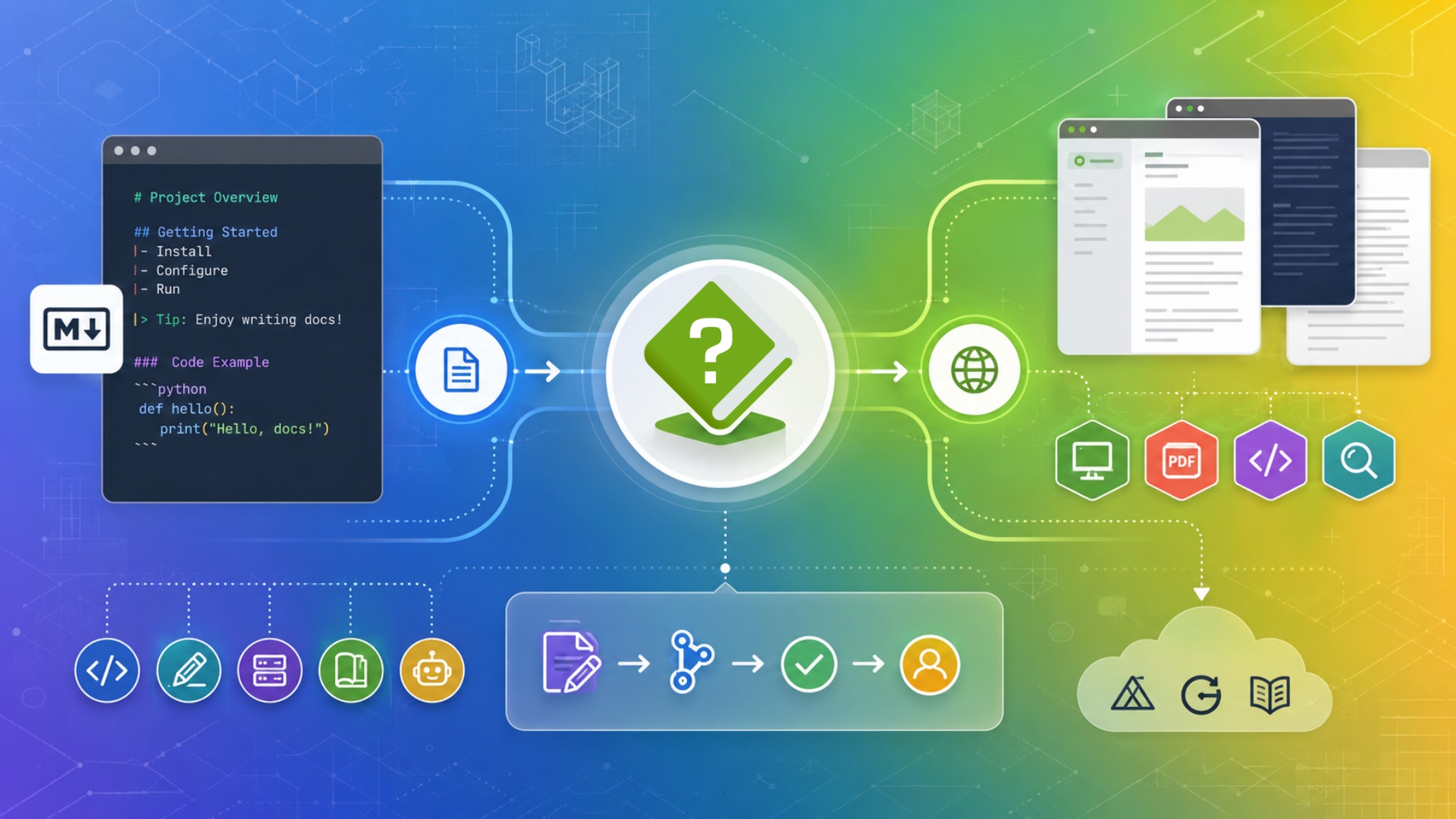
Explore HelpNDoc’s Markdown documentation features, including Markdown import, export, publishing templates, and workflow improvements for technical writers, developers, static site generators, wikis, and AI-friendly documentation pipelines.
Publishing professional-quality help files often means supporting multiple languages — from Hungarian to Japanese, Greek to Chinese. Yet if you've ever generated a CHM help file and found that certain letters appear strangely (like `ő` being replaced by `Q`, `ű` appearing as `q` or question marks instead of characters), you've encountered a limitation buried deep within the CHM format's history. Fortunately, the HelpNDoc help authoring tool is designed with these challenges in mind, and provides a powerful set of tools to help you create accurate, multilingual CHM help files. Let's take a closer look at why this problem happens, and how HelpNDoc provides a simple solution.
Read More →
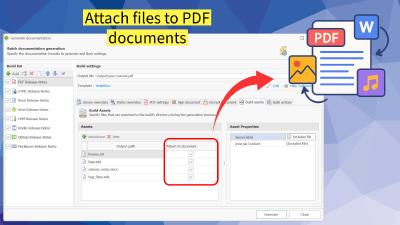
HelpNDoc 9.8 introduces powerful new features and improvements, including the ability to attach files to generated PDF documents, enhanced SVG support in the image editor, and major performance and stability fixes throughout the application. Discover what's new and why this update is a must-have for technical writers and documentation teams.
Read More →
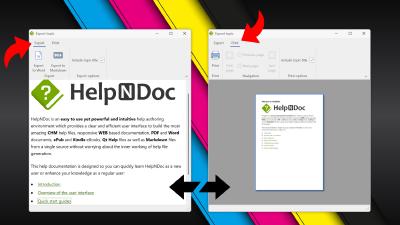
We're thrilled to announce the release of HelpNDoc 9.6, packed with exciting new features and important updates to enhance your help authoring experience. Highlights of this release include the ability to print and export individual topics, native JSON support for seamless scripting, and a new training material project starter kit. Read on to find out why this is a must-have update!
Read More →
2024 has been a transformative year for HelpNDoc, marked by groundbreaking updates and insightful resources for technical writers worldwide. With each new release, HelpNDoc has elevated its position as a leading help authoring tool, continuously empowering its users with enhanced features and a seamless documentation experience. Let's take a closer look at the highlights of 2024.
Read More →
HelpNDoc celebrates its 20th anniversary! Discover the journey from its inception to becoming a leading help authoring tool. Explore major milestones, new features, and enhancements that have empowered technical writers and developers worldwide. Join us in celebrating two decades of innovation and community support.
Read More →
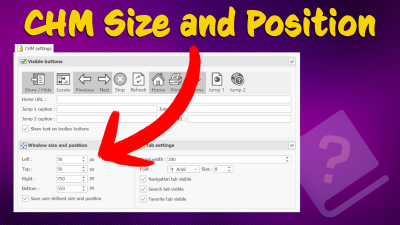
Creating CHM (Compiled HTML Help) files with HelpNDoc is a breeze, thanks to its user-friendly interface and powerful features. In this article we'll look into the specifics of how you can set the initial position and size of your CHM files to make sure they open exactly the way you want them to. We'll also touch on some of the limitations of this help file format and provide a useful tip for resetting your CHM file settings. Let's get started!
Read More →
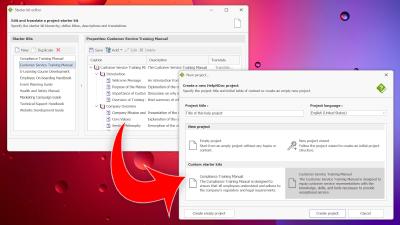
Hello Technical Writers! Are you ready to make your documentation process smoother and more efficient? HelpNDoc 9.3 is here, and it's packed with great new features that you'll love. The star of this release is the Project Starter Kit Editor, which is perfect for setting up new projects with a consistent table of contents in no time at all. Plus, enjoy the new Markdown template for GitHub wikis, enhanced image handling, and numerous bug fixes for a more reliable experience. Say goodbye to repetitive tasks and hello to more productive writing sessions! Read on to find out more about these exciting updates, then download HelpNDoc — which is free for personal use and evaluation purposes — and see the difference for yourself!
Read More →
Sharing documentation effectively and securely is critical in the modern workplace. Whether youre distributing internal manuals, project documentation, or company policies, the HelpNDoc help authoring tool provides a versatile solution by generating a variety of documentation formats from a single source project. These formats include CHM, HTML, Word, PDF, ePub, Kindle, Qt Help, and Markdown. Each format has its own strengths and weaknesses when it comes to internal and private sharing. In this blog post, well explore the best practices for using these different formats within your organization, to ensure that your team has the access they need while maintaining security and ease of use. HelpNDocs ability to create multiple documentation formats makes it suitable for various scenarios and restrictions, providing a comprehensive solution for your documentation needs.
Read More →
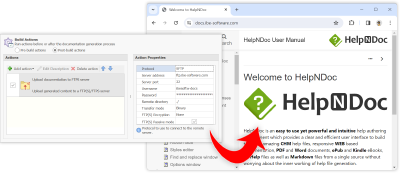
Explore the groundbreaking features of HelpNDoc 9.0, the latest evolution in documentation technology. Discover effortless FTP uploads, customizable library items, an enhanced PDF generator, and a superior HTML importer. Perfect for any documentation needs, HelpNDoc 9.0 is filled with improvements and bug fixes, elevating your documentation quality and efficiency. Available for free for personal use and evaluation, HelpNDoc 9.0 invites you to transform the way you create, manage, and publish documents. Dive into the full article to learn more about these exciting new features and download HelpNDoc 9.0 today!
Read More →
Step into the future of help documentation with our insightful guide on transforming outdated WinHelp files into sleek, modern formats. Discover the seamless process of bringing decades-old files back to life, unlocking the full potential of your content in today's multi-device world. We'll walk you through every step with HelpNDoc — from importing your original files to exporting them in a variety of modern formats. Whether you're a seasoned technical writer or new to help authoring tools, this post is your gateway to mastering documentation in the digital age. Ready to give your help files a new lease on life? Read on to see just how easy and impactful updating your resources can be with HelpNDoc.
Read More →