Embark on a journey through PDF document creation with the HelpNDoc PDF tag. Uncover an in-depth resource for maximizing HelpNDoc’s advanced PDF capabilities, including the generation of signed and password-protected PDF documents. From meticulous layout customization and style refinement to image optimization, this tag serves as your guide to crafting professional-grade PDF documents. Refine your PDF output with precision, ensuring alignment with your brand identity and content standards. Whether crafting user manuals, guides, or reports, the HelpNDoc PDF tag empowers you to produce visually polished and secure documents. Navigate this dedicated section to acquire insights, techniques, and expertise that transform your HelpNDoc projects into exceptional, safeguarded PDF literature.
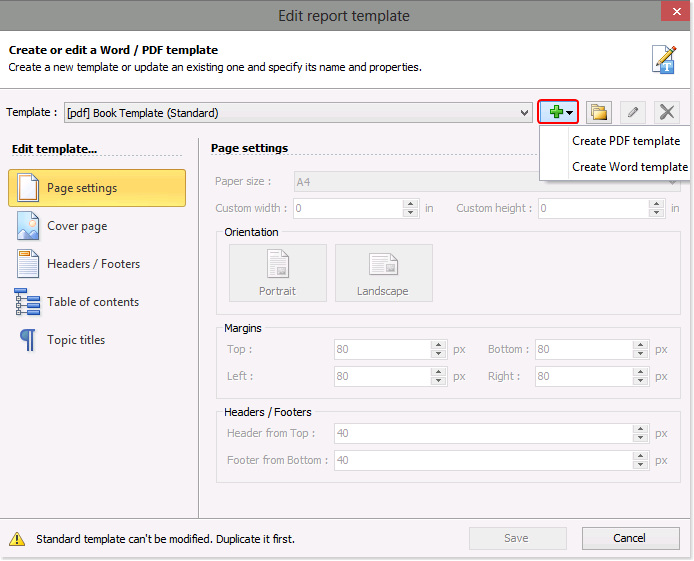
When you publish your PDF and Word documentation, HelpNDoc follows instructions in templates when generating the documentation. You can create PDF and Word templates that define the cover, paper size, orientation of the page, margins, headers, and footers as well as the appearance of your table of contents and topic titles. HelpNDoc makes it easy to create new templates from scratch. After creating a new template, you can then tailor it to support specific requirements.
Read More →
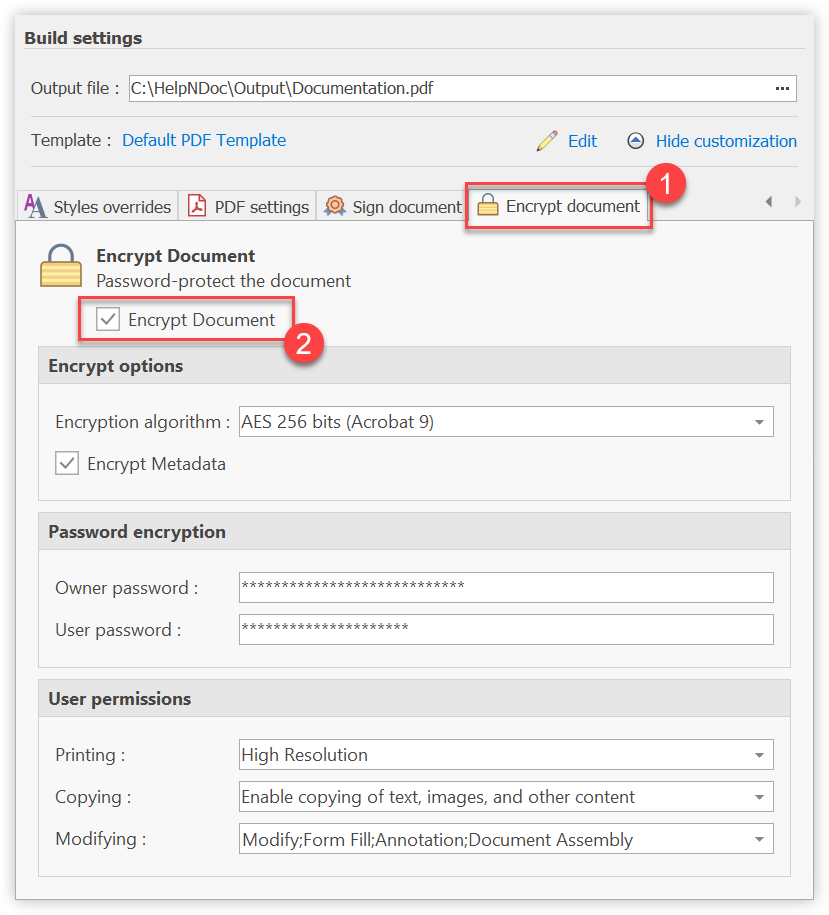
Producing a document which shouldn't be viewable by everyone or should contain restrictions is extremely easy with HelpNDoc. A few options let you define the level of encryption, passwords and user permissions for your generated PDF documents.
Read More →
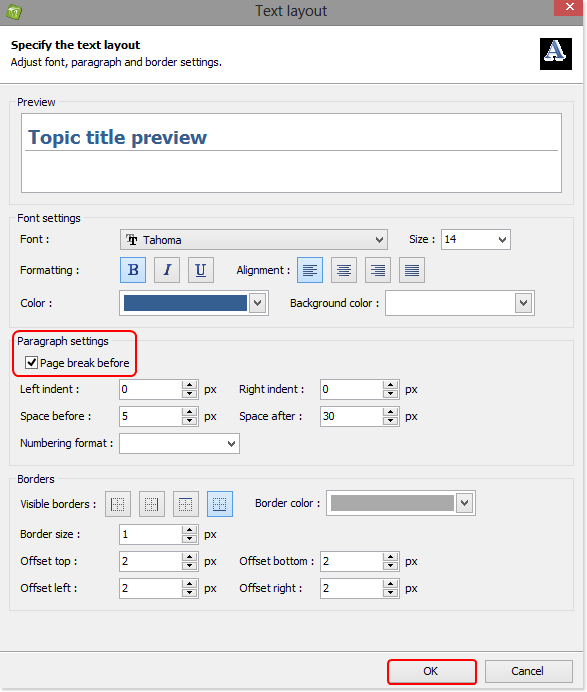
You can create a template to control the format when you publish your documentation using Word and PDF, instructing HelpNDoc to begin each new topic on a new page. This new template is then available to you and can be used when publishing all of your projects.
Read More →