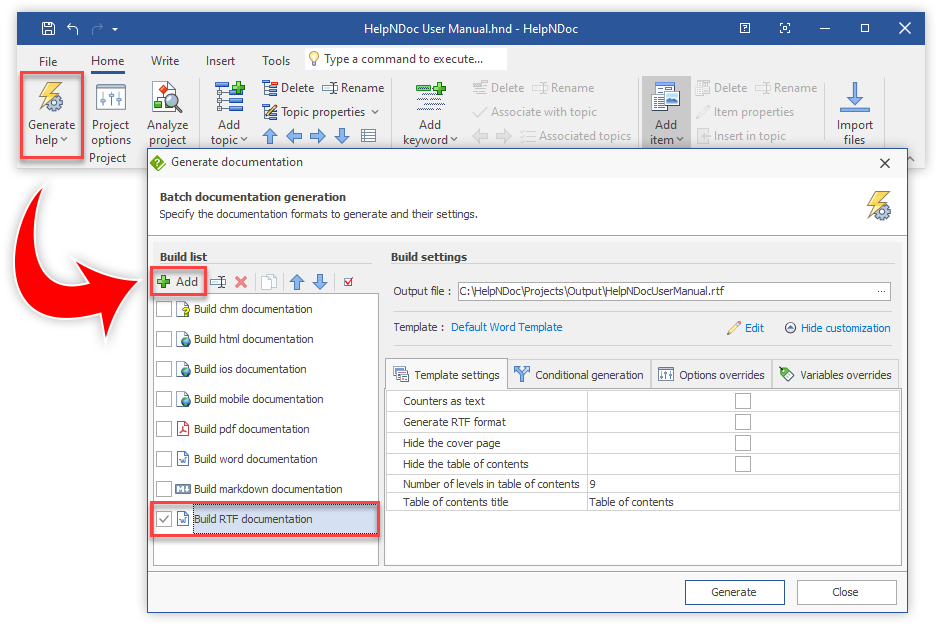
The Rich Text Format (RTF) is a proprietary document file format developed by Microsoft that is widely supported across various word processing software, providing a means to exchange formatted text and documents between applications while maintaining text formatting and images. RTF is particularly valuable in help documentation creation because of its compatibility with numerous platforms and its ability to preserve formatting, such as bold and italic text, fonts, and text colors, ensuring the consistent presentation of text across different viewing environments.
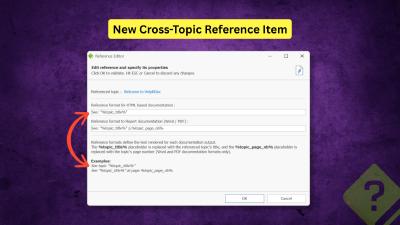
We are pleased to announce the release of HelpNDoc 10.3. This new version refines the authoring experience with a strong focus on structured cross-referencing, improved HTML customization, more controllable AI assistance, and a variety of UI, performance, and reliability improvements. As always, HelpNDoc is free for personal use and evaluation, so you can download the new version now and explore all the improvements firsthand.
Read More →
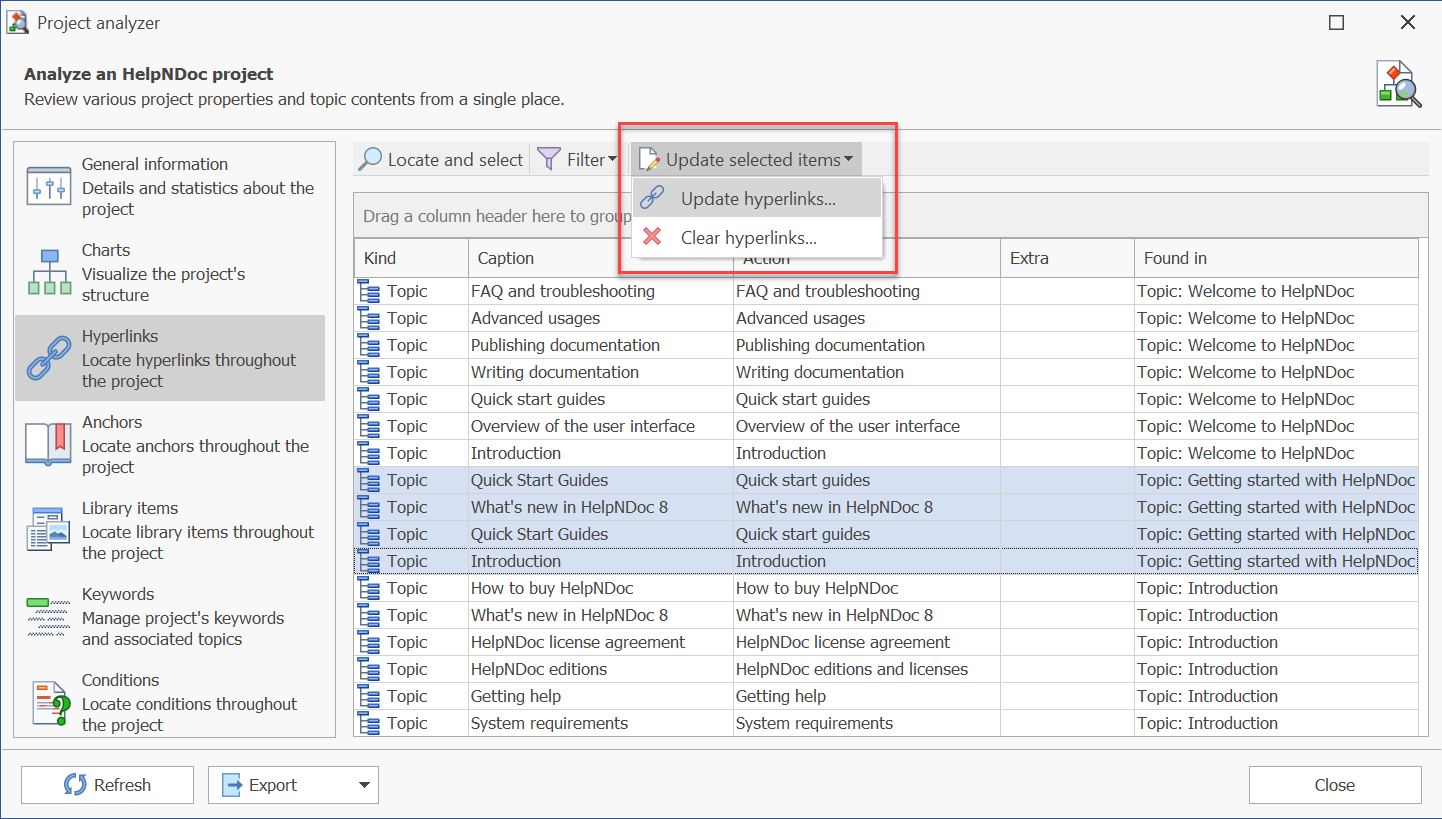
We are glad to announce the release of HelpNDoc 8.3, a major update of the popular help authoring tool which can be downloaded completely free for personal use and evaluation purposes. This major update includes many new features and enhancements such as the ability to update or delete multiple hyperlinks at once from the project analyzer, an enhanced "find and replace" dialog with hyperlink searching capabilities, the ability to filter keywords to only display the ones associated with the current topic, a greatly improved documentation generation speed and much more… Read on to learn more and download your free version of HelpNDoc now.
Read More →
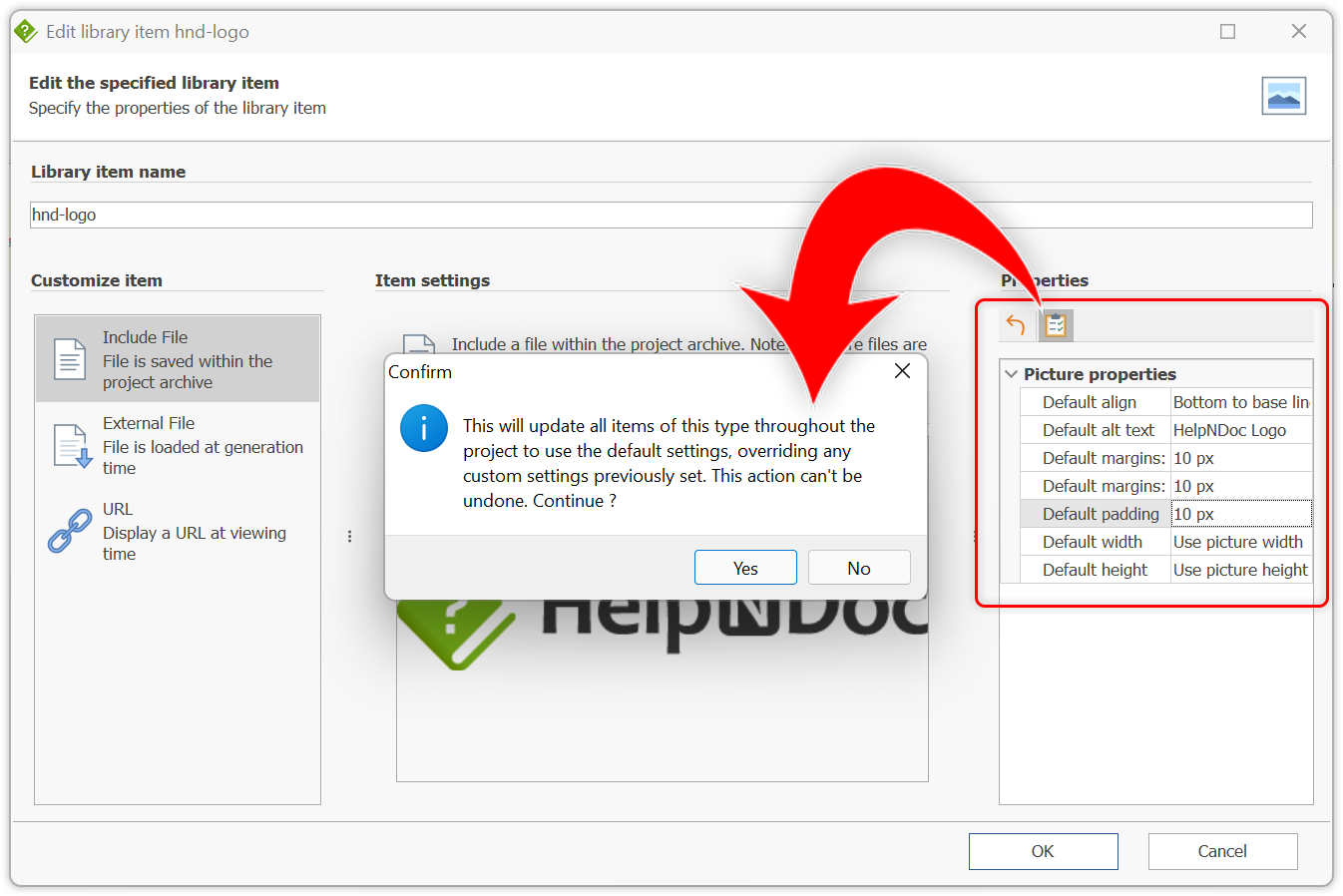
We are glad to announce the release of HelpNDoc 7.9, a major update of the popular help authoring tool which can be downloaded completely free for personal use and evaluation purposes. This major update includes many new features and enhancements such as the ability to update every pictures with their default settings; A new font selector with recently used fonts, font preview and search support; An improved Word importer; A new API method to list library items used in a specific editor; and much more… Read on to learn more and download your free version of HelpNDoc now.
Read More →
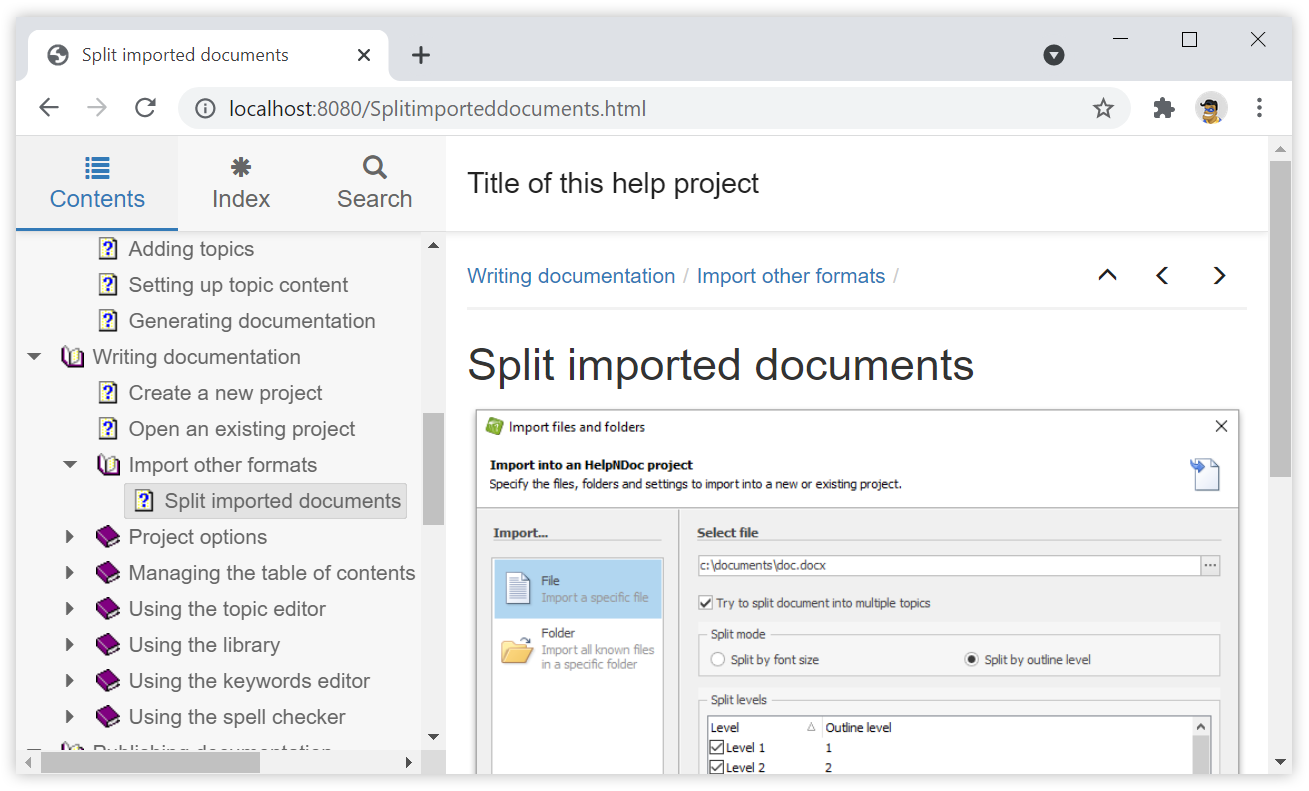
Microsoft Word, and similar word processing software such as LibreOffice, are great to write and format documents meant to be printed, but not so good at producing HTML websites from those documents: they generate suboptimal single-page HTML / CSS code which is not optimized for different screen sizes and devices such as smartphones. By leveraging the import and export capabilities of a help authoring tool such as HelpNDoc (which is free for personal use), it is extremely easy to convert a Word document to a fully functional multi-page and responsive HTML 5 website. Let's dive in...
Read More →
Even though the Microsoft Rich Text Format (RTF) could be considered as a legacy document format, it is supported by enough software and operating systems to be considered as highly portable and a great choice for cross-platform document exchange. Thanks to the HelpNDoc help authoring tool, you can produce your documentation projects not only as Microsoft Word DocX documents, but also as fully valid RTF documents, giving you a great choice of document format generation options. Let's see how easy it is to produce RTF documents using HelpNDoc.
Read More →
The 6th major version of HelpNDoc is now available to everyone and we are excited to share what's new with this incredible update of the popular help authoring tool. But first of all, download your copy right now as HelpNDoc 6 is still completely free and fully functional for personal use and evaluation purposes. This major update includes tons of enhancements and new features such as the ability to define custom properties and status for topics, an enhanced find and replace dialog where you can locate library items or using regular expressions, a new find panel for all lists where you can filter elements, better documentation generation and import, and much much more. And did I mention that HelpNDoc and its web-site are now available in Spanish? Read on to learn more and download your free version of HelpNDoc now.
Read More →
We are glad to announce the release of HelpNDoc 4.6 which is available completely free for personal use and evaluation purposes starting now. HelpNDoc 4.6 introduces major overall performance improvements, an handy breadcrumb navigator, better CHM import, and much much more. Read on to learn more or download your free version now
Read More →
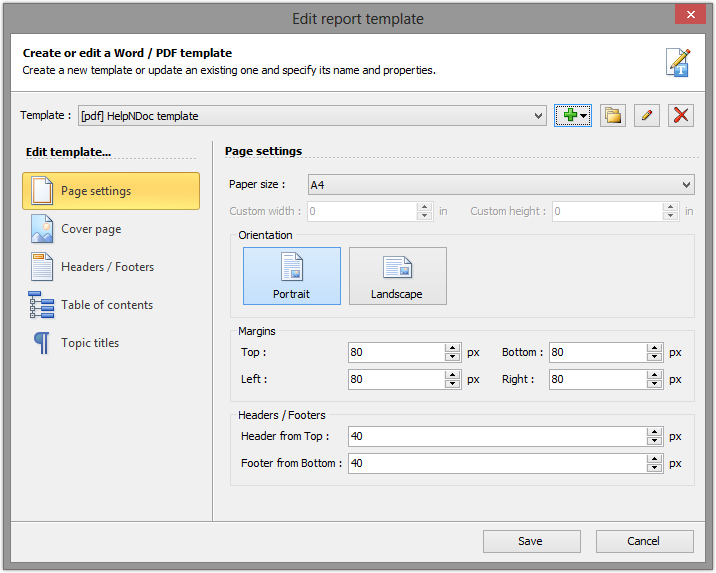
This is with great pleasure that we announce the immediate availability of HelpNDoc 4.0 which can be downloaded and used freely for personal and evaluation purposes. HelpNDoc 4 introduces a full-featured template editor for Word and PDF documentation formats, including cover page, headers and footers editors. It can now generate DocX Word files, and includes a rewritten style system, an advanced script editor, rich text snippets library items and much more. Read on to learn more about this major update and download the free version of HelpNDoc 4.0 right now
Read More →
HelpNDoc 2.8 has just been released and is available as a free 3.45MB download. HelpNDoc 2.8 introduces the library which holds Flash animations. Therefore, HelpNDoc has also been adapted to produce CHM and HTML documentations containing local or distant Flash files. Among various performance improvements and bug fixes, HelpNDoc 2.8 will warn you if you try to save to a read-only file and table merging support as well as RTF table import have been enhanced
Read More →
HelpNDoc 2.7 has just been released and is available as a free 3.44MB download. HelpNDoc 2.7 introduces a CHM importer which will let you decompile any existing compiled CHM help files, edit it within HelpNDoc and re-compile it or produce HTML, Word and PDF documentation out of it. In addition to that much requested feature, the Word and HTML generators have been enhanced to produce cleaner headings and to better handle the resolution of JPEG images. The RTF and HTML importers' table management have also been enhanced and the topic editor has received tweaks and bug fixes. Finally, the C/C++ constants generator has been enhanced and you can now choose to export Enums or Defines instead
Read More →