Give your documentation consistent text and paragraph formatting with HelpNDoc styles. Start with project-wide styles, then explore the guides and articles below to create distinctive notes, reuse styled content, and adapt formatting for different outputs.
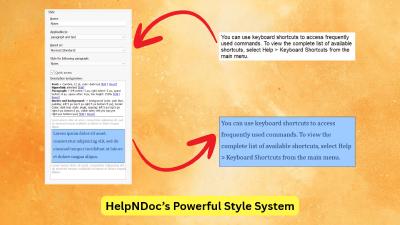
An older manual can contain good information and still feel inconsistent: notes have different colors, headings use yesterday's font, and copied passages bring their own formatting. HelpNDoc styles give those recurring elements a shared design that you can change throughout a project. This article shows how to improve existing content, keep useful local exceptions, inspect and clear formatting, and reuse styled snippets. It also explains how styles differ from templates, how to find content by its formatting, and how build overrides adapt the same topics for different formats, audiences, or brands.
Read More →
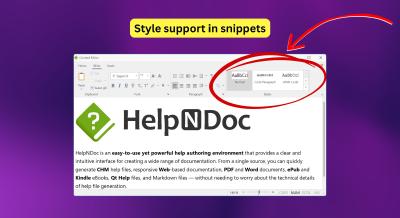
We are excited to introduce HelpNDoc 10.5, a release focused on consistency, migration, and everyday productivity improvements. This update improves the integration of reusable content within your projects, simplifies the transition from legacy tools such as Adobe RoboHelp, and provides a variety of fixes and refinements to streamline your documentation workflow. Highlights include styled snippets for consistent content reuse, a new RoboHelp project importer, improved HTML search accuracy, and multiple workflow and stability enhancements.
Read More →
Are you tired of the constant struggle to keep documentation consistent, up-to-date, and error-free? For technical writers and content authors, managing these challenges can be a daunting task. Imagine you're managing hundreds of help topics, multimedia resources, and styles across a complex project, and suddenly needing to make a change to a key term or remove an image. This is where HelpNDoc's powerful search and replace capabilities become an invaluable tool in your daily workflow.
Read More →
In HelpNDoc 9.4, technical writers and developers will benefit from powerful new tools designed to improve their workflow and collaboration. This latest release introduces style-based search capabilities that allow writers to quickly find and update content based on specific font properties, paragraph settings, or style names across entire projects. In addition, multi-language code generation has been expanded to include C#, JavaScript, Python, and PHP, streamlining the integration of help documentation with code bases and reducing errors. These enhancements make HelpNDoc 9.4 an indispensable tool for ensuring consistency, accuracy, and efficiency in both documentation and development processes.
Read More →
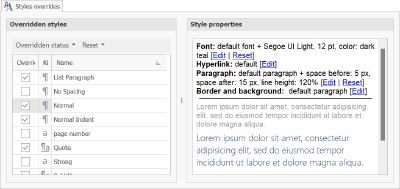
In this article, we'll delve into how you can harness HelpNDoc's override features to empower your technical writing process. We'll explore project options overrides, variable overrides, style overrides, and template settings overrides, all of which contribute to the tool's ability to produce a myriad of documentation variations. By the end, you'll have a thorough understanding of how to leverage these features to create customized, purpose-built documentation every time.
Read More →
We are glad to announce the release of HelpNDoc 8.1, a major update of the popular help authoring tool which can be downloaded completely free for personal use and evaluation purposes. This major update includes many new features and enhancements such as the ability to define post-build actions which are run after the documentation generation process for each build; the ability to select a snippet as the default topics' content; an improved topic editor with the ability to display smaller library items; and much more... Read on to learn more and download your free version of HelpNDoc now.
Read More →
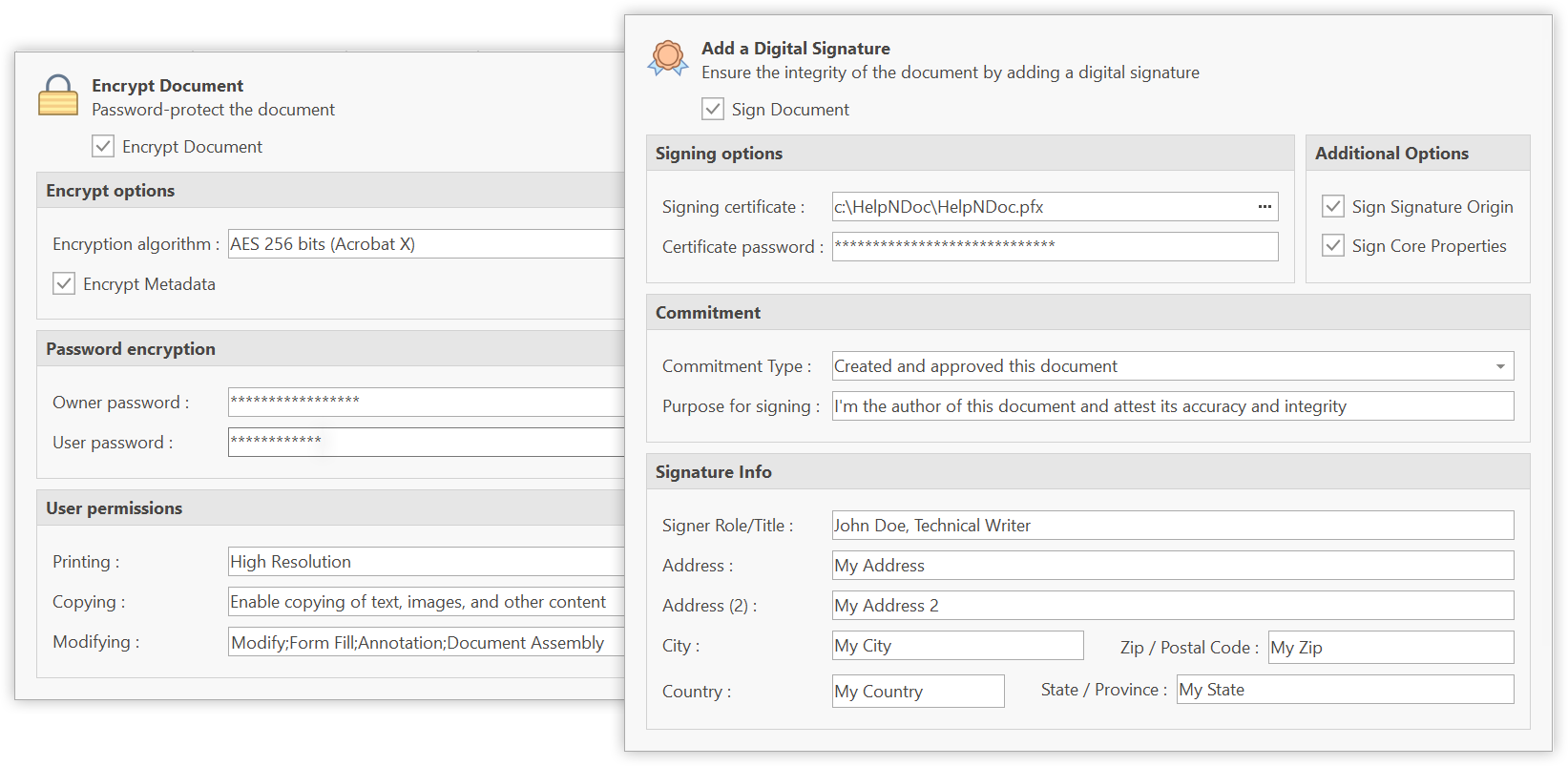
We are glad to announce the new major version of the popular HelpNDoc help authoring tool, which can be downloaded completely free for personal use and evaluation purposes. This major update includes a ton of new features and enhancements, such as a completely revised architecture as HelpNDoc is now a 64-bit application for improved speed and memory usage; It can now sign, encrypt and password-protect both Word and PDF documents; It supports scalable SVG graphic images in all documentation formats; It allows for styles to be overridden for each documentation output; and much, much more…
Read More →
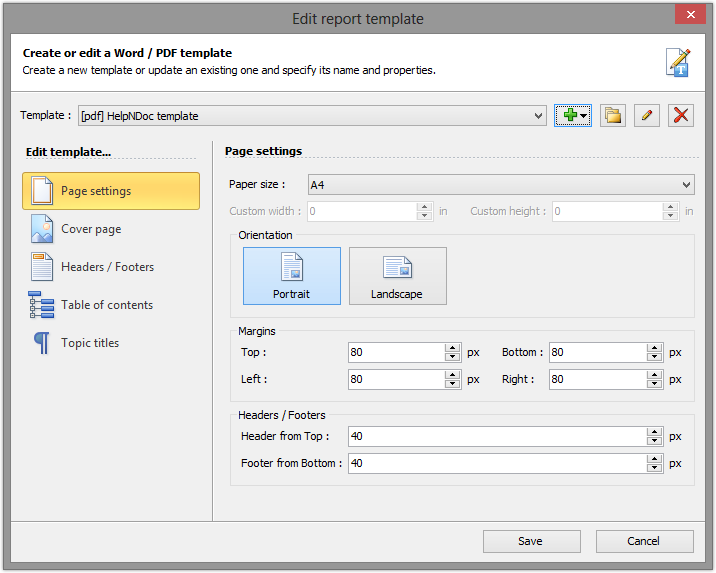
This is with great pleasure that we announce the immediate availability of HelpNDoc 4.0 which can be downloaded and used freely for personal and evaluation purposes. HelpNDoc 4 introduces a full-featured template editor for Word and PDF documentation formats, including cover page, headers and footers editors. It can now generate DocX Word files, and includes a rewritten style system, an advanced script editor, rich text snippets library items and much more. Read on to learn more about this major update and download the free version of HelpNDoc 4.0 right now
Read More →
This is with great pleasure that we announce the immediate availability of HelpNDoc 3.0 which can be downloaded and used freely for personal and evaluation purposes. Have a look at the feature tour page to have an overall look of all the new and updated features of HelpNDoc 3
Read More →
Follow the guides to learn how to use HelpNDoc and be more efficient when creating help and documentation projects.