How to manage HelpNDoc’s panels: move and dock them where you want
Categories:
articles
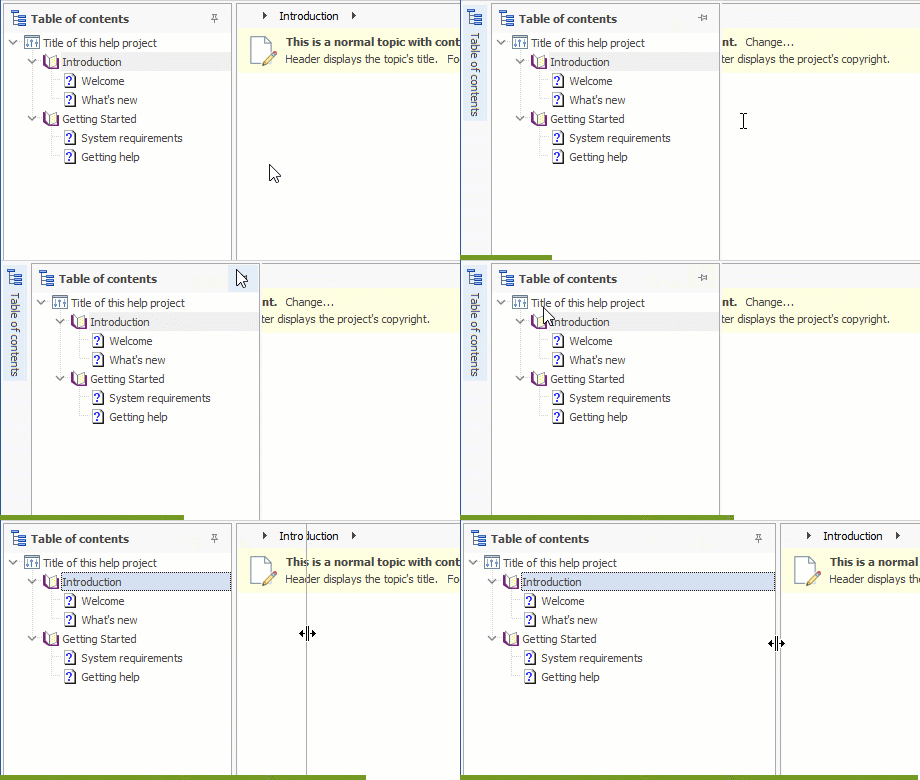
HelpNDoc's stunning user interface has been carefully designed to be as clean and easy to use as possible. It presents the minimum needed to be as fast and effective as possible in writing and producing help files, user manuals and eBooks; Yet it provides advanced features for power users such as the ability to move, resize and place panels wherever you'd like. Let's see how this can be achieved in this article.