Explore a rich collection of articles under the “WinHelp HLP File Format” tag, a dedicated space focusing on the legacy help file format native to Windows. This tag encompasses a spectrum of insights, guidelines, and solutions pertaining to WinHelp (.hlp) files, offering readers a well-rounded perspective on managing, converting, and optimizing this traditional format in the context of modern help authoring demands. Dive into a knowledge pool that helps demystify the complexities and challenges associated with WinHelp files, providing valuable resources for tech writers and documentation enthusiasts navigating the evolving landscape of digital help content.

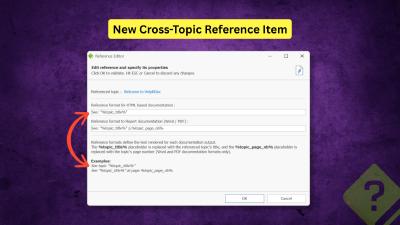
We are pleased to announce the release of HelpNDoc 10.3. This new version refines the authoring experience with a strong focus on structured cross-referencing, improved HTML customization, more controllable AI assistance, and a variety of UI, performance, and reliability improvements. As always, HelpNDoc is free for personal use and evaluation, so you can download the new version now and explore all the improvements firsthand.
Read More →
In HelpNDoc 9.4, technical writers and developers will benefit from powerful new tools designed to improve their workflow and collaboration. This latest release introduces style-based search capabilities that allow writers to quickly find and update content based on specific font properties, paragraph settings, or style names across entire projects. In addition, multi-language code generation has been expanded to include C#, JavaScript, Python, and PHP, streamlining the integration of help documentation with code bases and reducing errors. These enhancements make HelpNDoc 9.4 an indispensable tool for ensuring consistency, accuracy, and efficiency in both documentation and development processes.
Read More →
Explore HelpNDoc's transformative 2023 journey, packed with groundbreaking updates like HTTP build actions, advanced equation and image editors, and enhanced import capabilities. Discover how these innovations have redefined help documentation and technical writing, making HelpNDoc a pivotal tool for content creators worldwide.
Read More →
Step into the future of help documentation with our insightful guide on transforming outdated WinHelp files into sleek, modern formats. Discover the seamless process of bringing decades-old files back to life, unlocking the full potential of your content in today's multi-device world. We'll walk you through every step with HelpNDoc — from importing your original files to exporting them in a variety of modern formats. Whether you're a seasoned technical writer or new to help authoring tools, this post is your gateway to mastering documentation in the digital age. Ready to give your help files a new lease on life? Read on to see just how easy and impactful updating your resources can be with HelpNDoc.
Read More →
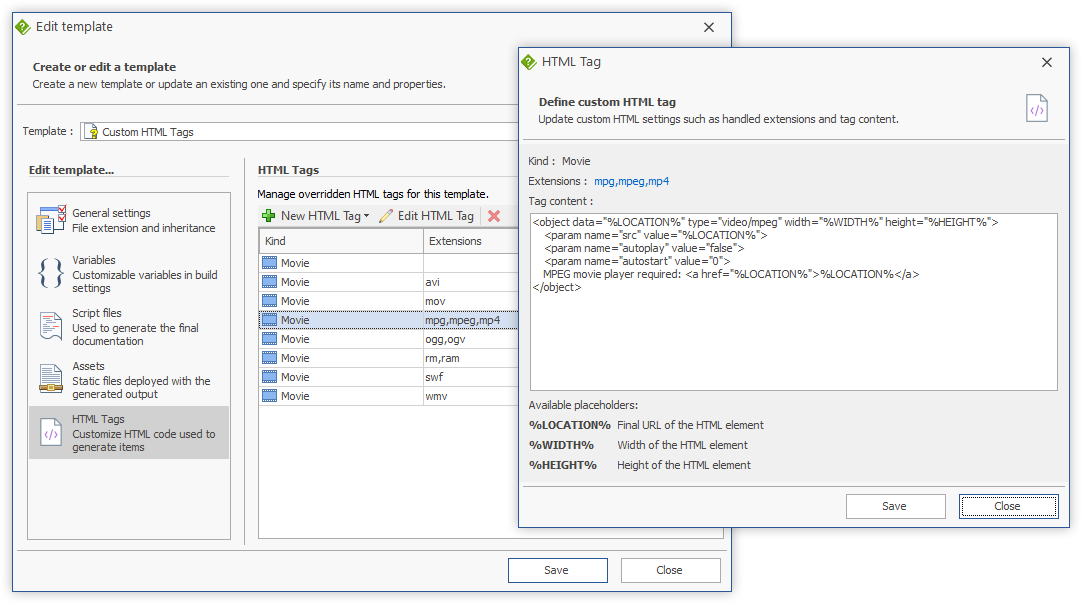
We are glad to announce the release of HelpNDoc 6.5, a major update of the popular help authoring tool which can be downloaded completely free for personal use and evaluation purposes. This update features a refreshed modern user interface inspired by the latest Microsoft Office suite, a brand new search field to rapidly find and run any command available in HelpNDoc, an enhanced template editor to easily define video tags for HTML based documentation formats, as well as many other enhancements and bug fixes. Read on to learn more and download your free version of HelpNDoc now.
Read More →
We are glad to announce the release of HelpNDoc 6.4, a major update of the popular help authoring tool which can be downloaded completely free for personal use and evaluation purposes. This update can be used to run scripts from the command line to create or update projects, it includes an enhanced single page HTML template with table of contents support, it features customizable video tag export in all HTML based templates, as well as many other enhancements and bug fixes. Read on to learn more and download your free version of HelpNDoc now.
Read More →
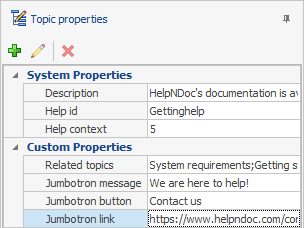
The 6th major version of HelpNDoc is now available to everyone and we are excited to share what's new with this incredible update of the popular help authoring tool. But first of all, download your copy right now as HelpNDoc 6 is still completely free and fully functional for personal use and evaluation purposes. This major update includes tons of enhancements and new features such as the ability to define custom properties and status for topics, an enhanced find and replace dialog where you can locate library items or using regular expressions, a new find panel for all lists where you can filter elements, better documentation generation and import, and much much more. And did I mention that HelpNDoc and its web-site are now available in Spanish? Read on to learn more and download your free version of HelpNDoc now.
Read More →
We're always excited to share valuable resources from our social media posts with authors and technical writers. If you've missed any of our posts, this recap is a hub of our recent posts about tips and tricks for authors and technical writers to help them stay ahead of the pack. To get notified on future posts, follow us on on social media: FaceBook, Twitter, LinkedIn, YouTube or Google+.
Read More →
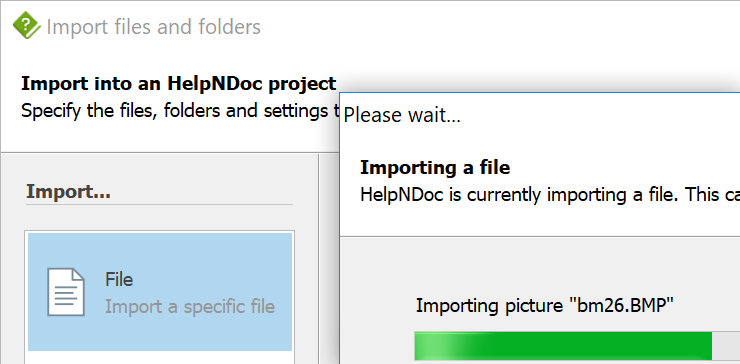
Do you still have some old Microsoft WinHelp HLP files that you plan to convert to a more modern format ? We are glad to announce the release of HelpNDoc 5.9 which can now import HLP files so that you can easily convert them to any of the documentation formats it can generate: CHM, responsive HTML, Word, PDF, ePub, Kindle and Qt Help files. This update also includes optional Google Analytics support for HTML documentation web-sites, an enhanced project analyzer, a new script to merge children topics, better style support, enhanced documentation generation and much more... Download your free version of the HelpNDoc help authoring tool now and read more to learn about this latest update
Read More →
The Microsoft WinHelp HLP file format was introduced with Windows 3.0 in 1990 as the default help file format for the Windows operating system. As of Windows 10, Microsoft doesn't provide any HLP file viewer anymore, making this legacy help file format unusable. Fortunately, HelpNDoc can import existing WinHelp HLP file and convert them to the standard Windows Compiled HTML Help (CHM) file format.
Read More →